Overview
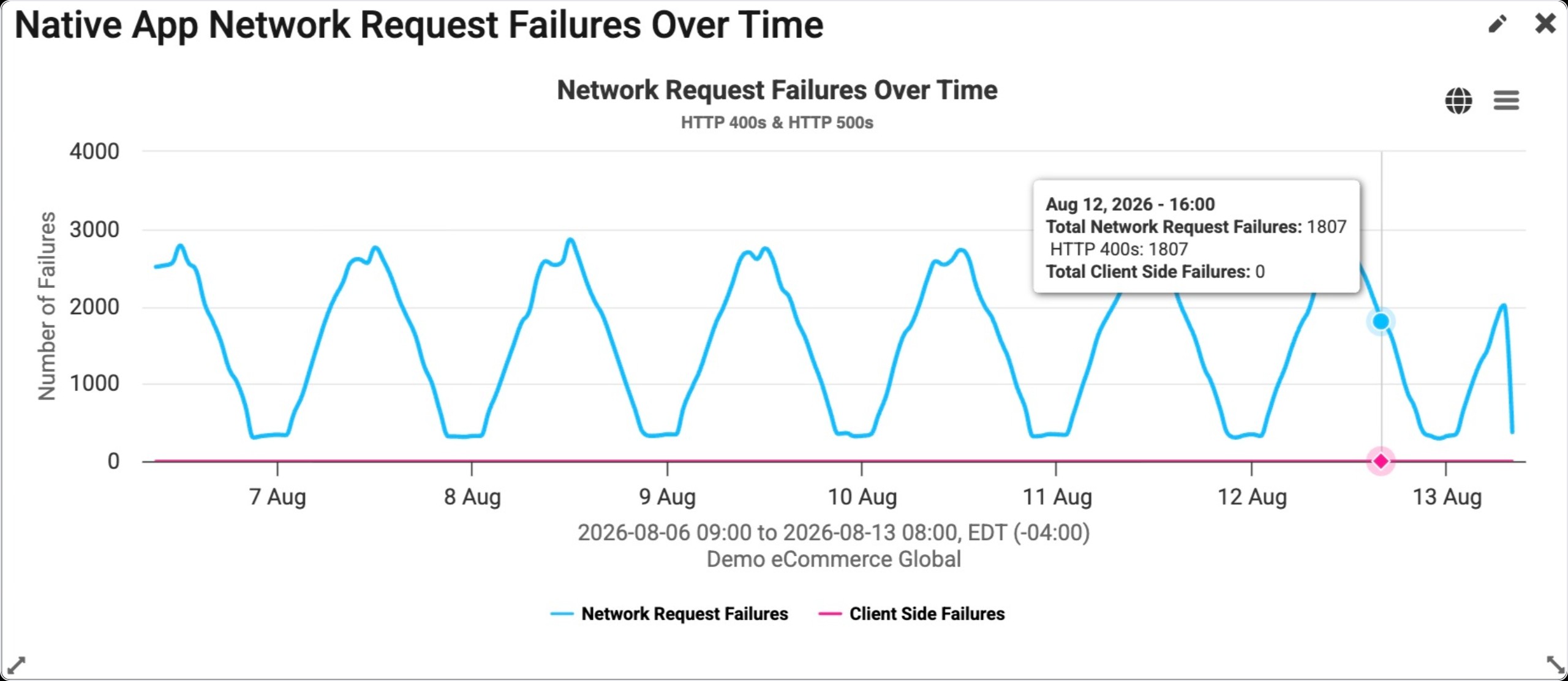
The Native App Network Request Failures Over Time Widget displays the number of network request failures a site has undergone under a certain time period for a site. Network request failures refer to errors that occur while the app is making an HTTP request. These errors are categorized in two ways:
-
Network errors: These errors happen while the request is being sent from the client to the server or vice versa, which prevent the actual request from happening. For example, DNS resolution errors, TLS certificate validation errors, socket connection errors, request upload/response download errors. To indicate this type of error, BTT uses an HTTP 600 code, which denotes a client side failure.
-
HTTP errors: These errors happen when the request and response are successfully transferred between the client and the server but there is some issue with the data that's being sent, the resource that's been requested or some other internal server error. For example, 404, 501, etc. or any other HTTP error status codes.
Navigation from this widget will take the user to the Native App Errors Explorer page.
Widget Configuration
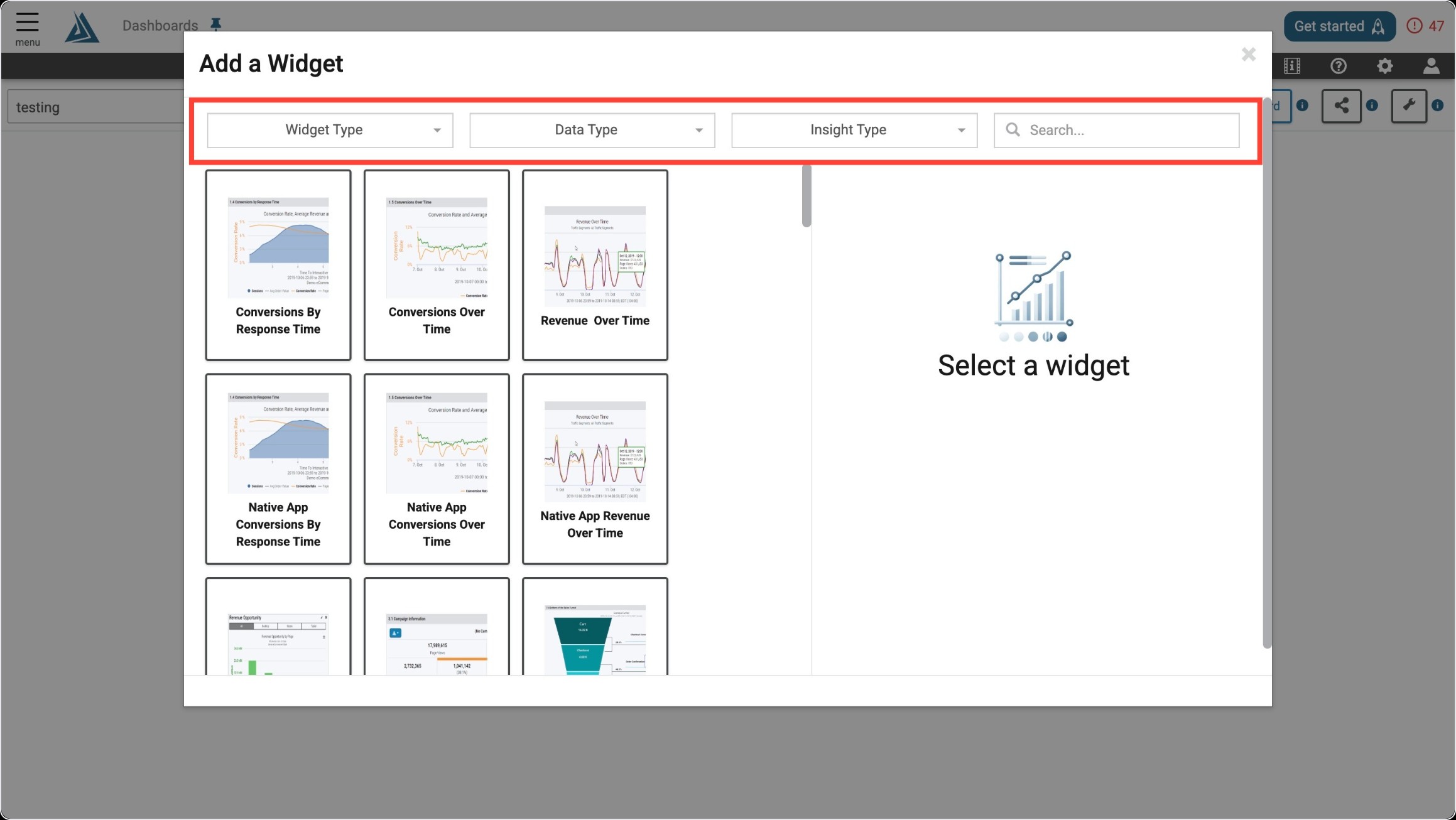
This widget is available to be added to custom dashboards. For more information on custom dashboards, please visit How to Create Custom Dashboards, andCustom Dashboard Widgets.
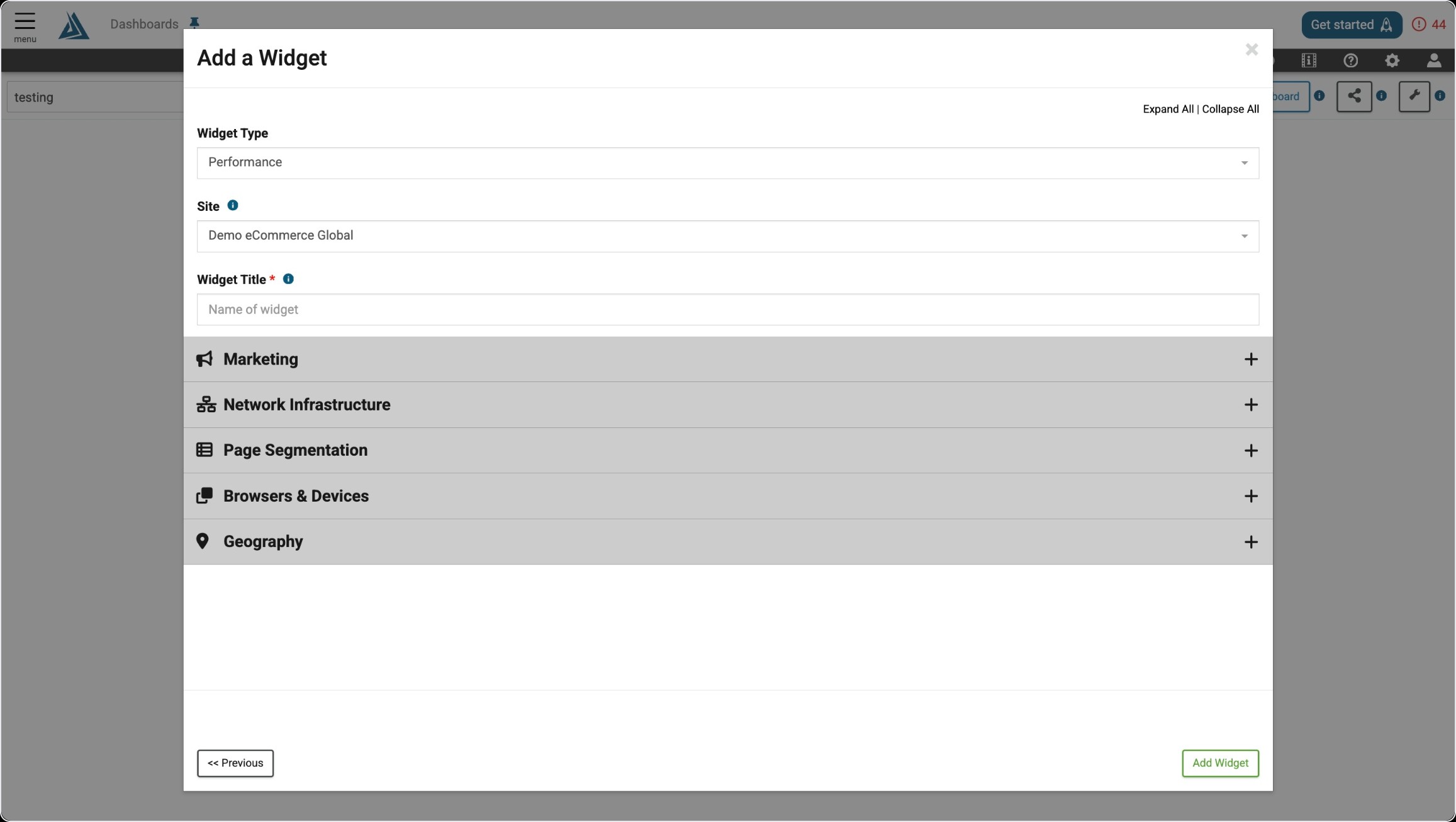
The only required configuration for this widget is a title. The general Marketing, Network Infrastructure, Page Segmentation, Browsers & Devices, and Geography filters are also available in the configuration window, but can be applied after the widget is created as well.