Overview
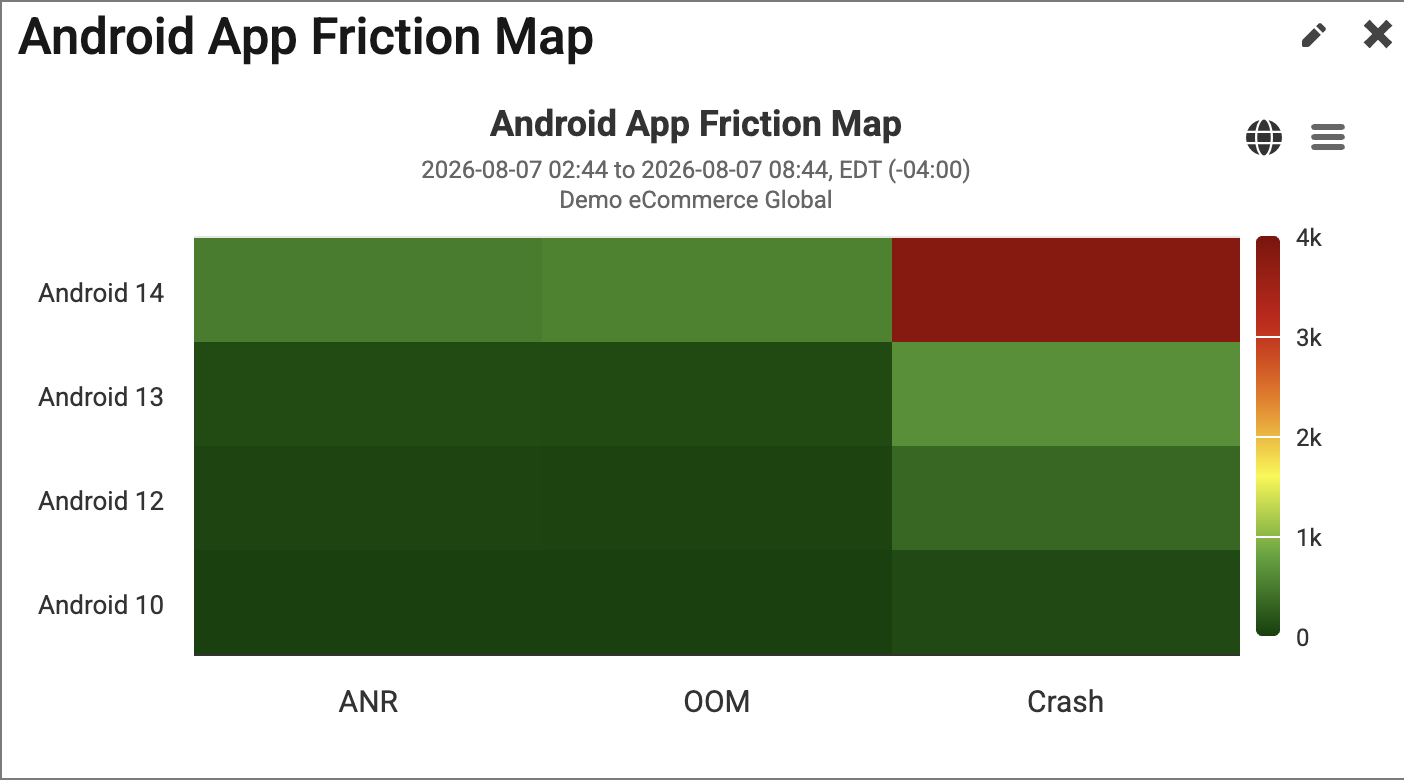
This Android App Friction Map widget depicts the number of Application Not Responding Warnings, Out Of Memory Warnings and Crashes detected within a specified time period, based on the Android App Version.
|
This widget is available to be added to custom dashboards. For more information on custom dashboards, please visit How to Create Custom Dashboards, andCustom Dashboard Widgets. |
Users are able to review this information to understand which OS versions are experiencing the most problems.
Navigation from this widget will take the user to the Native App Errors Explorer page.
Find Widget
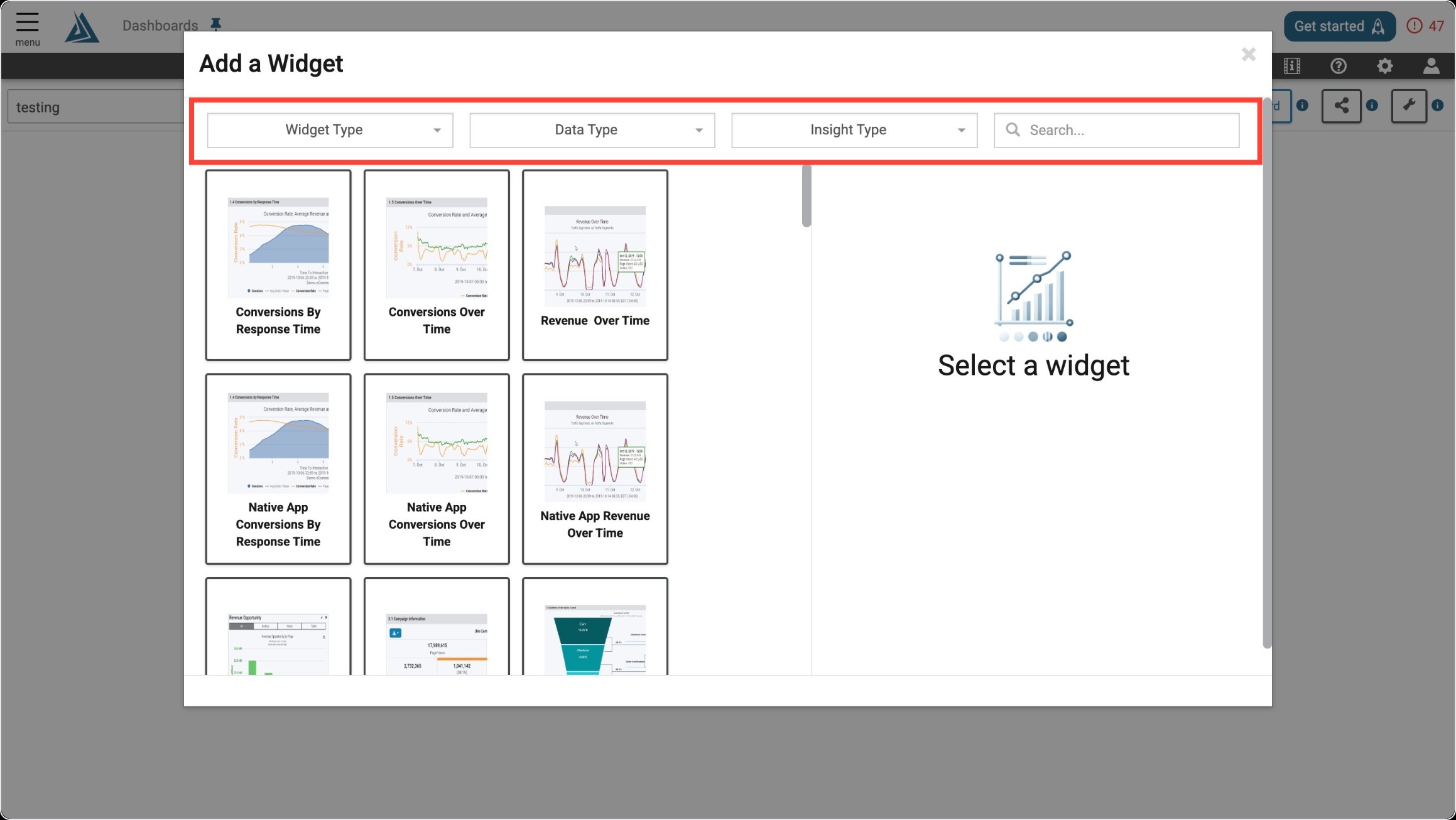
Once you enter the Add a Widget menu, you will see a variety of filter options on top. One way to find the Android App Friction Map Widget is to use the filter options listed below.
|
Filter Title |
Filter Option |
|---|---|
|
Widget Type |
Summaries |
|
Data Type |
Real User |
|
Insight Type |
Performance |
Another way to find the Android App Friction Map Widget is to use the search bar at the top right of the menu.
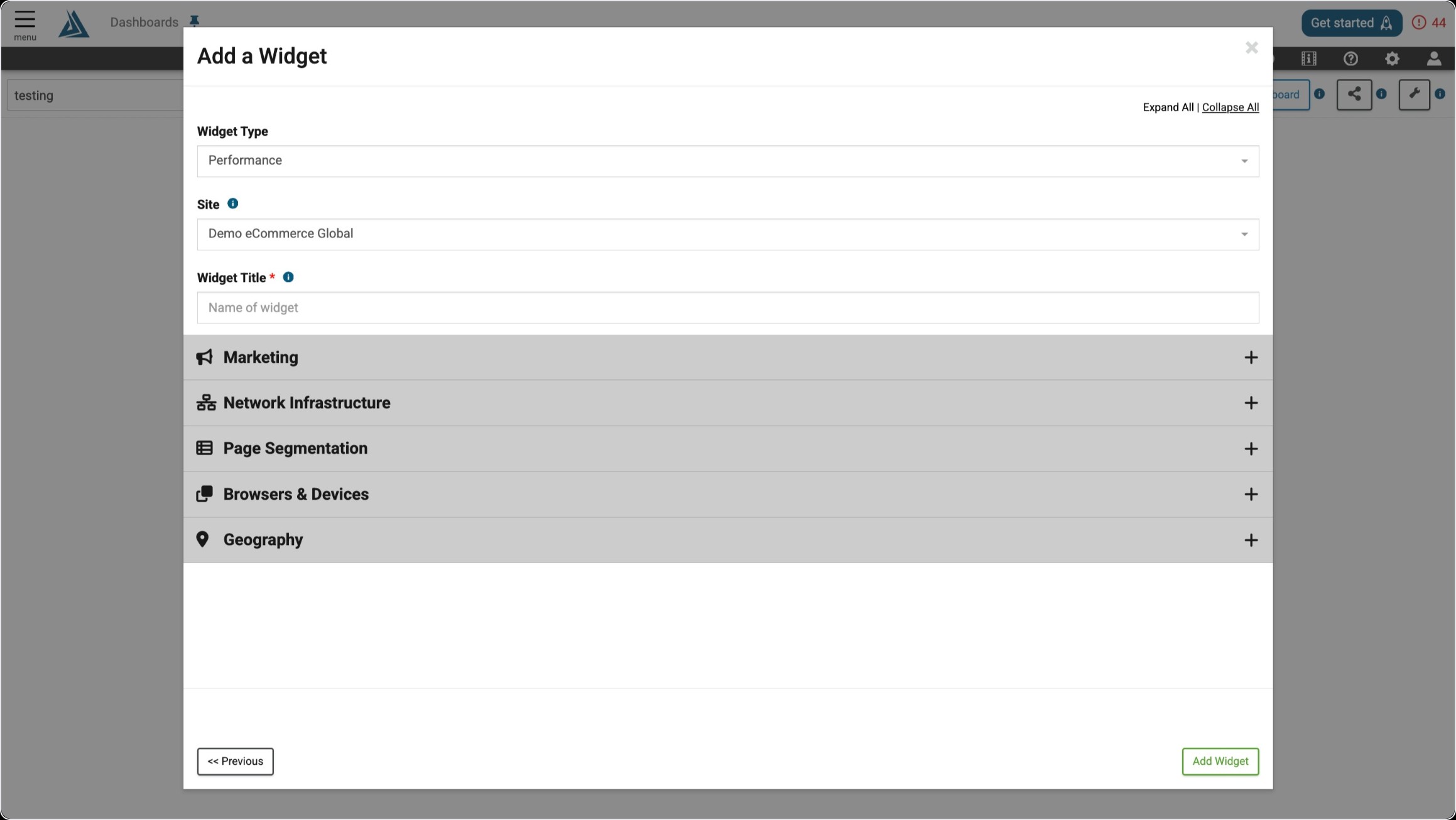
Widget Configuration
The only required configuration for this widget is a title. The general Marketing, Network Infrastructure, Page Segmentation, Browsers & Devices, and Geography filters are also available in the configuration window, but can be applied after the widget is created as well.