Overview
The Campaign Information widget shows you a high-level glance at how the selected campaign is performing over the Dashboard Time Period.
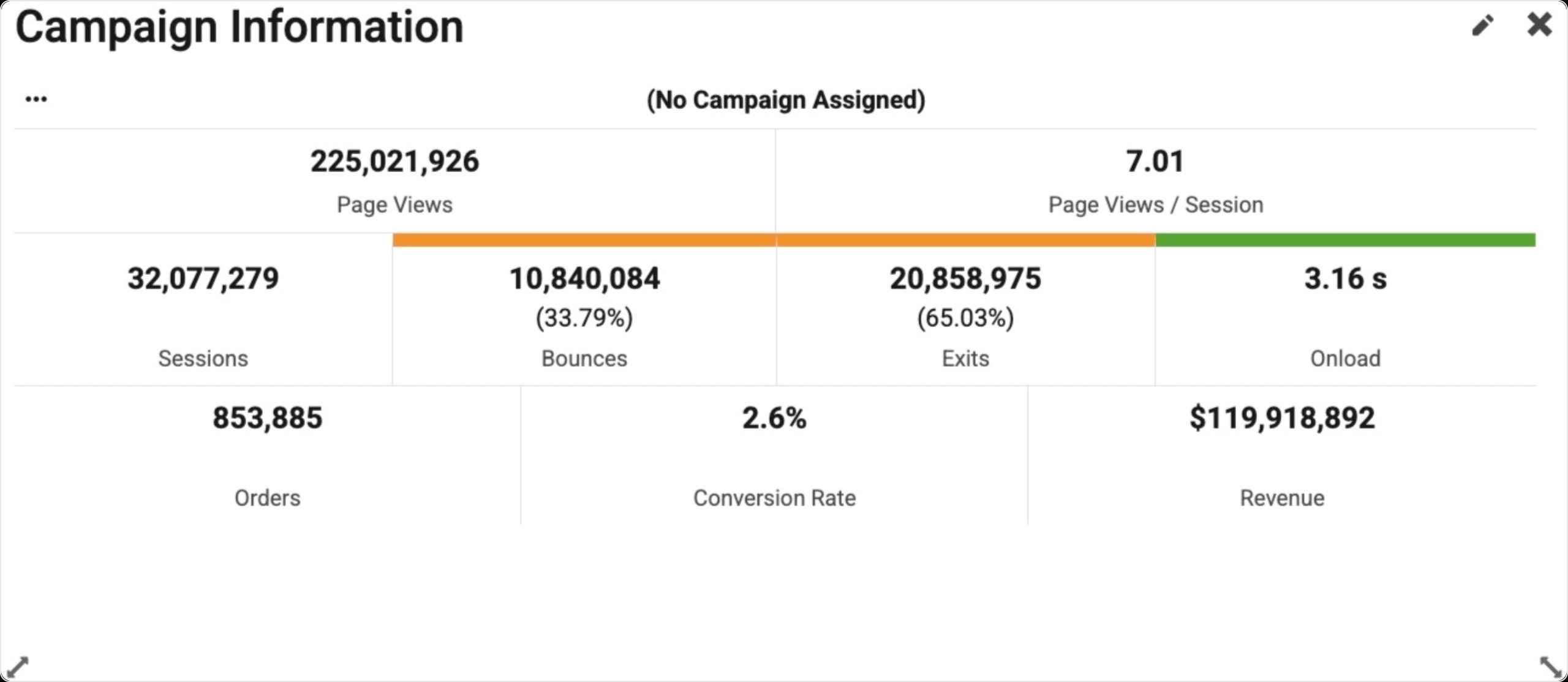
The widget shows the following metrics:
-
Page Views
-
Page Views / Session
-
Sessions
-
Bounces
-
Exits
-
Onload
-
Orders
-
Conversion Rate
-
Revenue
Bounces, Exits and Onload, have a corresponding colored bar over the numbers.
Click the Blue Triangle in the top left of the widget to link to other areas of the portal with the campaign pre-selected and filtered for you.
Find Widget
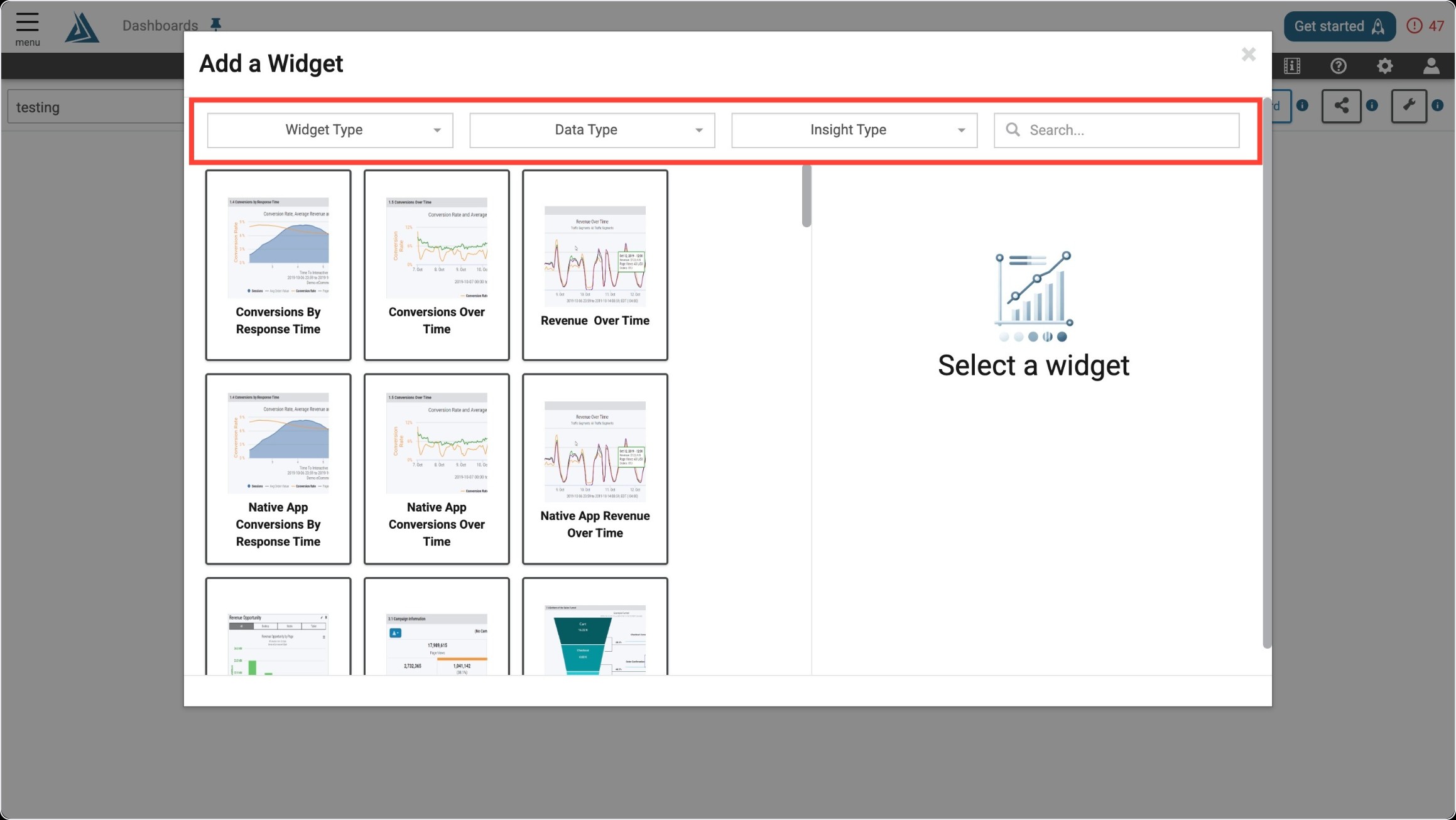
Once you enter the Add a Widget menu, you will see a variety of filter options on top. One way to find the Performance Widget is to use the filter options listed below.
|
Filter Title |
Filter Option |
|---|---|
|
Widget Type |
Trends |
|
Data Type |
Real User |
|
Insight Type |
Performance |
Another way to find the Performance Widget is to use the search bar at the top right of the menu.
Widget Configuration
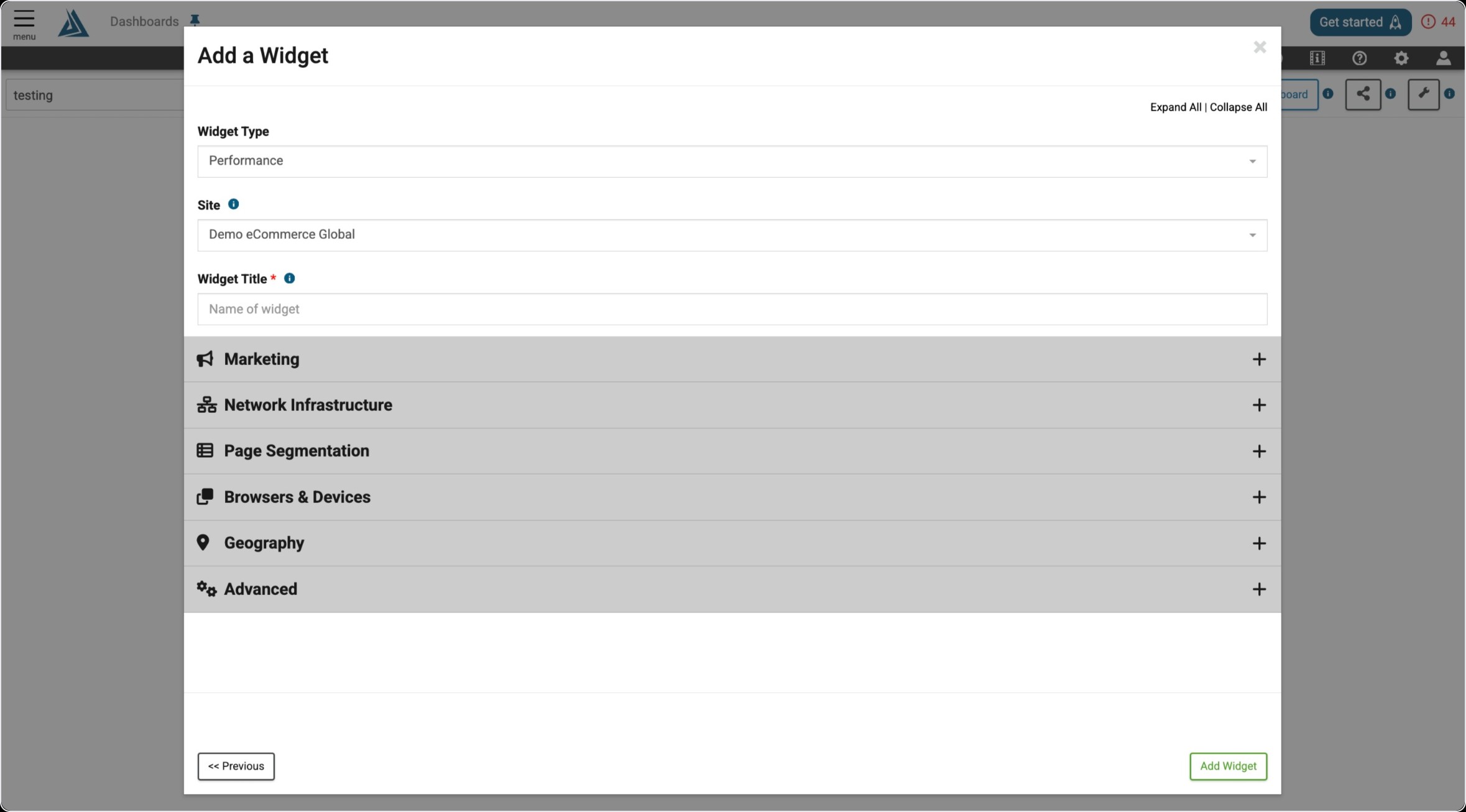
To configure this widget, you must select a campaign. You can only choose one campaign to monitor. To see general traffic outside of any of the marketing campaigns, you can choose the option for "(No Campaign Assigned)".