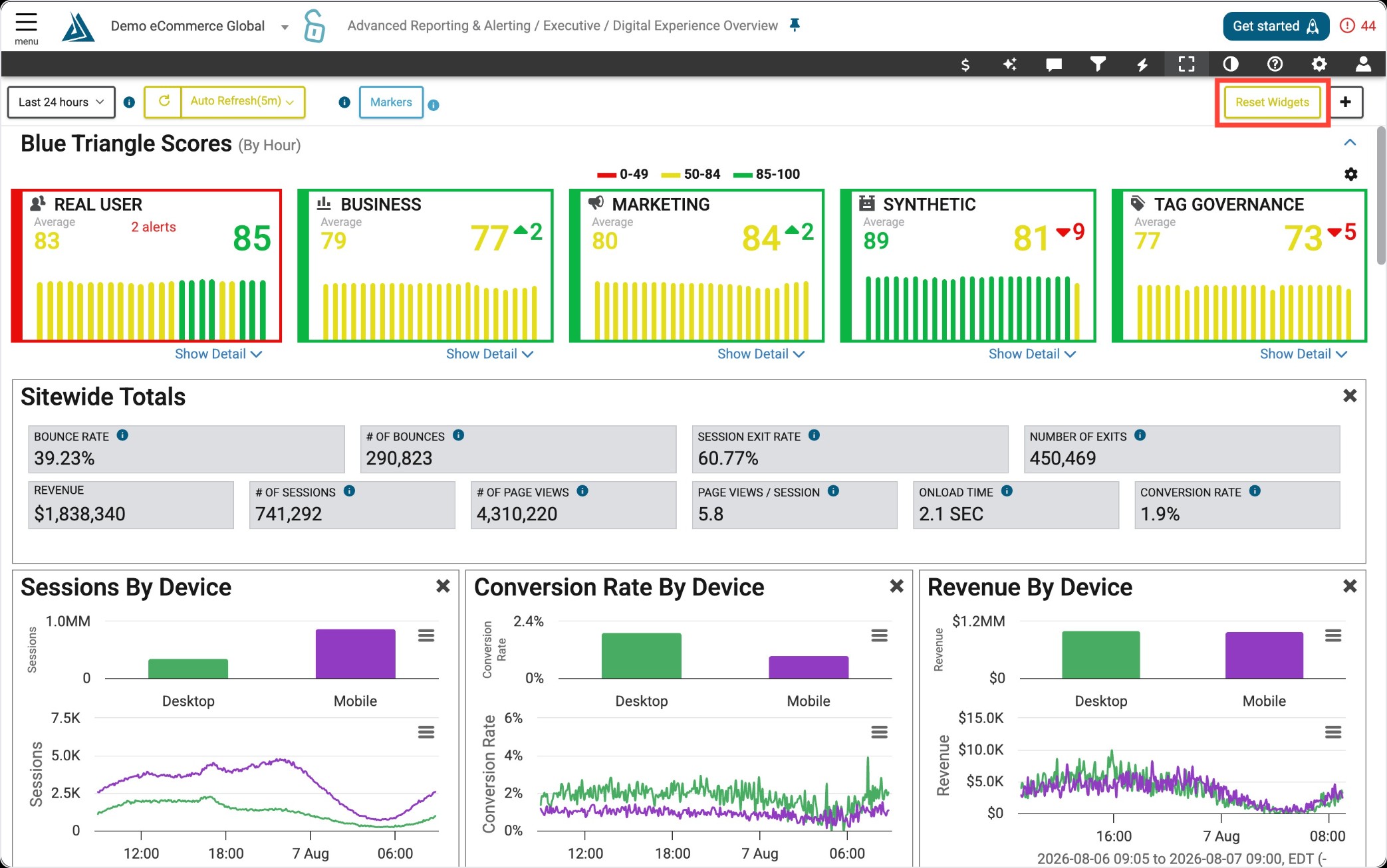
Widget Overview
The DEO Anomalies and Site Opportunity Widget is viewable on the DEO homepage.
This widget is made up of machine learning that is constantly monitoring your site for issues, known as our anomaly detection.
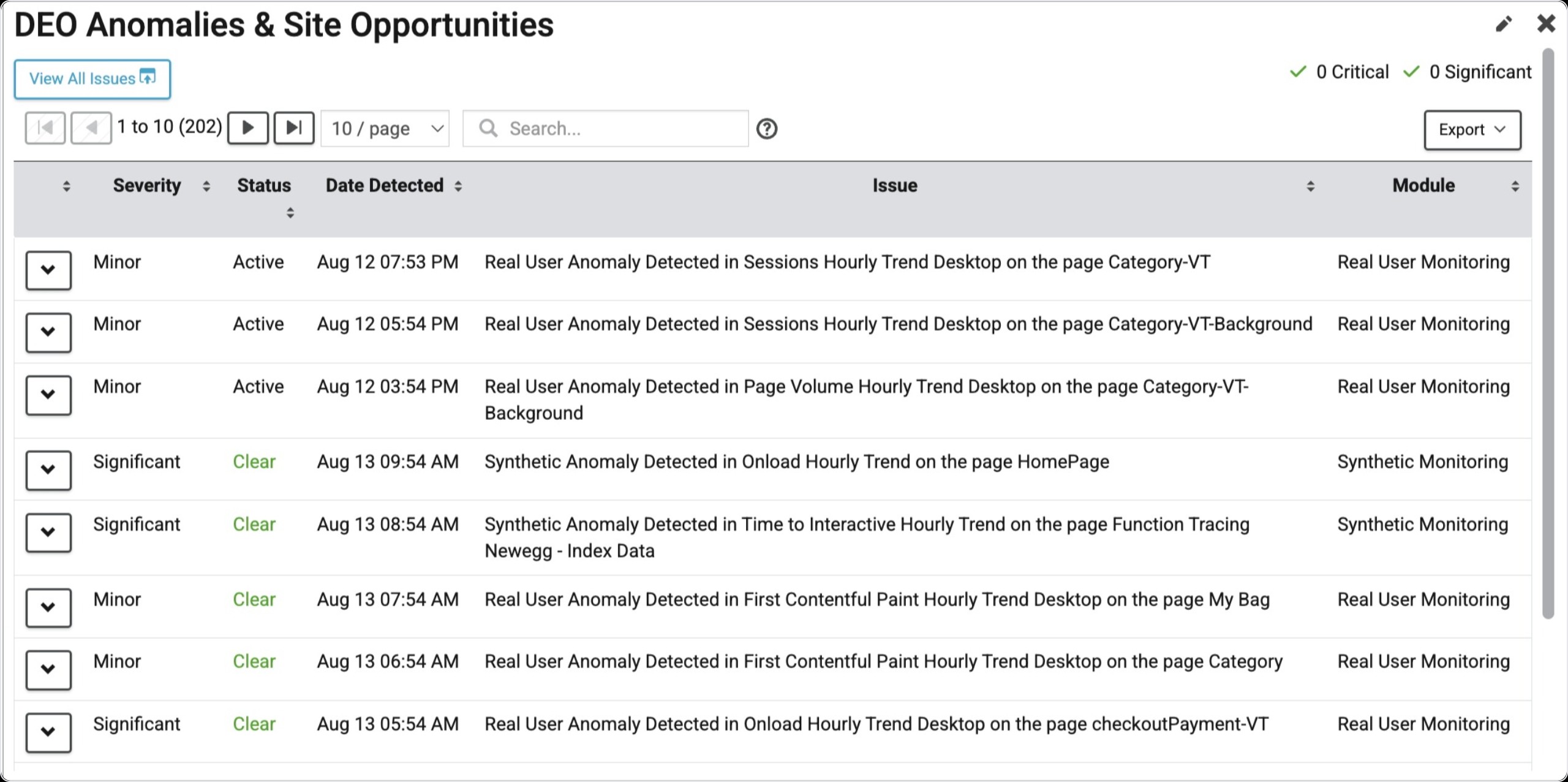
When it detects an issue, it will automatically move that issue to the top of the widget and prioritize it by Severity (Critical, Significant, Normal, or Minor) and create a card in the issue tracker.
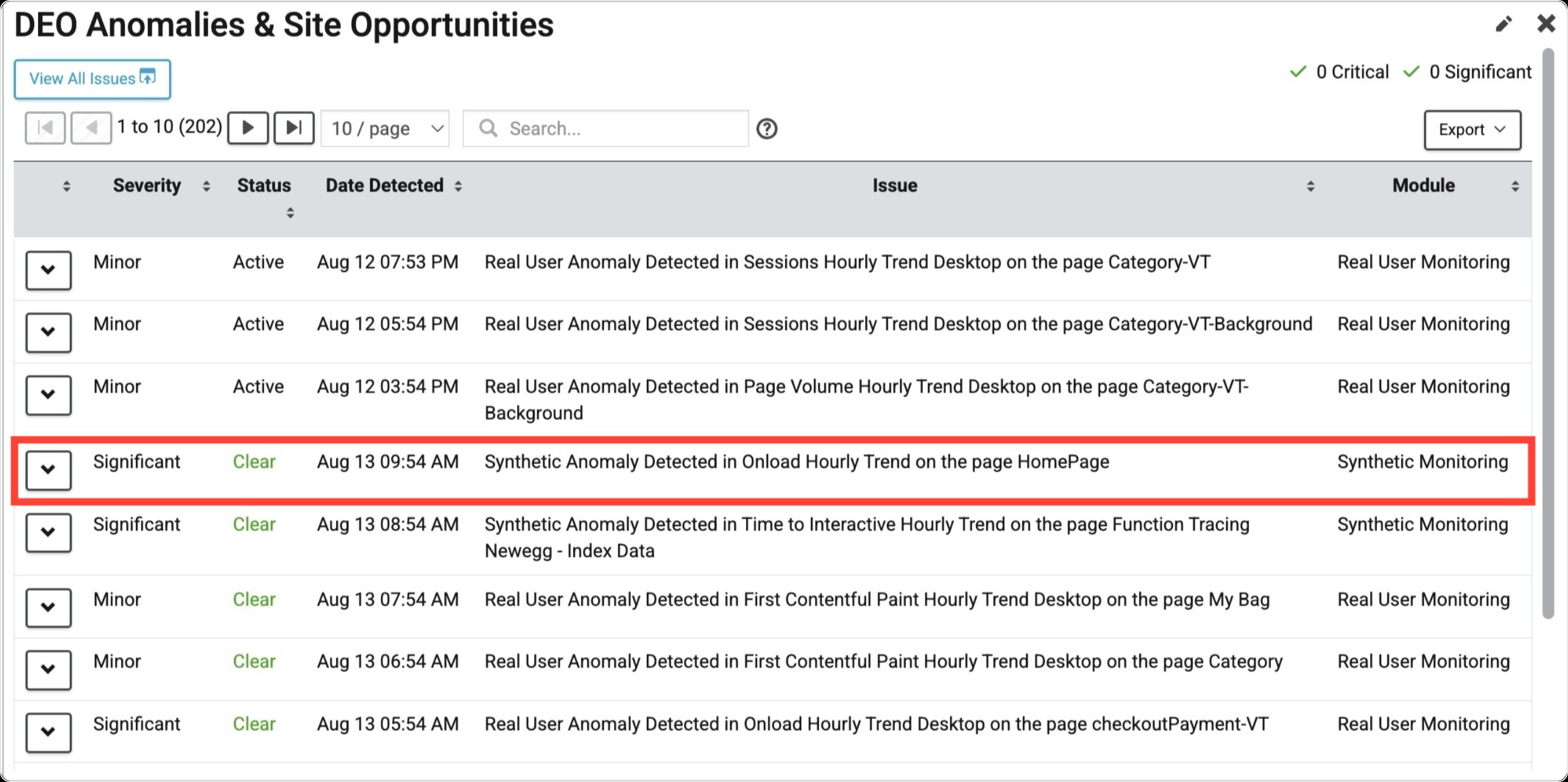
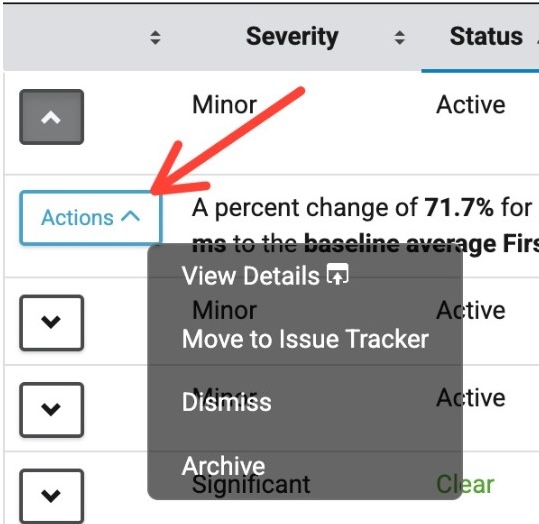
If you want further information on the issue, you can click on the down carrot, and an expanded view will show what the issue description was.
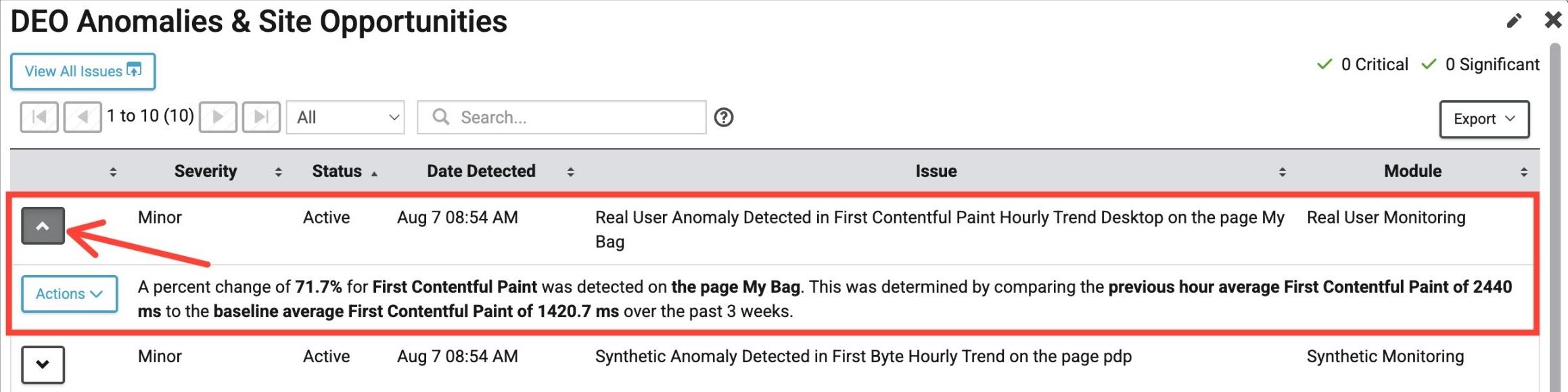
If you click Actions -> View Details, it will link you to the location in the portal with data for the given issue. For example, if a slowdown was detected for a particular domain, this would take you to the Domain Details page.
If you perceive the issue as not important or perhaps it's already fixed, you can archive or dismiss the issue within the Actions menu.
Organizing DEO Page
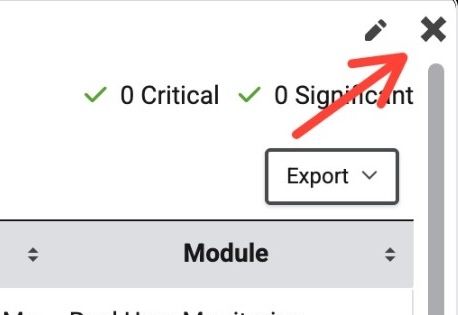
There are only two stationary widgets on the DEO page: Blue Triangle Scores and the DEO Anomalies and Site Opportunities widgets. You can move any other widget by dragging them around to customize your view. You can also hide any other widget by clicking the X button in the top right.
Lastly, you can reset the dashboard to the BT default view by clicking the Reset Widgets button in the top right.