Overview
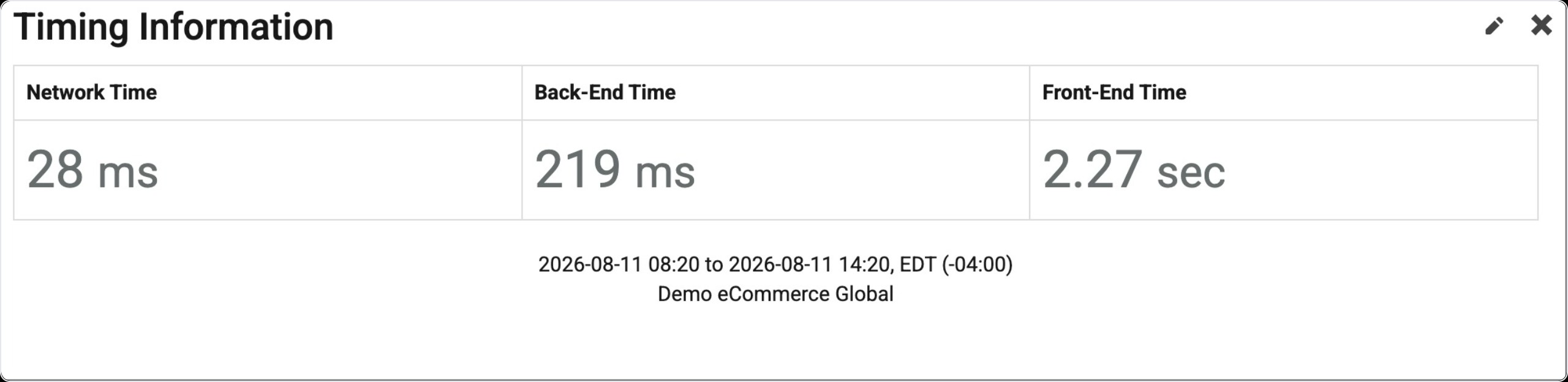
The Timing Information Widget is a great widget to augment your dashboard. This shows you 3 basic metrics:
Find Widget
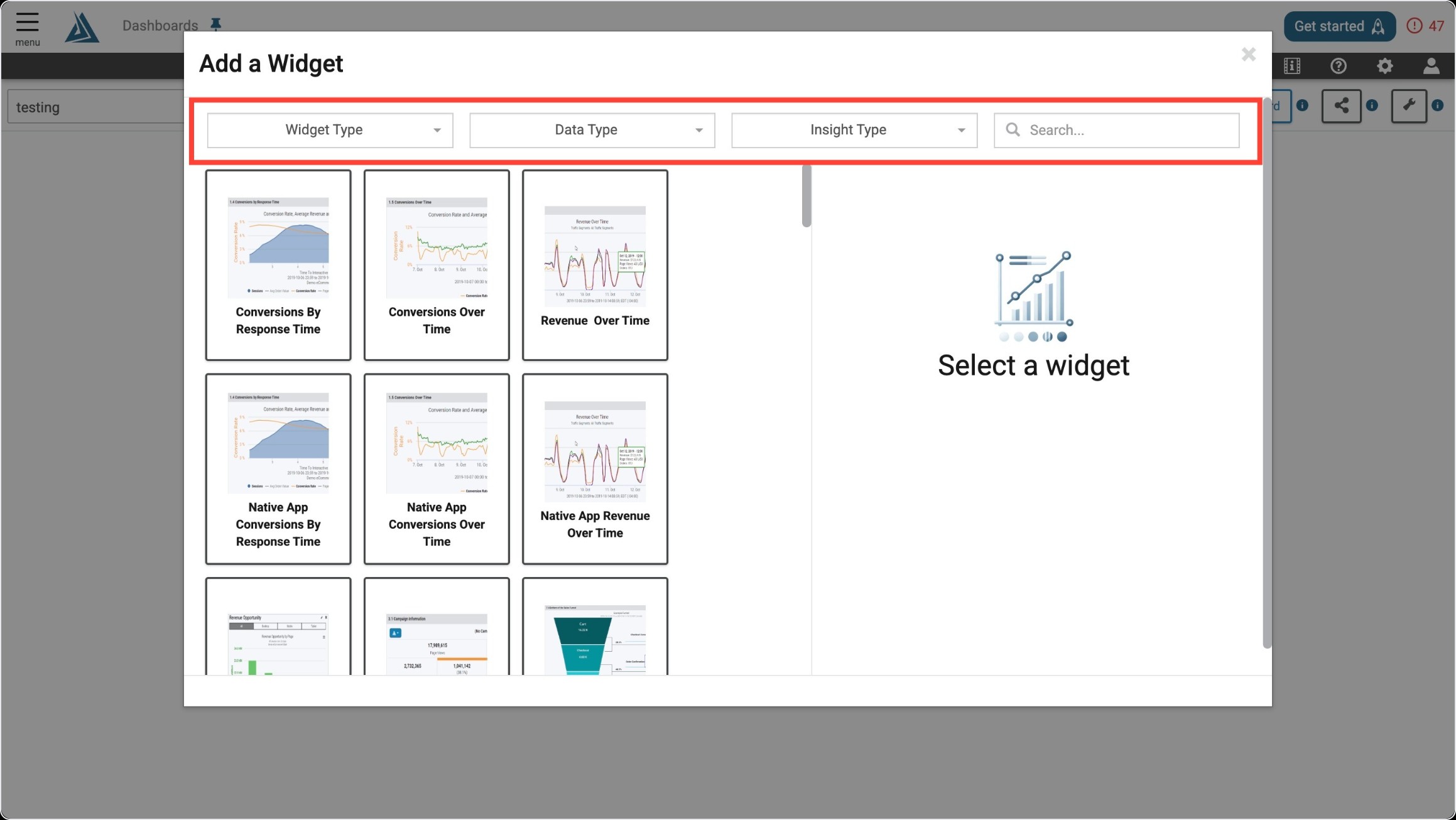
Once you enter the Add a Widget menu, you will see a variety of filter options on top. One way to find the Timing Information Widget is to use the filter options listed below.
|
Filter Title |
Filter Option |
|---|---|
|
Widget Type |
Summaries |
|
Data Type |
Real User |
|
Insight Type |
Performance |
Another way to find the Timing Information Widget is to use the search bar at the top right of the menu.
Widget Configuration
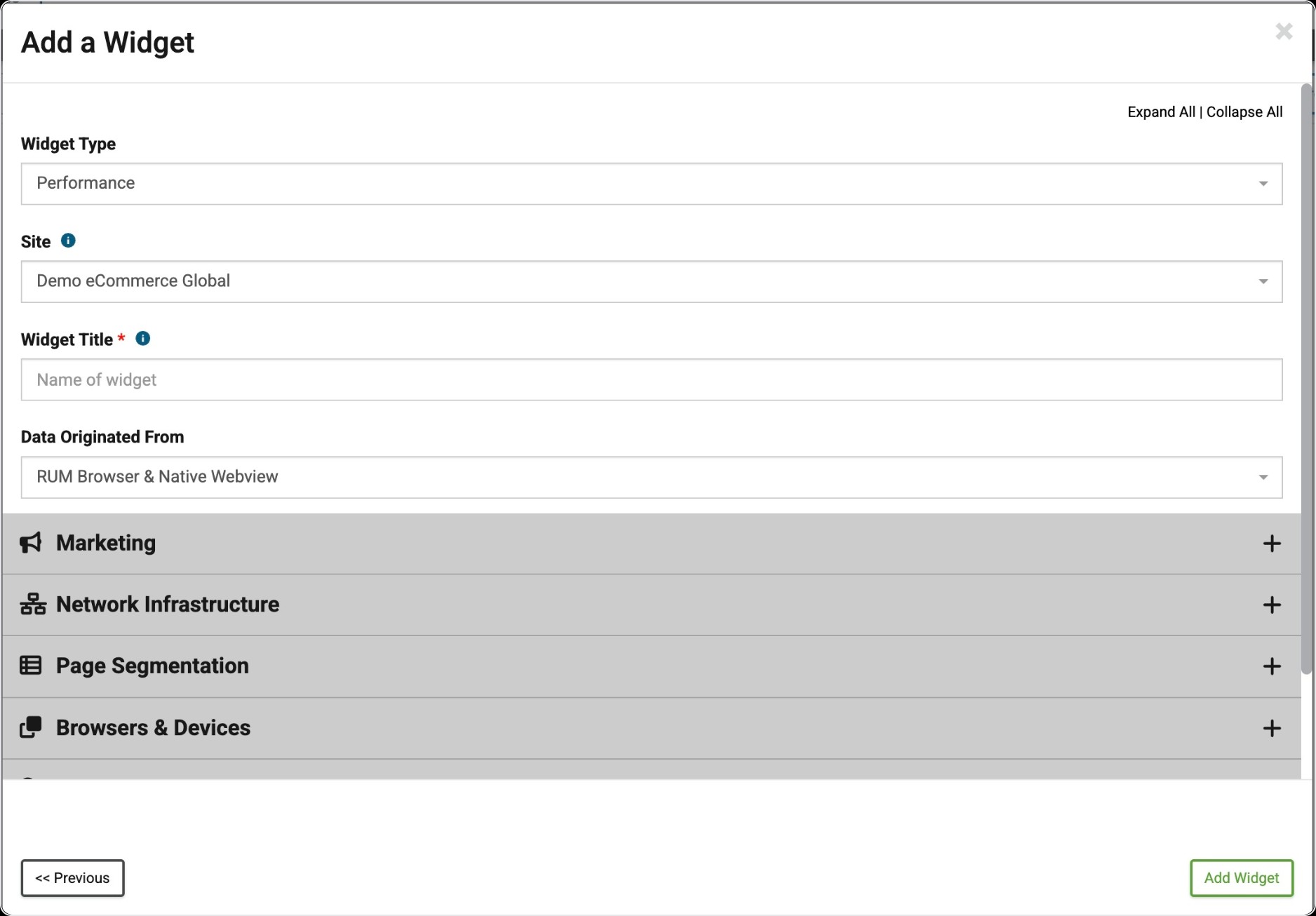
To configure this widget, fill out all required sections and apply any filtering you need.