

How to Change Your Default Theme
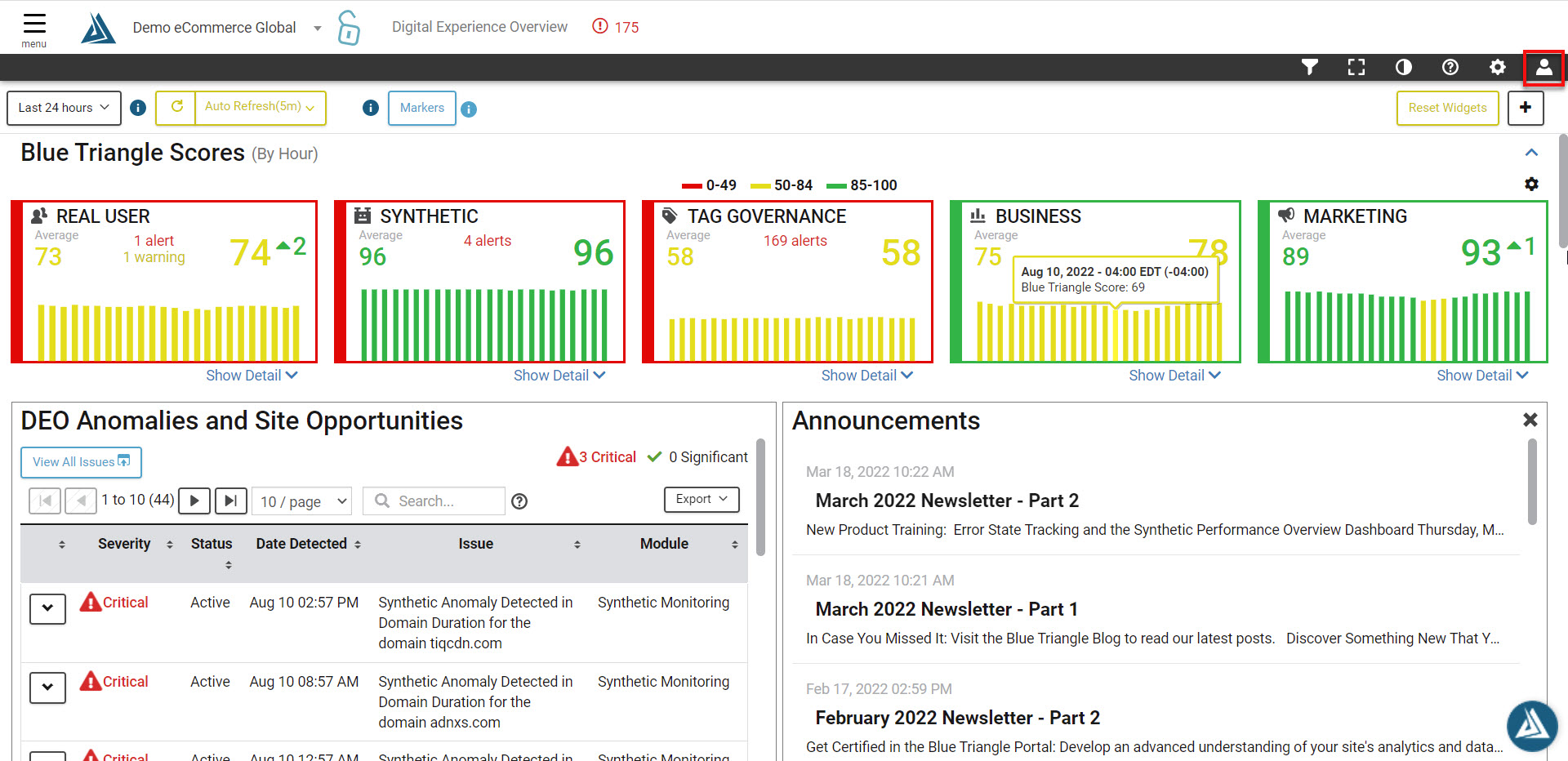
From inside the Blue Triangle Portal, click the User Menu on the far right hand side of the page.
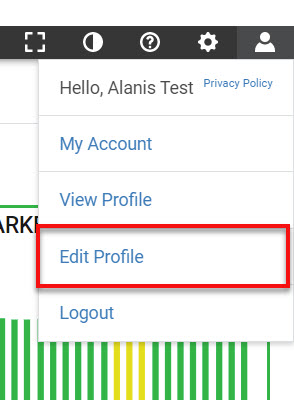
Then select Edit Profile.
Then simply select the Theme drop-down menu to change your theme.
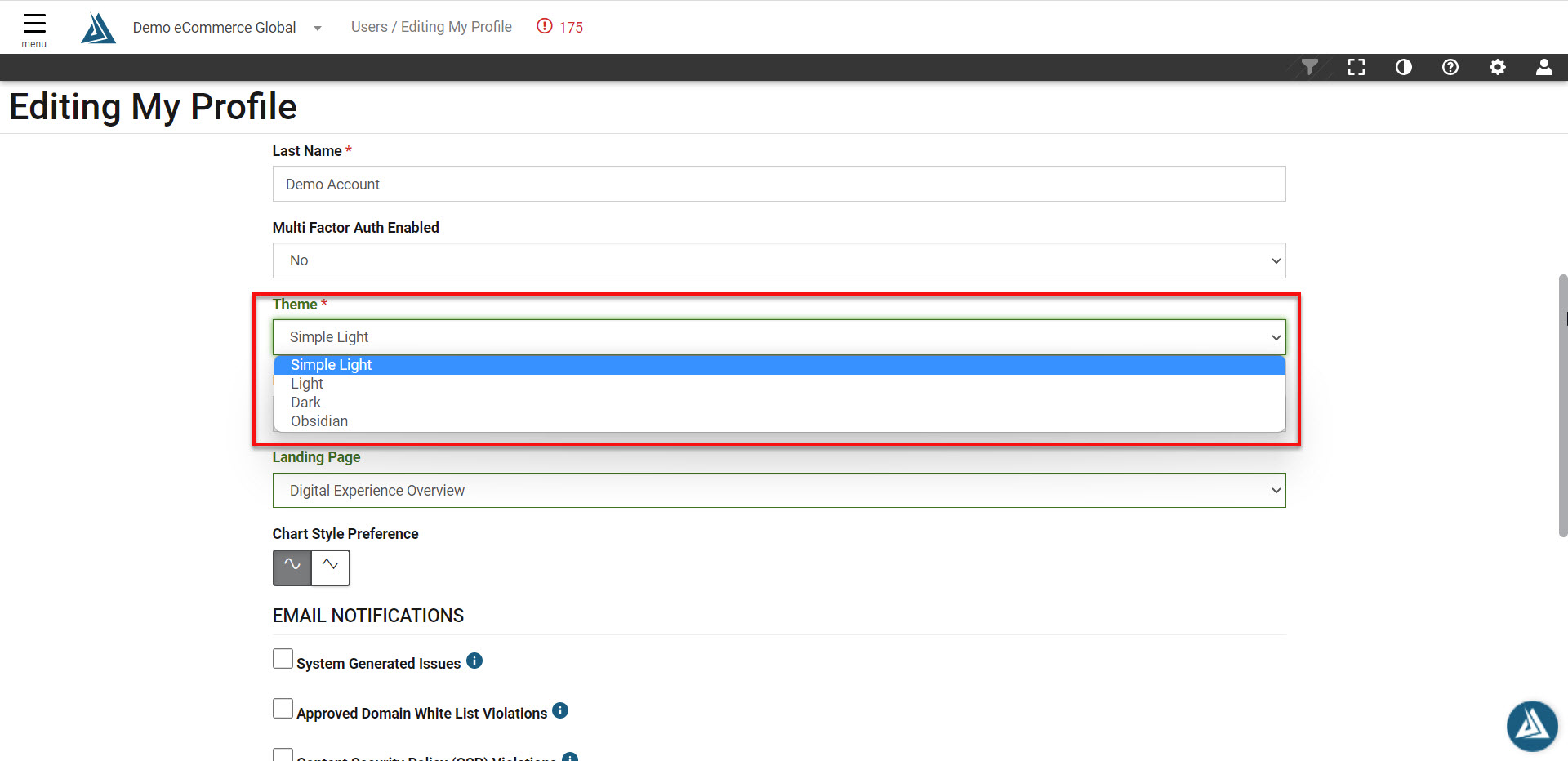
Click Save at the bottom of the page or set your default theme preference.