

Overview
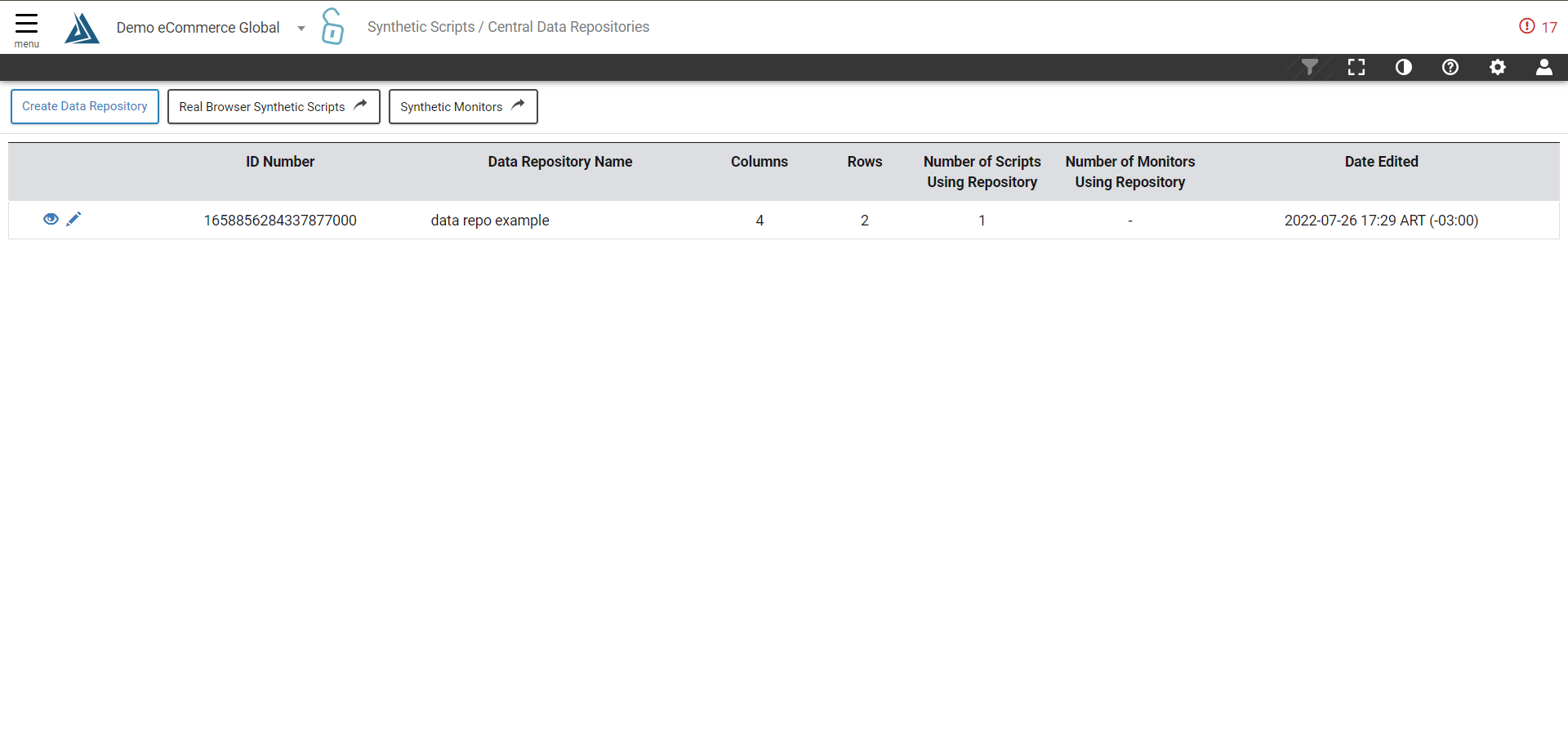
The Centralized Data Repositories page provides the ability to manage custom data fields including authentication field variables among multiple synthetic scripts.
How to Find the Central Data Repositories Page
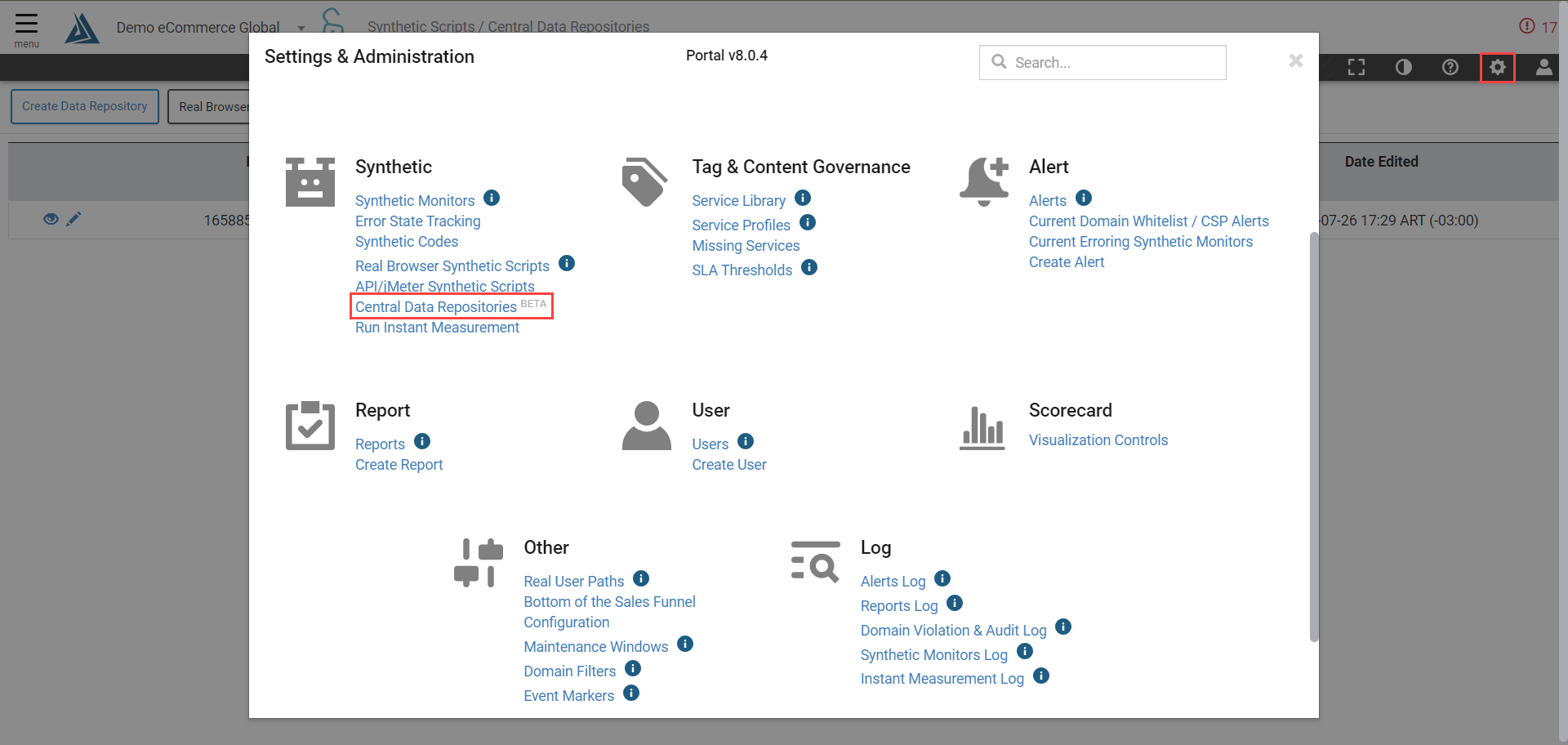
The Central Data Repositories page can be found by selecting Settings & Administration (the gear icon) in the top left corner of the Blue Triangle portal. Once the pop up is displayed, the link can be found under Synthetic.
Create Data Repository
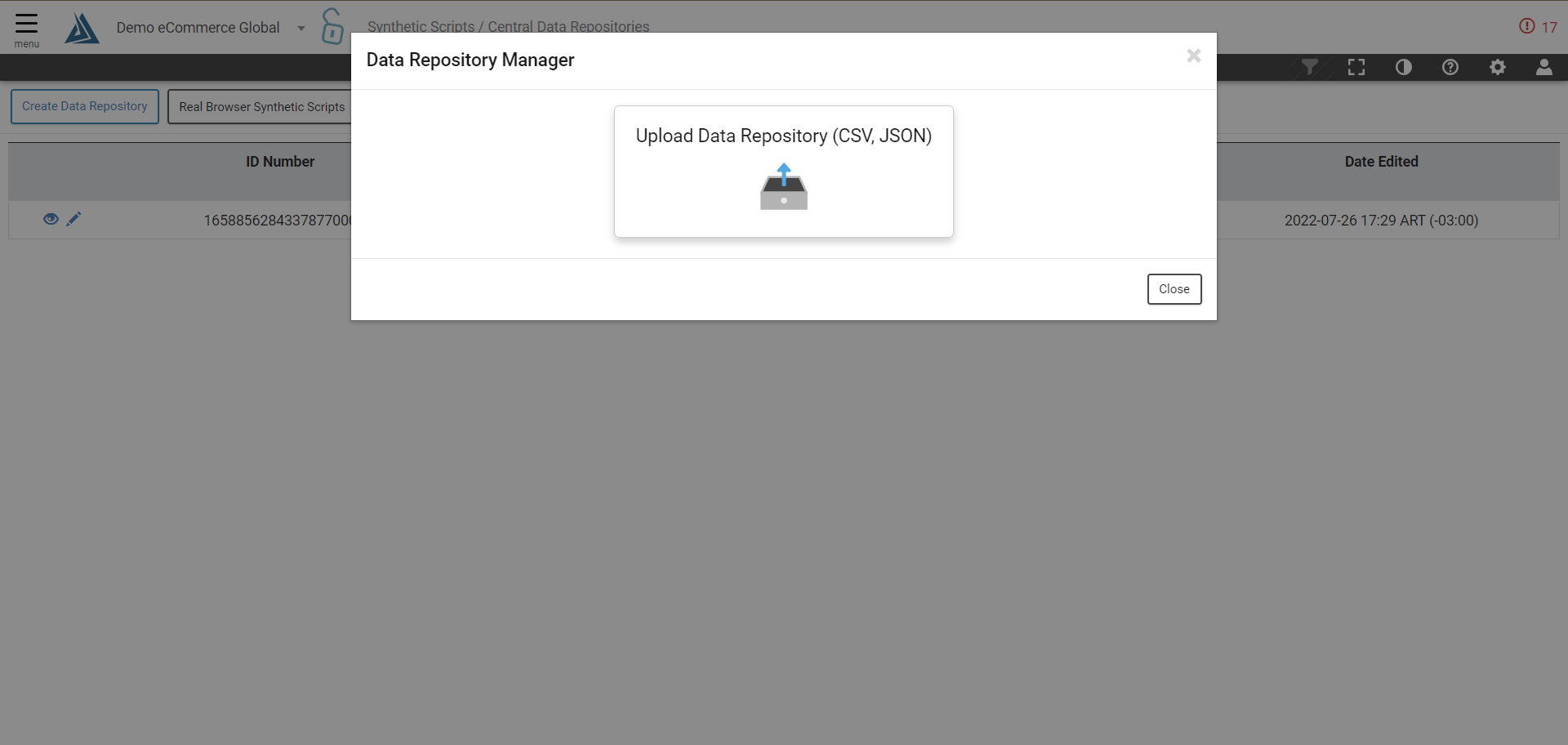
To create a new Data Repository, select the Create Data Repository button in the upper right hand side of the page.

A pop up window titled Data Repository Manager will open, allowing the upload of either a CSV file or a JSON file.
Synthetic Scripts and Monitoring provide users with a simulation of customer/website interactions. The buttons to engage these tools are found to the right of the Create Data Repository button.

To view or edit an existing Data Repository, select the eye or pencil icon to the left of the ID Number of the selected Data Repository.
