Overview
Blue Triangle offers session playback via Microsoft Clarity integration. For help with this process, please reach out to your BT representative.
Applicability
Clarity integration for mobile applications is supported from the following SDK versions
-
iOS- 3.14.0 (see installation guide)
-
Android- 2.17.0 (see installation guide)
The Blue Triangle SDK will automatically detect the presence of the Clarity SDK in the application, as well as collect the Clarity session ID and send it to the BT portal.
Configuration
To get started
-
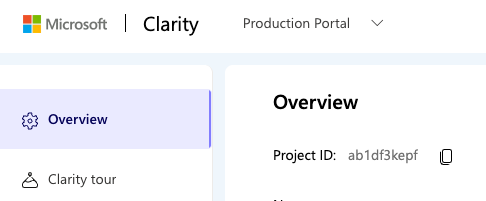
If you do not already have a Microsoft Clarity Project ID, please head over to Microsoft Clarity and sign up or login and copy the project ID.
-
Work with your BT representative to enter your Clarity project ID into the Blue Triangle portal.
-
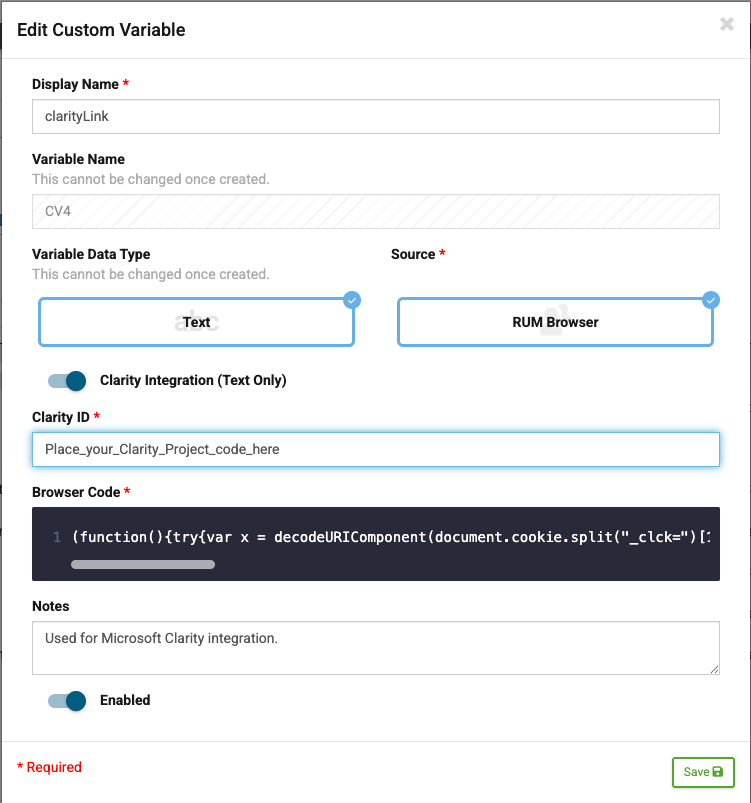
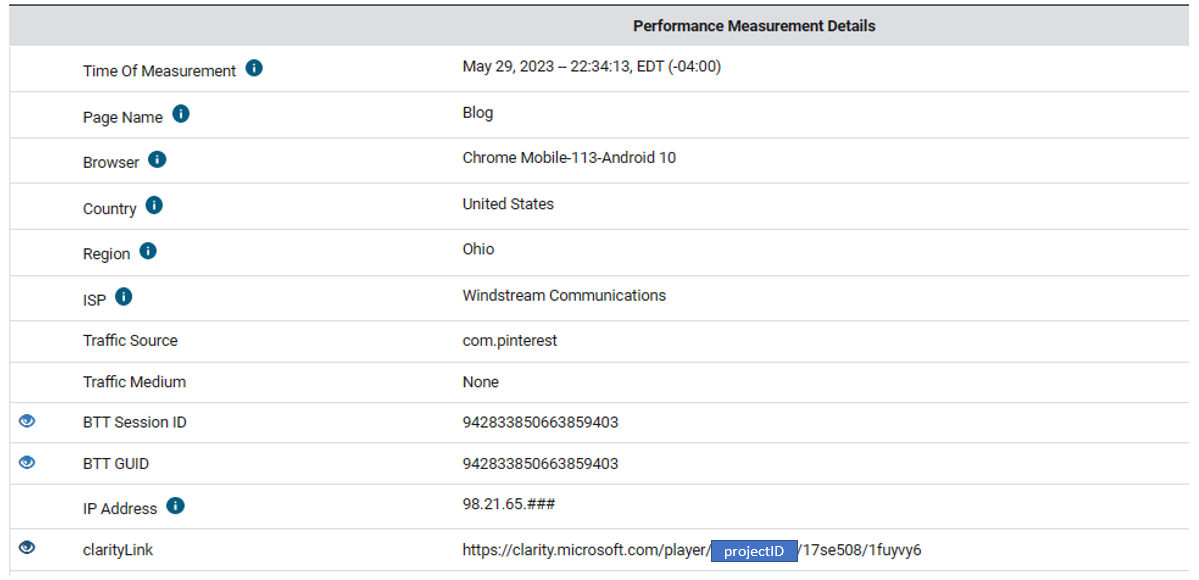
Head to the custom variables page and add the Clarity project ID from Clarity. Make sure to set the Variable Name as “CV0” and the Display Name as “clarityLink” as shown in the screenshot below. This process is not required when using the BT native SDK for mobile native applications.
-
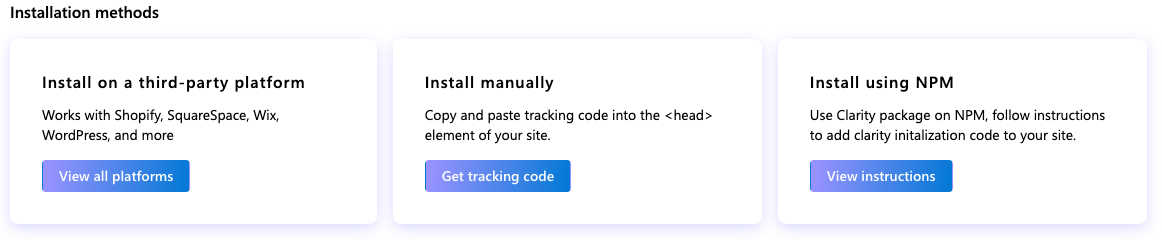
Next, use the Microsoft Clarity web tag or mobile app SDK to instrument your application.
Session Playback and Summary locations in the portal
-
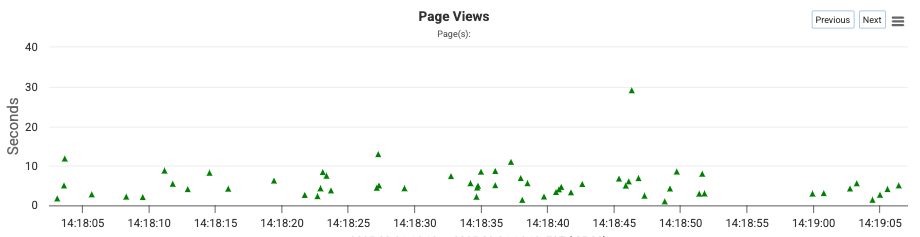
RUM Performance Detail: Sessions including extended data (marked with a triangle) represent sessions viewable with the Clarity integration will be available in the Page View Scatterplot.
-
By selecting a session (click one of these points), the session replay will be available on the page. Please note: It may take as long as 30 minutes for a session replay to become available.
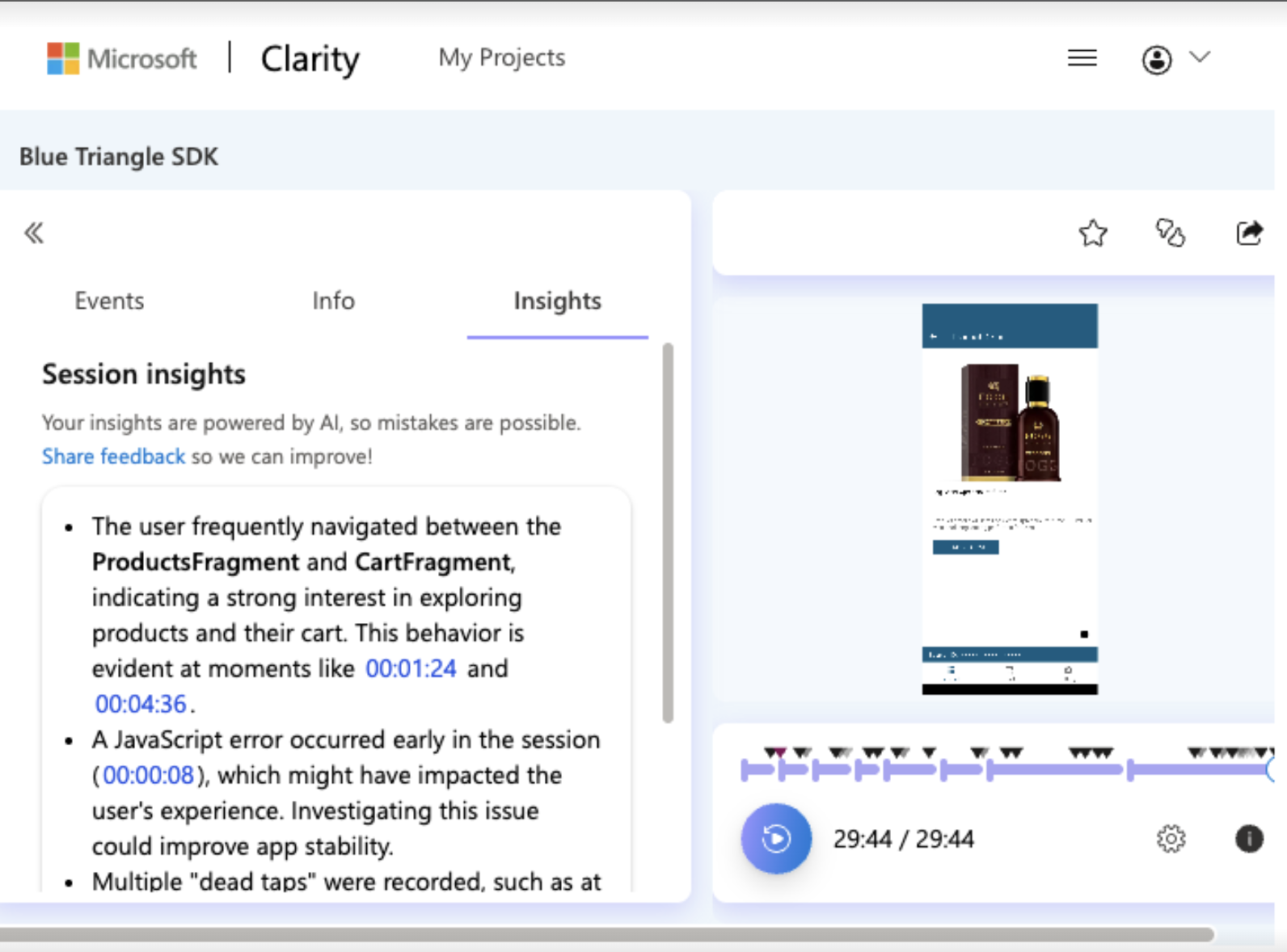
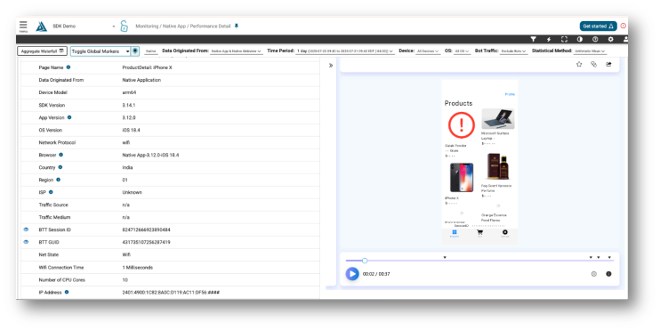
An example of the Clarity session playback embedded in the performance details page:
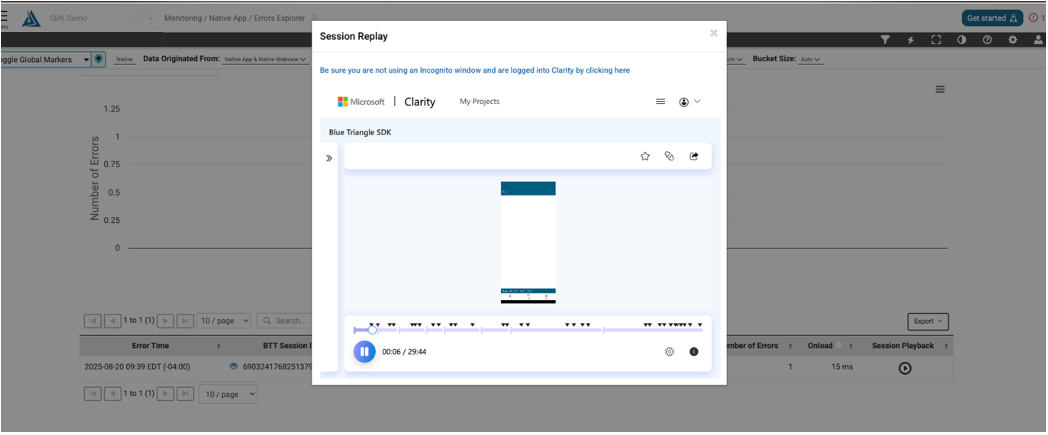
The session playback link is also integrated in the Error Explorer drill-in:
In addition, open the left menu to reveal the session options, including the session summary: