

Summary:
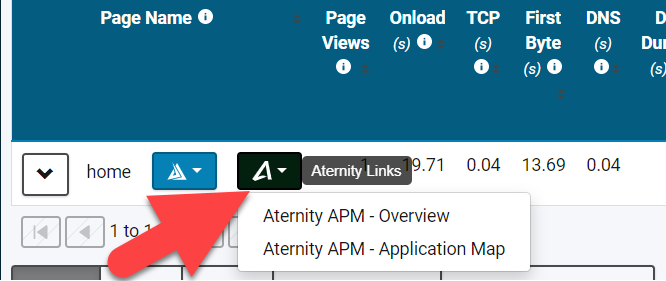
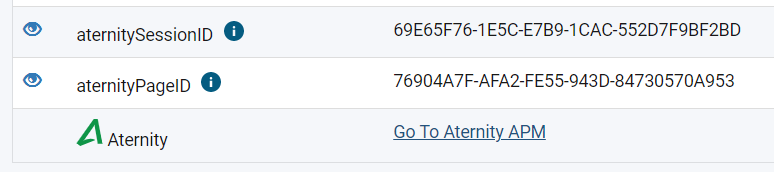
The Aternity Integration enables you to link over to Aternity with the associated filtering right from inside Blue Triangle. When enabled, you'll see a button to link over to Aternity on the Revenue Opportunity, RUM Performance Overview, Customer Journey Analysis, and the RUM Performance Details pages.
What you'll see in Blue Triangle
In the RUM Performance Overview:
In the RUM Performance Detail (after clicking scatter plot point):
Setting up the integration
What is needed in Aternity
Speak with your account manager or Aternity support about turning on the Blue Triangle Integration. They will know how to get everything set up for you.
What is needed in Blue Triangle
Likewise, to enable the integration with Aternity in Blue Triangle, simply reach out to Blue Triangle Support asking to get it set up and they'll be able to assist.