Overview
We have an integration with ContentSquare to offer our customers links to session-replay and more. To get started, the integration will need to be configured through the Sites Settings page, found in the Setting & Administration menu under 'Sites'. For help with this process, please reach out to your BT representative.
Configuration
You will need the ContentSquare ID of the site to configure the ContentSquare Integration in the Blue Triangle Portal. The ID number is available in the site settings page. There is also a Google Chrome plug-in that can locate this number available here.
Example

Locations in the Portal
-
Real User Monitoring
-
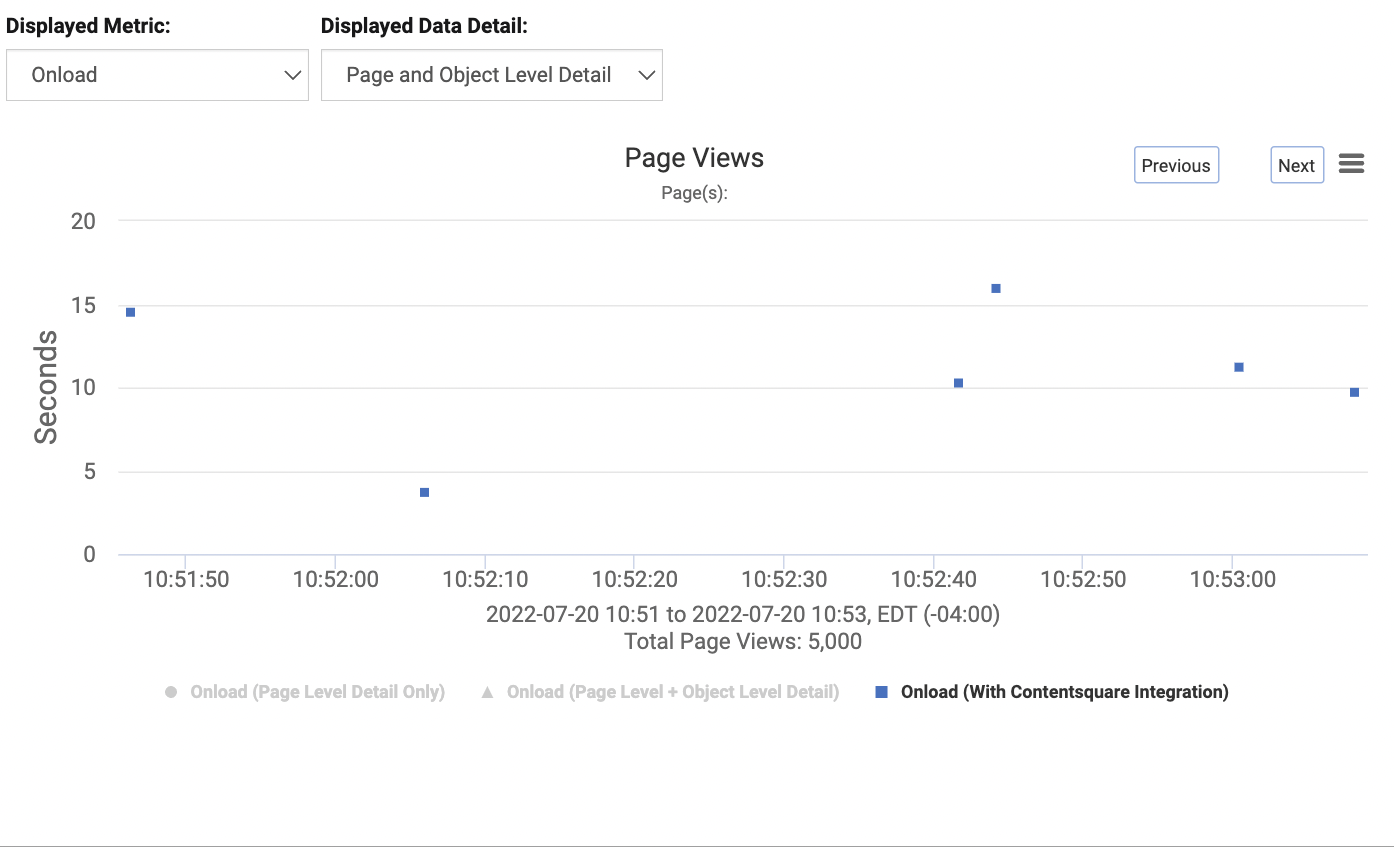
RUM Performance Detail: Blue square points representing sessions viewable with the ContentSquare integration will be available in the Page View Scatterplot. By clicking one of these points, a replay button will be available under the URL.
-
Example:
-
-