

Video / Walkthrough
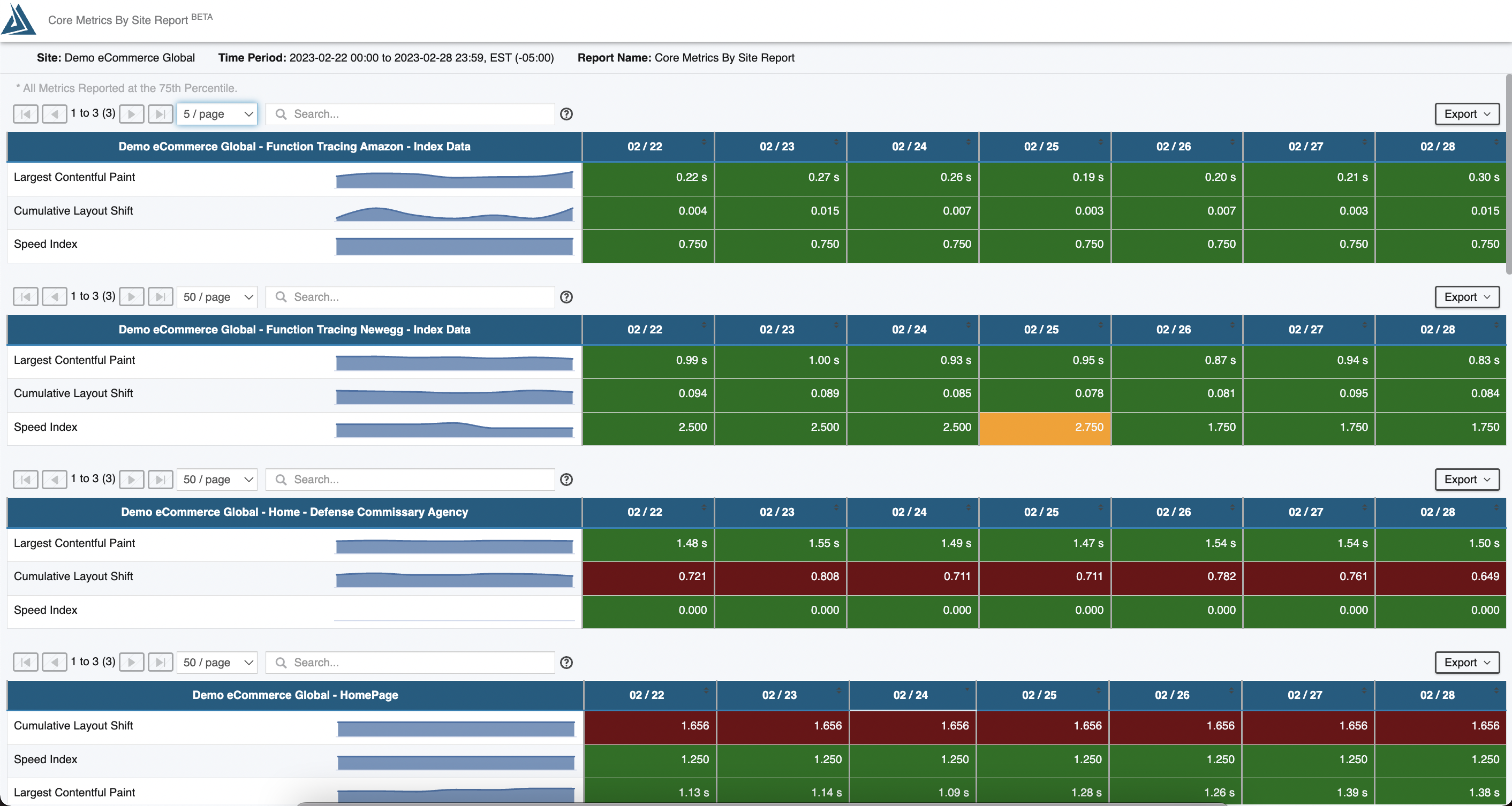
Example Report
Overview
The Core Web Metrics by Site Report gives detailed day by day updates to the key Core Metrics of a site including sparklines. The displayed metrics and metric thresholds are customizable. By default, the metrics included are LCP, CLS, Speed Index (synthetic), and FID (RUM).
Configuration
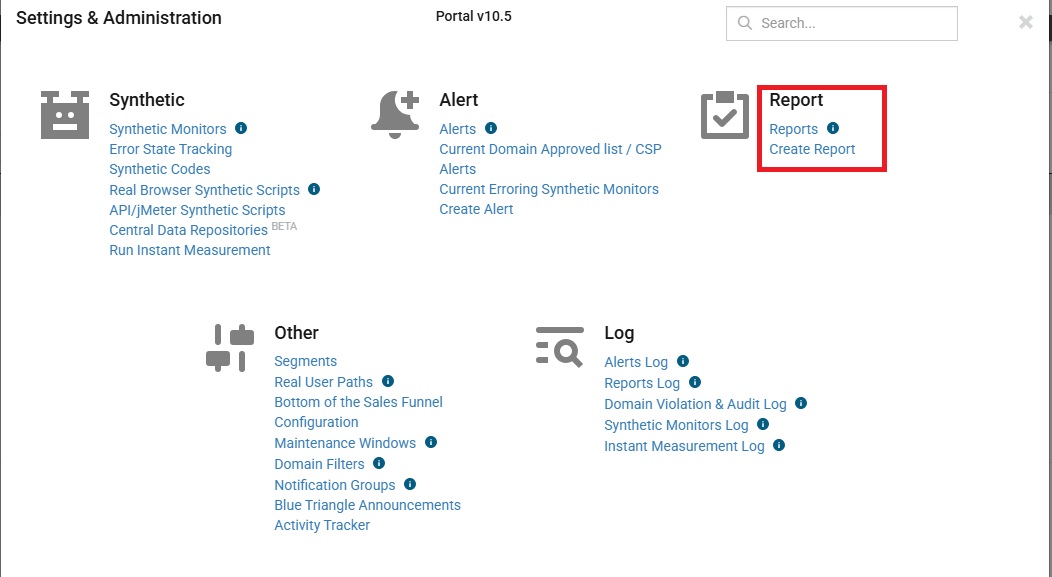
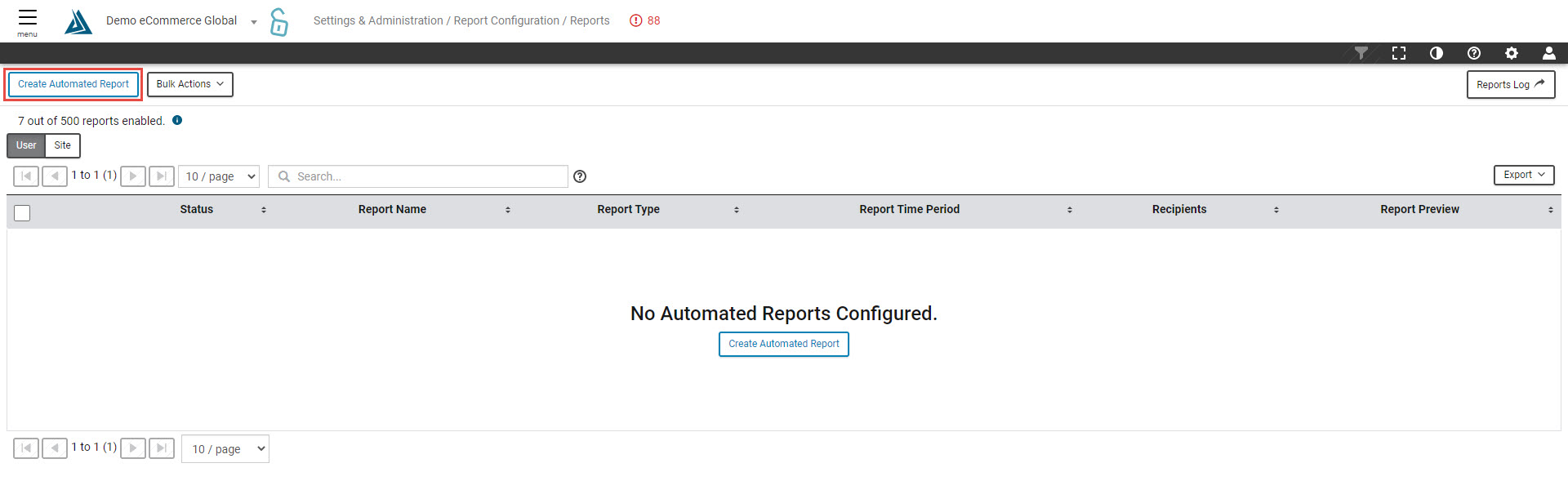
Create a new Core Metrics by Site Report by going to Create Report found under the Settings and Administration menu. To view an existing report configuration, select Reports. There is a 'Create Automated Report' button on this page as well.
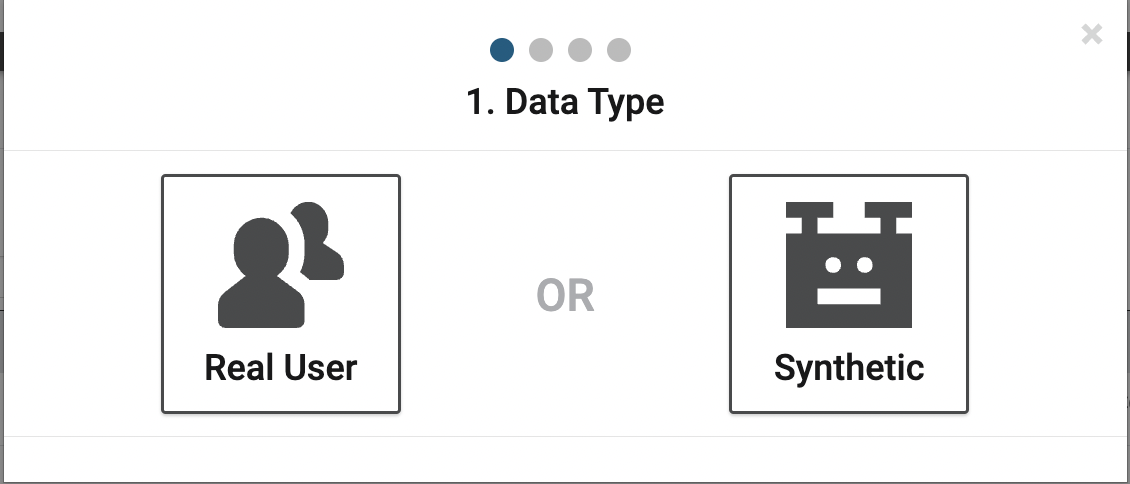
This report can be set up for both RUM and Synthetic.
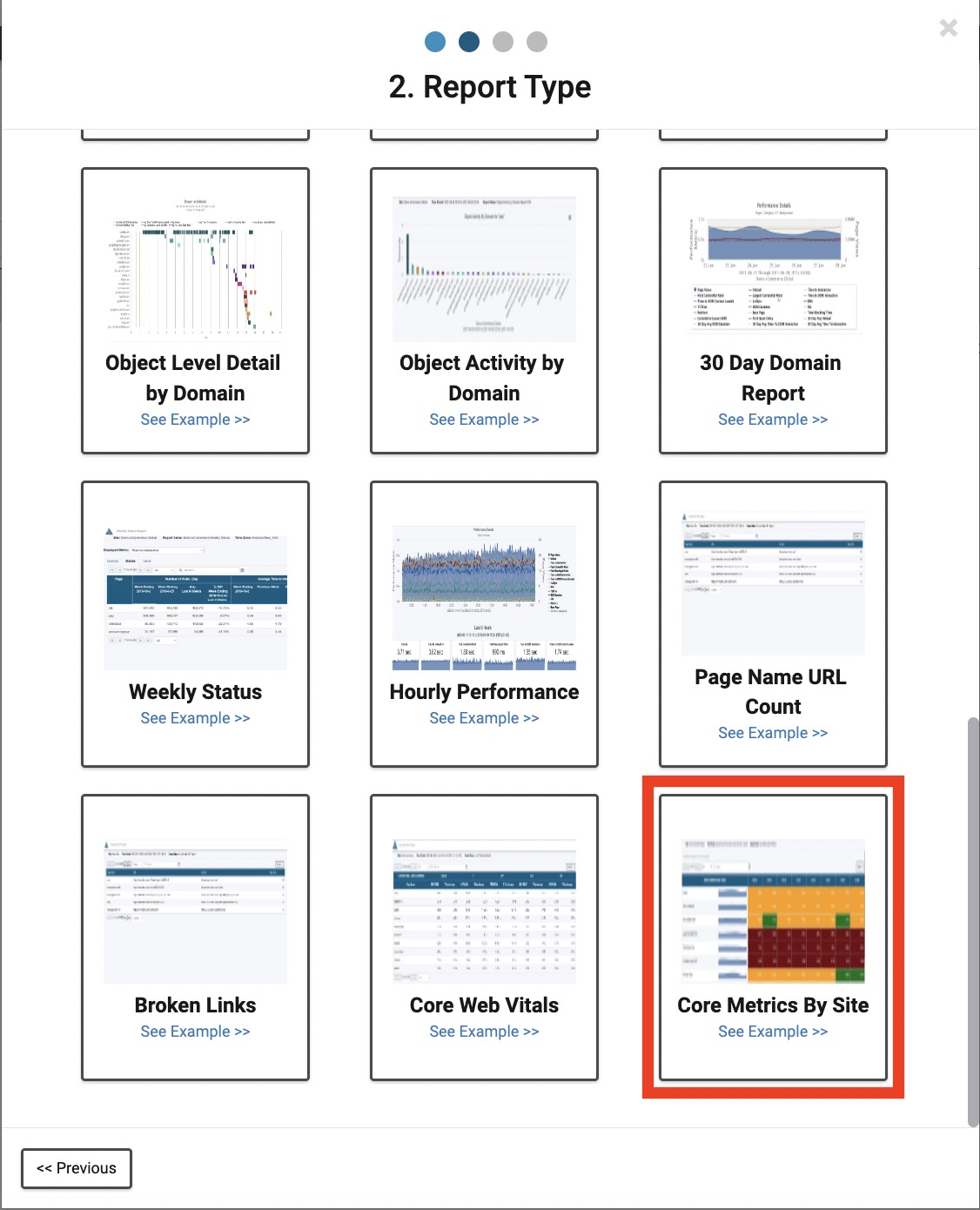
Scroll down to find the Core Metrics by Site Report.
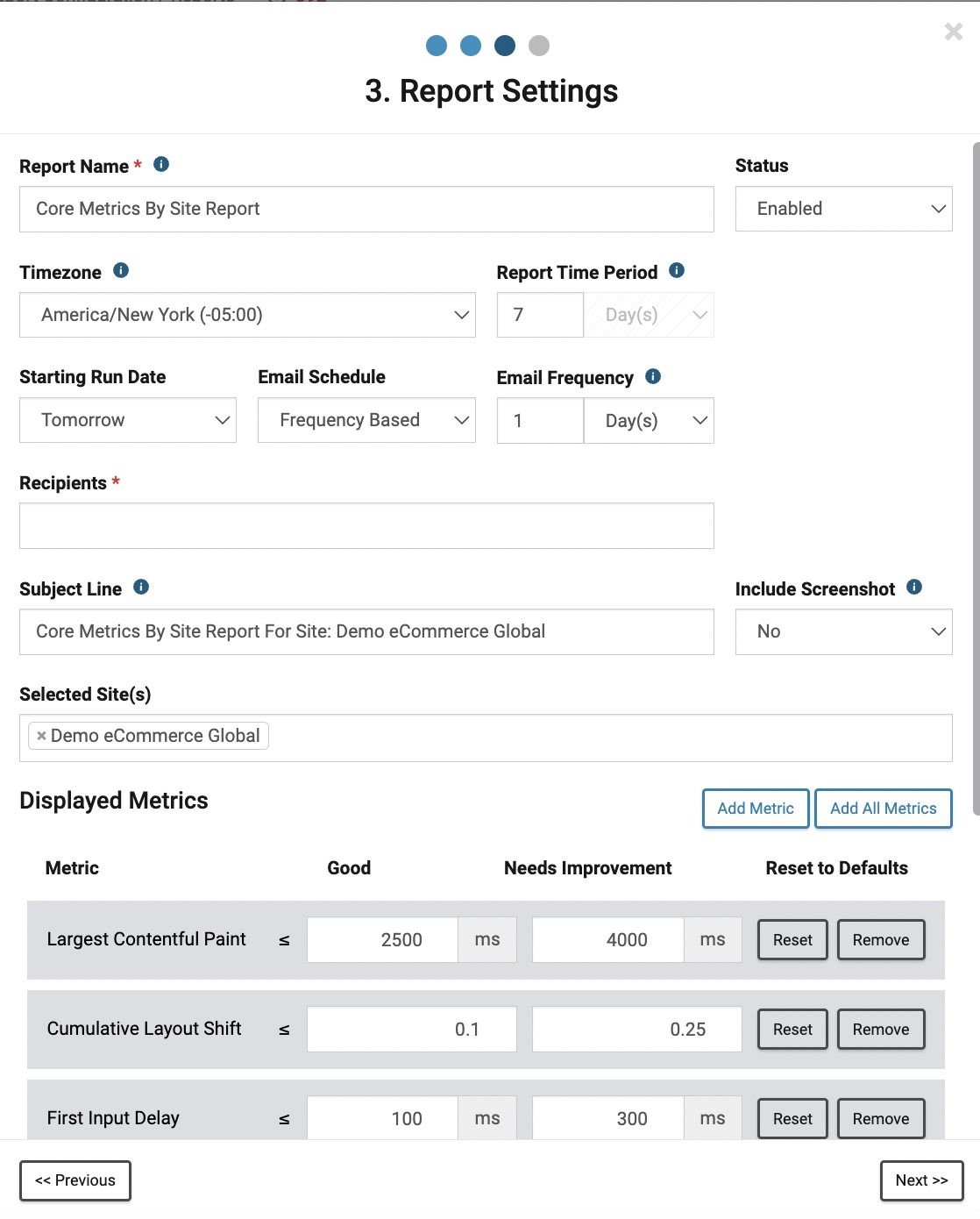
The only required fields for this report are Report Name and Recipients. You are also able to select the Report Time Period (must be at least 7 days). Selected Site(s) allows for multiple sites to show on one report. By leaving this field blank, it will default to the site you are currently under.
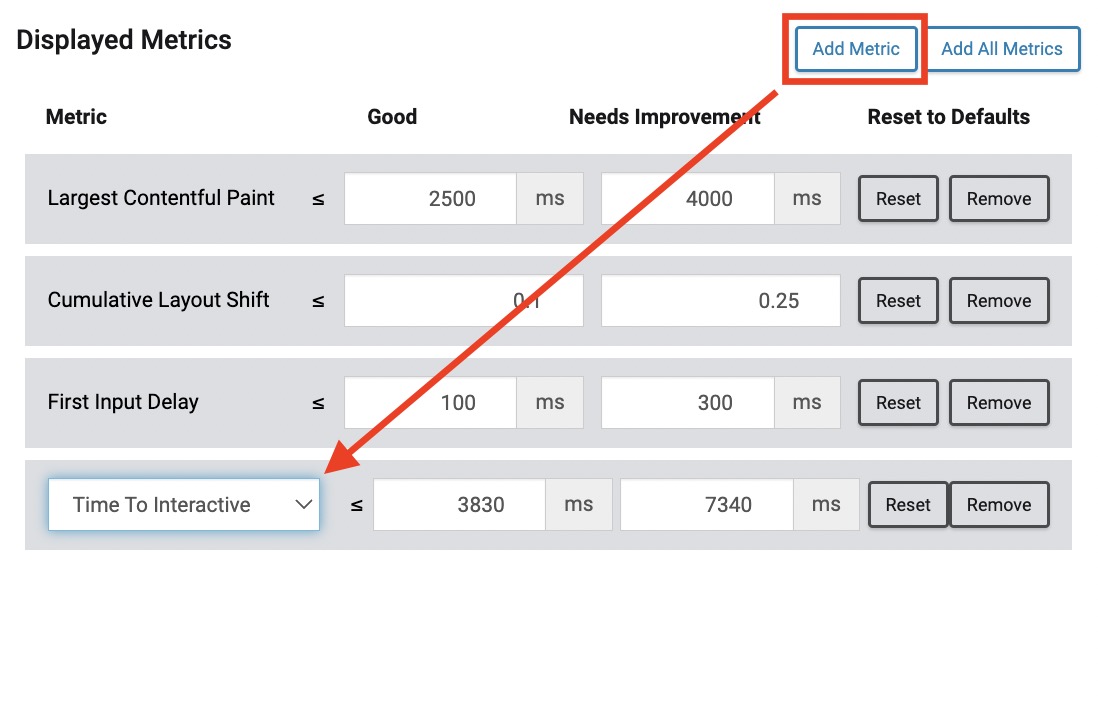
This report also allows for configurable thresholds. The metrics are customizable as well. To add a metric, click the 'Add Metric' button. This will open a drop down menu where you can select from the available metrics. If possible, the selected metric will allow for configurable thresholds. Drag and drop a metric to alter the order they will appear in the final report.
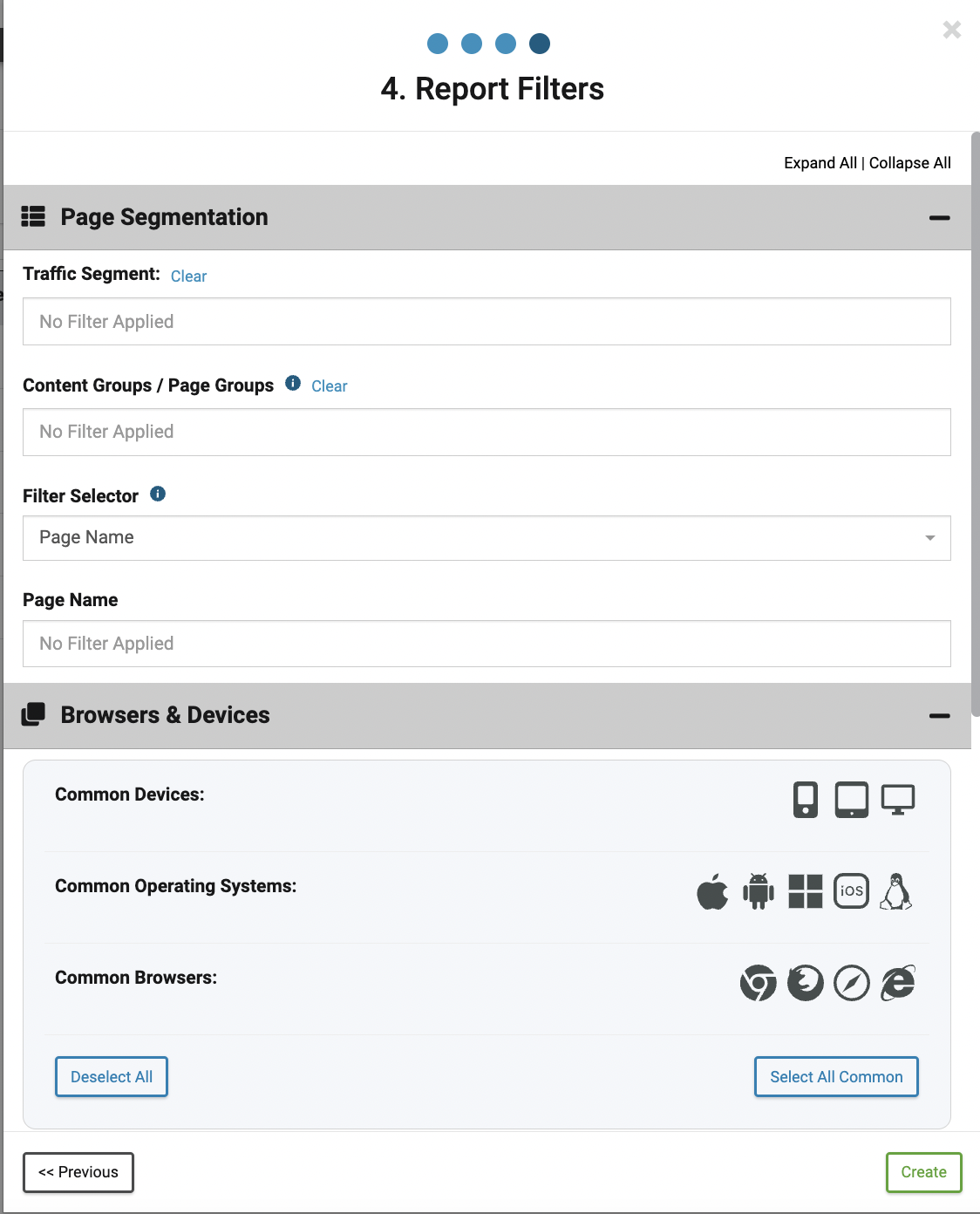
The final page of the configuration process is the option to apply any desired Page Segmentation, Browser & Devices, Geography, or Advanced filters. Click 'Create' to complete the process.
Export
Clicking the Export button at the top right of the report allows for exporting the report as a CSV, TSV, JSON, or array.