

|
I want to compare two different aggregate waterfalls with different filters and easily see what has changed between the two, how can I do that? |
1. Open either the RUM or Synthetic Aggregate Waterfall page
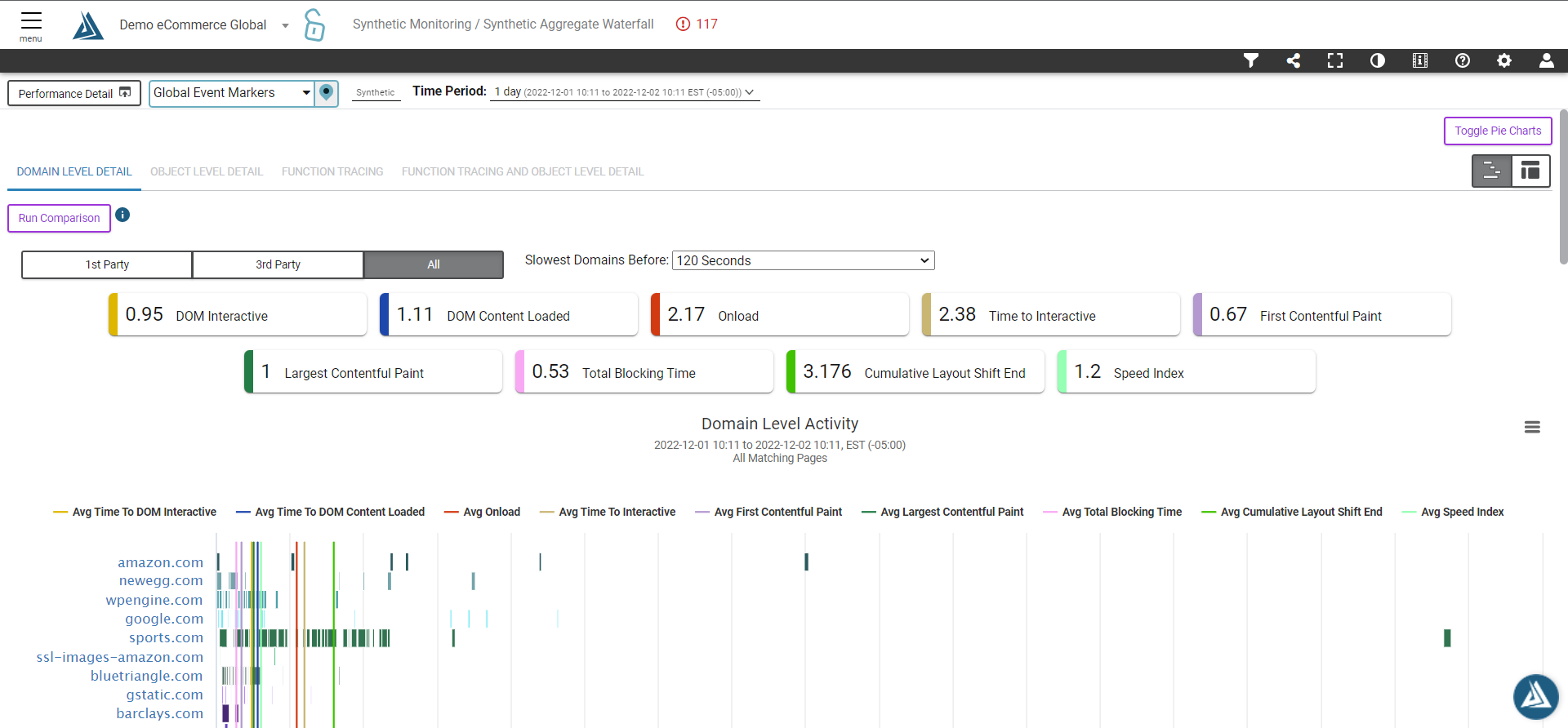
2. Filter the time\date and any other specific filters (page name, traffic segment, etc...) you want to see as the "before" view
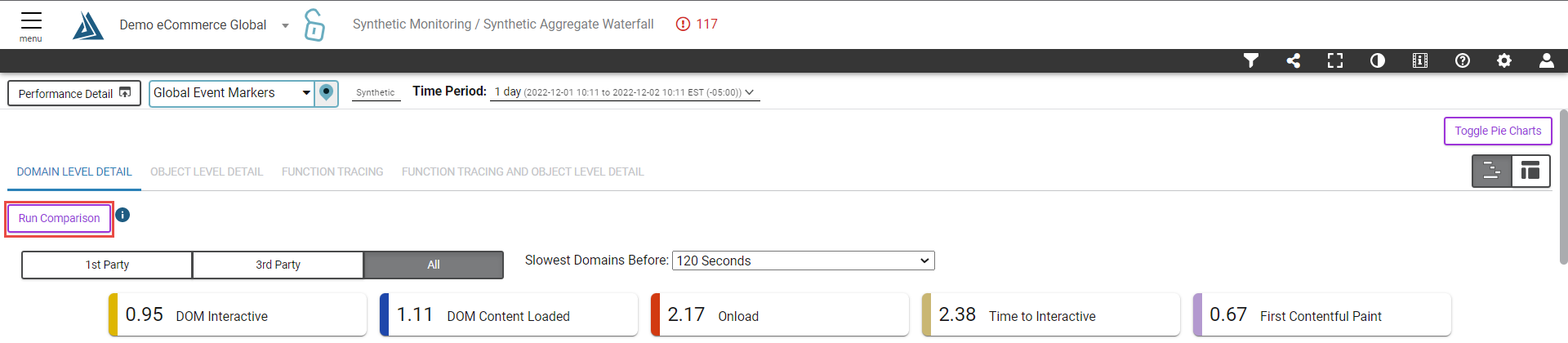
3. Click the Run Comparison button in top left corner of dashboard
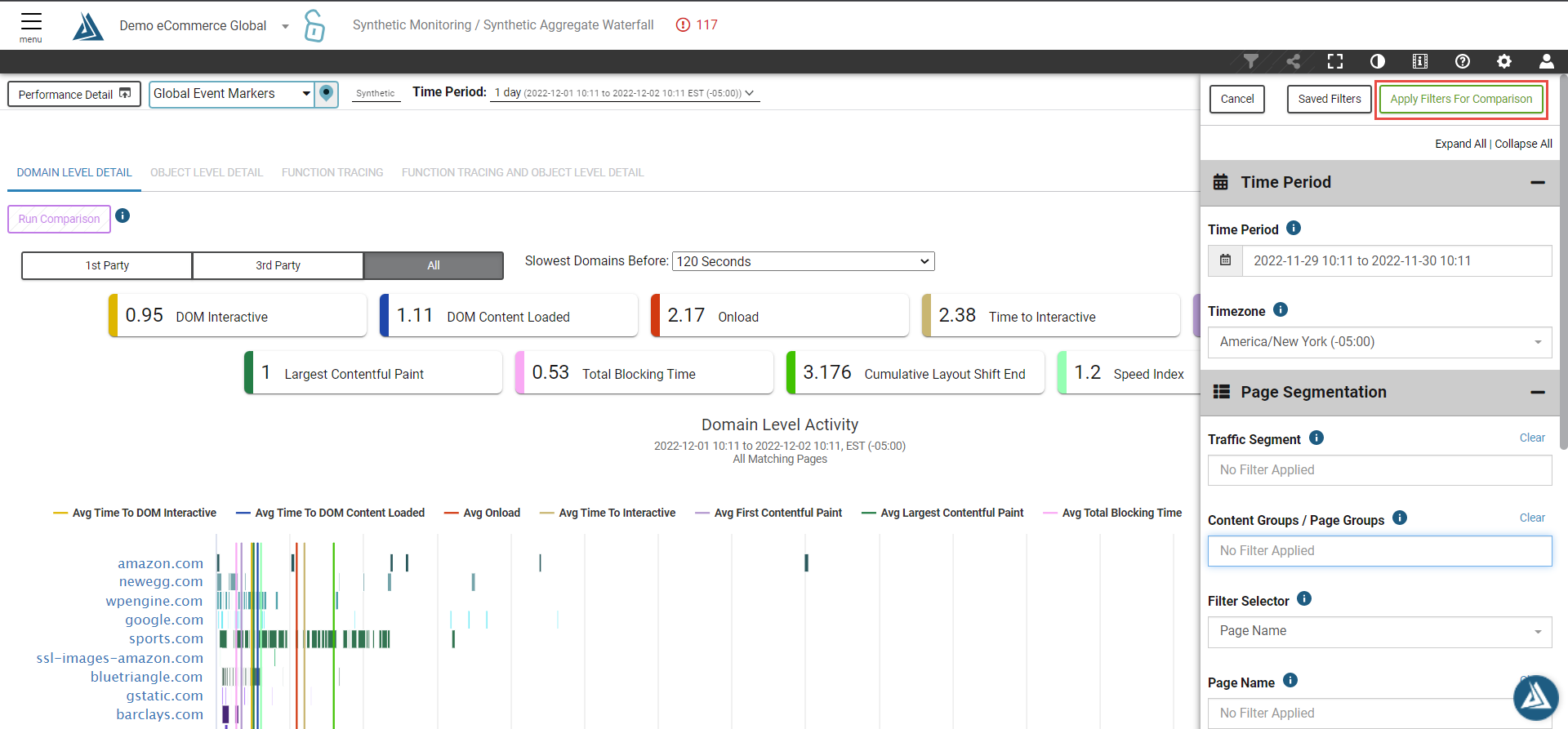
4. Choose time\date for the "after view"
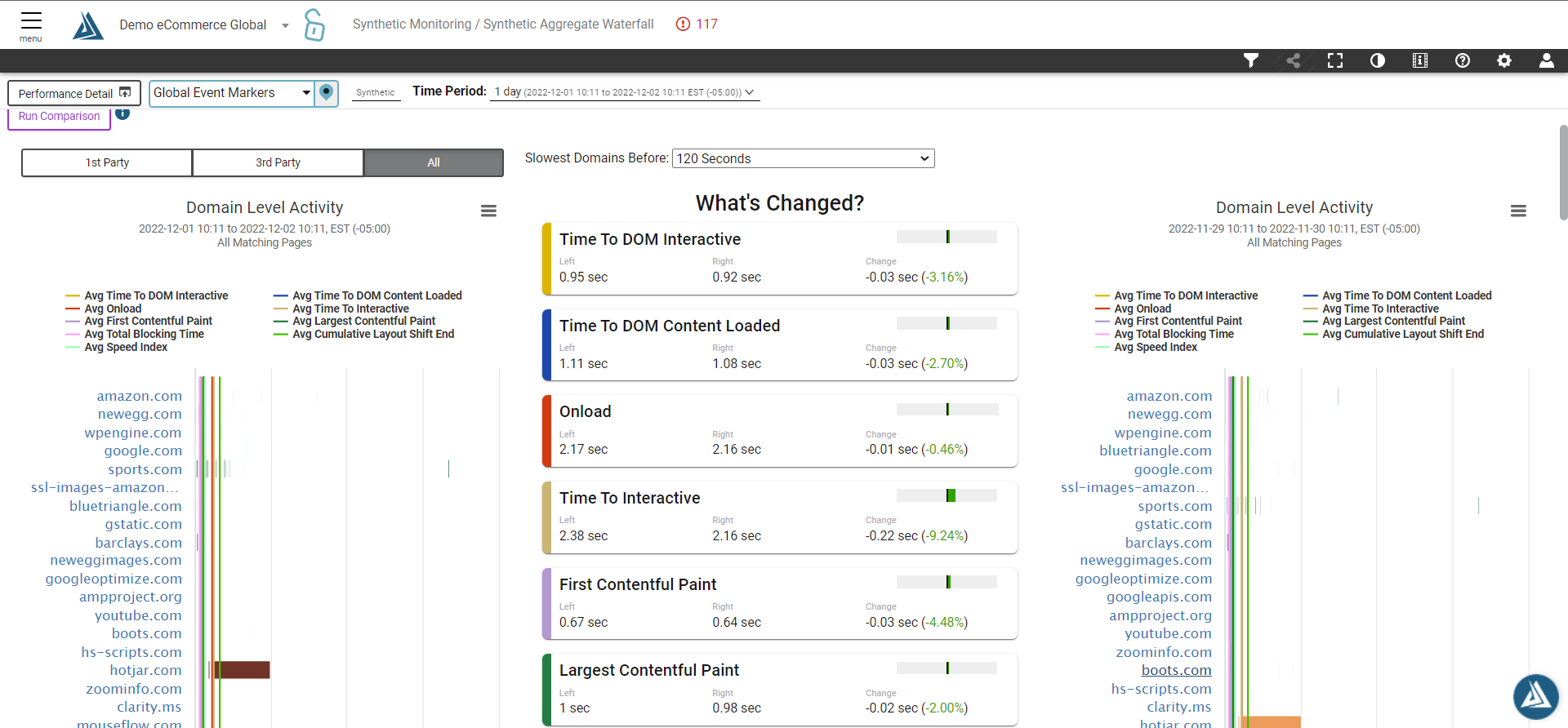
5. See before\after in the same dashboard
For more relevant information, please check the following pages: RUM Aggregate Waterfall, Synthetic Aggregate Waterfall.