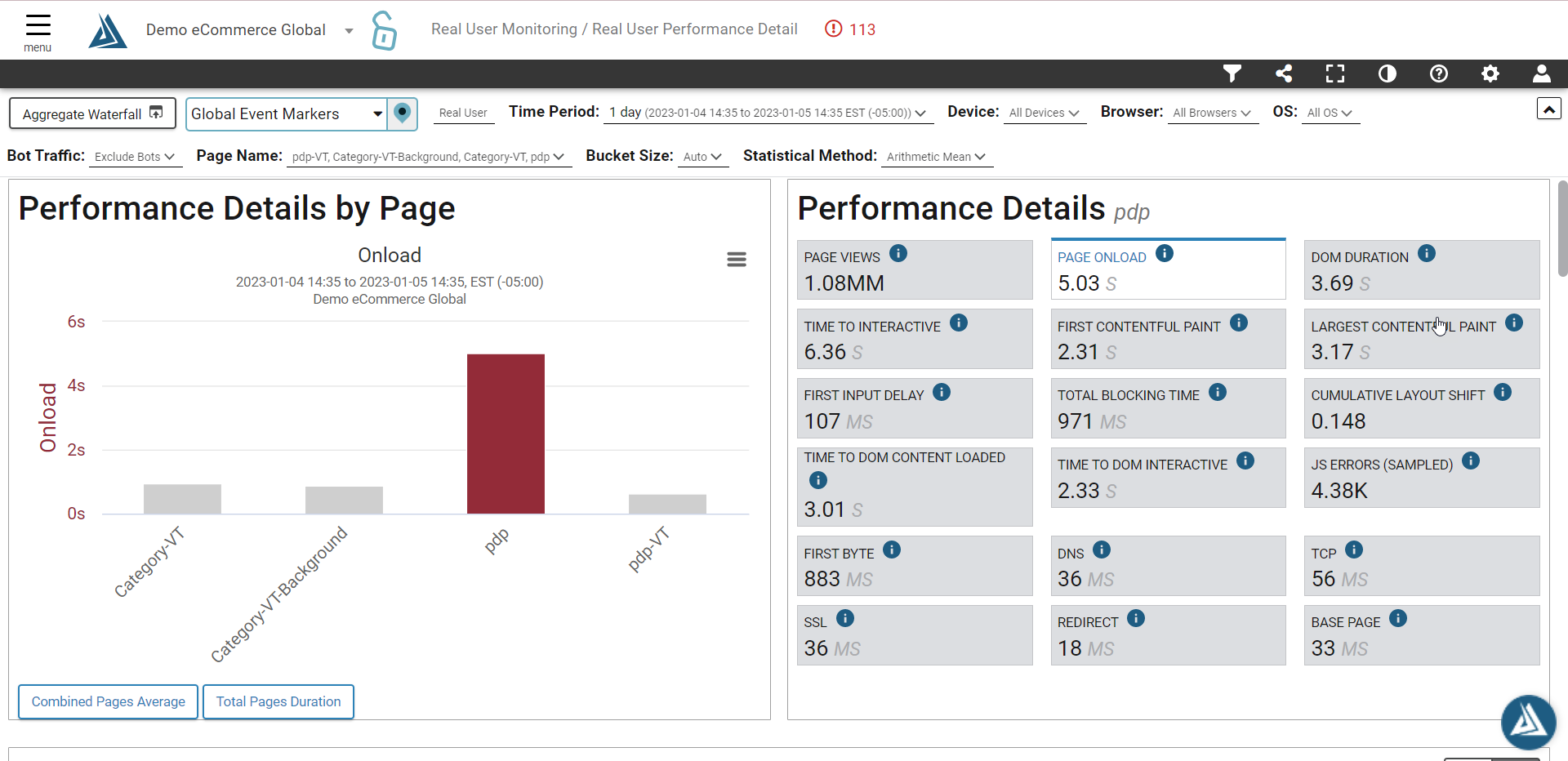
Yes! On RUM Performance Detail, you are able to select multiple page names in the filter dropdown at once.
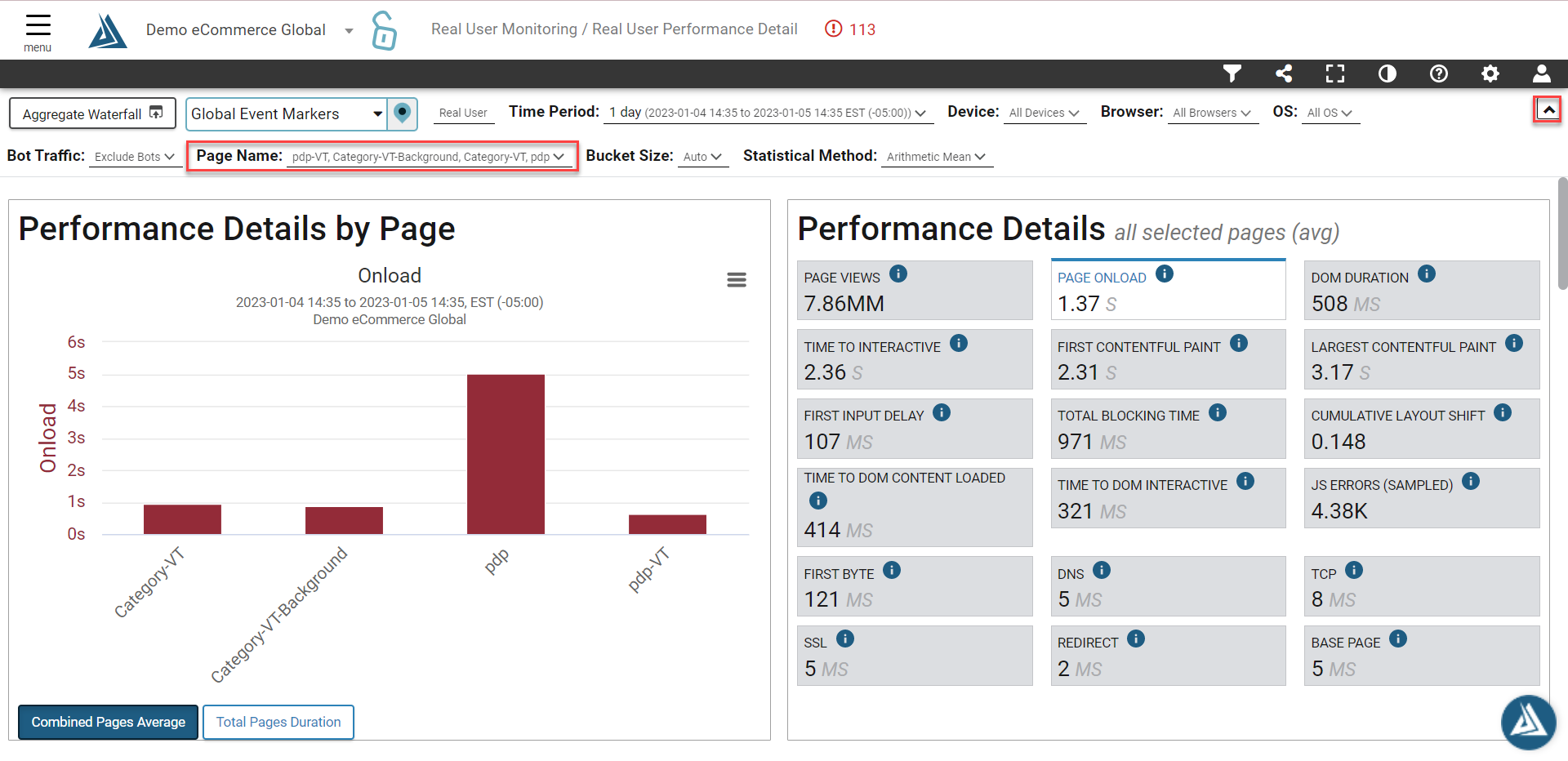
Once you hit apply, you'll see multiple page names and their respective speeds represented in the bar chart on the left of the page. The view on the graph below is the combined average of all of the selected pages.
To trend just one of these over time, simply click a bar on the bar graph for the page view you would like to trend! This will also update the metrics on the right side of the page to show just those of the selected page.