

|
How can I check what version of the BT tag is running on my site? |
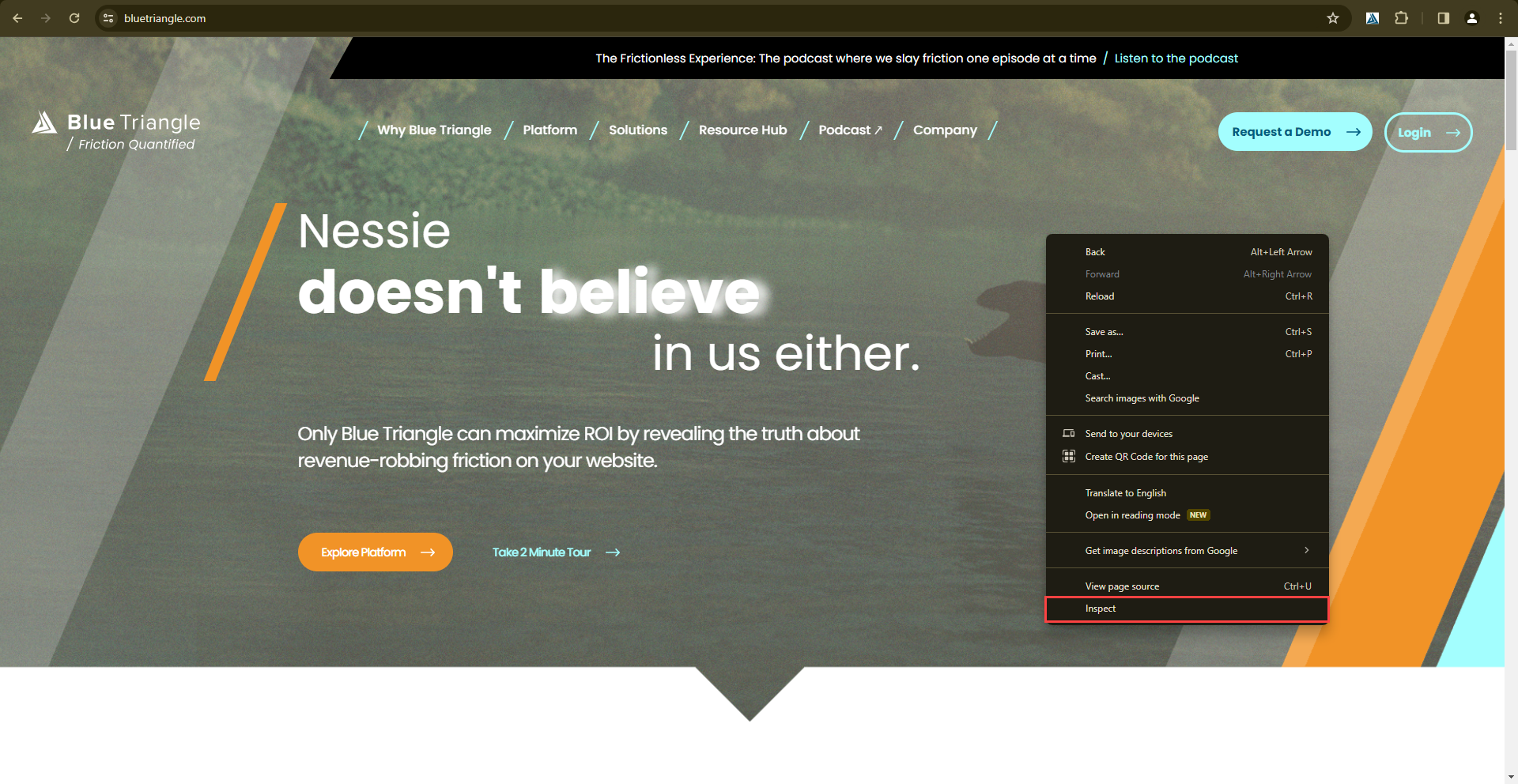
To find which version of the BT tag your site is on, first navigate to your site. Right click anywhere on the page and click Inspect to open DevTools.
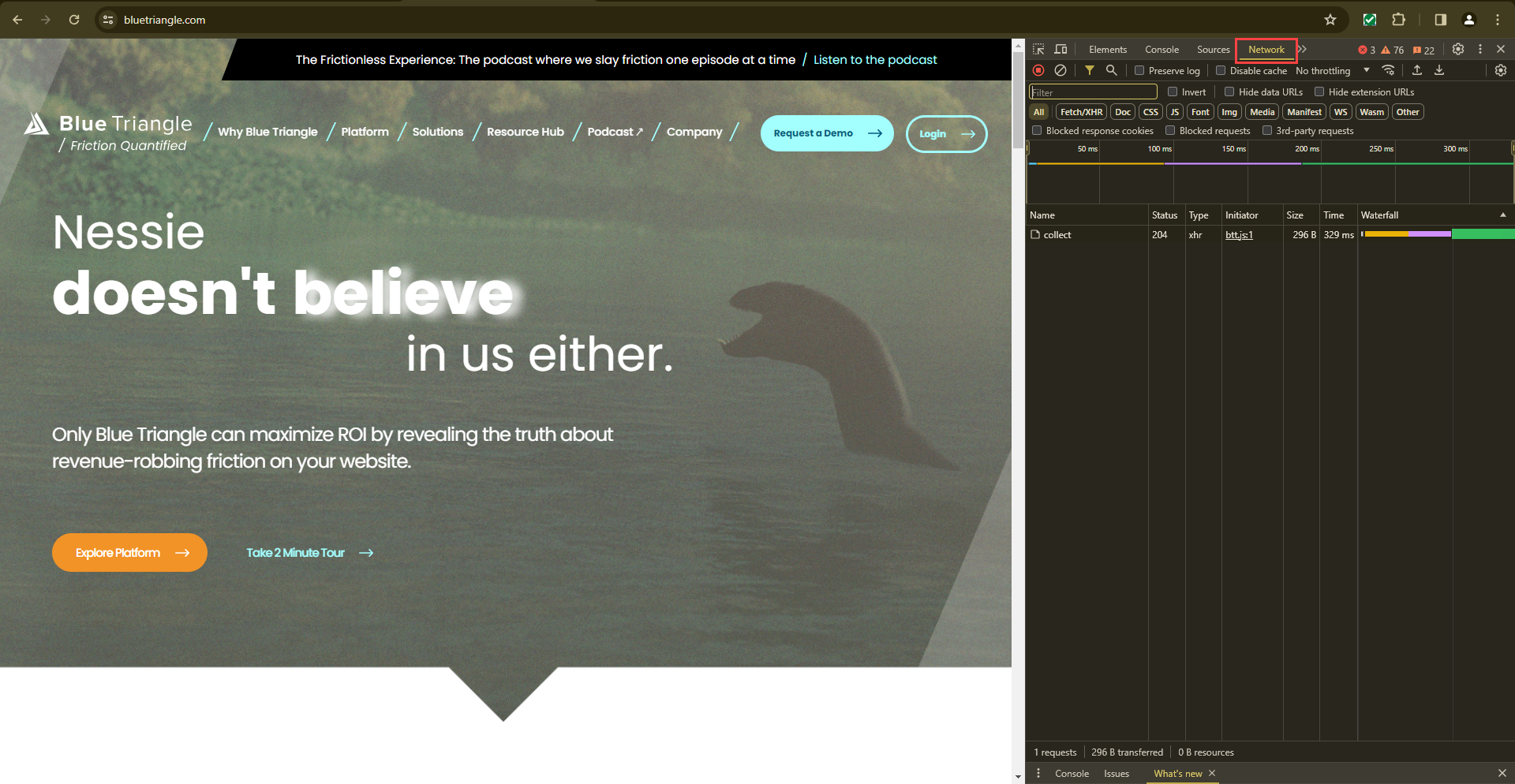
Once the DevTools open, navigate to the Network tab and reload the page.
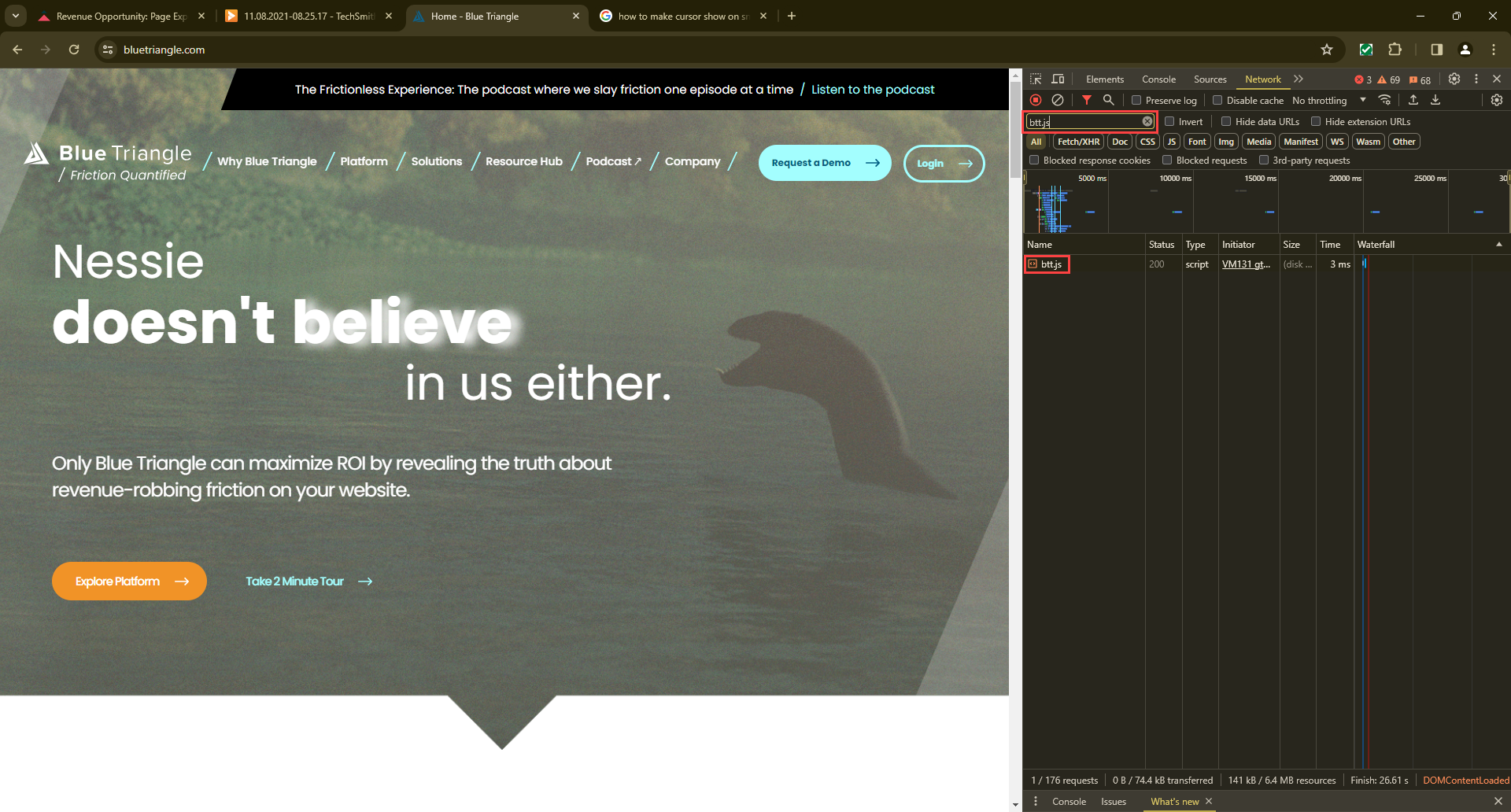
Use the search box to look for "btt.js", and click on the result.
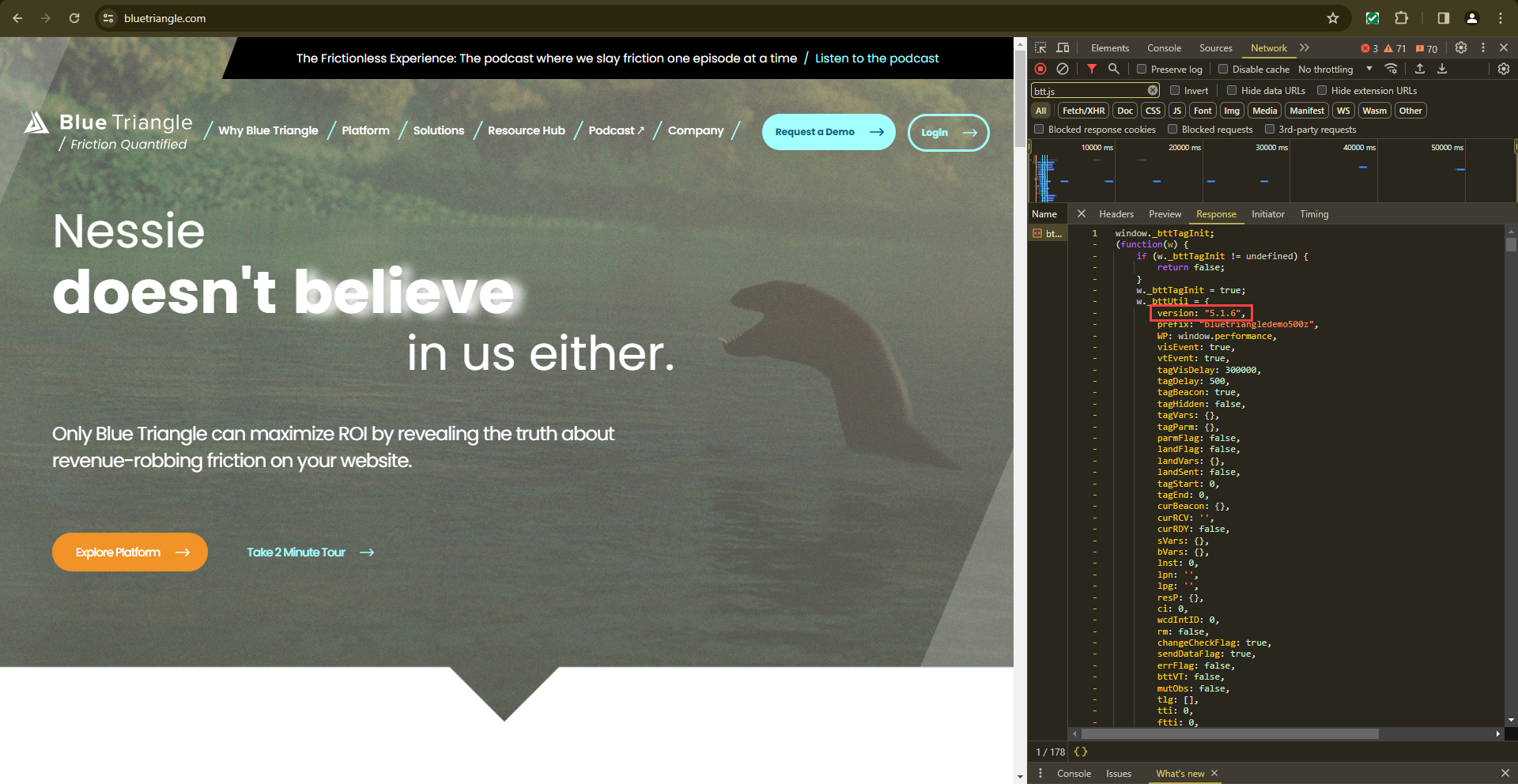
Look for "version" at the top of the tag code to see which tag version is loading on your site.
To see release notes on tag versions, please visit Tag Releases.