Overview
The Services and CSP Management Overview page gives a high-level view of the status of your Total Tag Control Process in a dashboard format.
How to Find the Services & CSP Management Overview Page
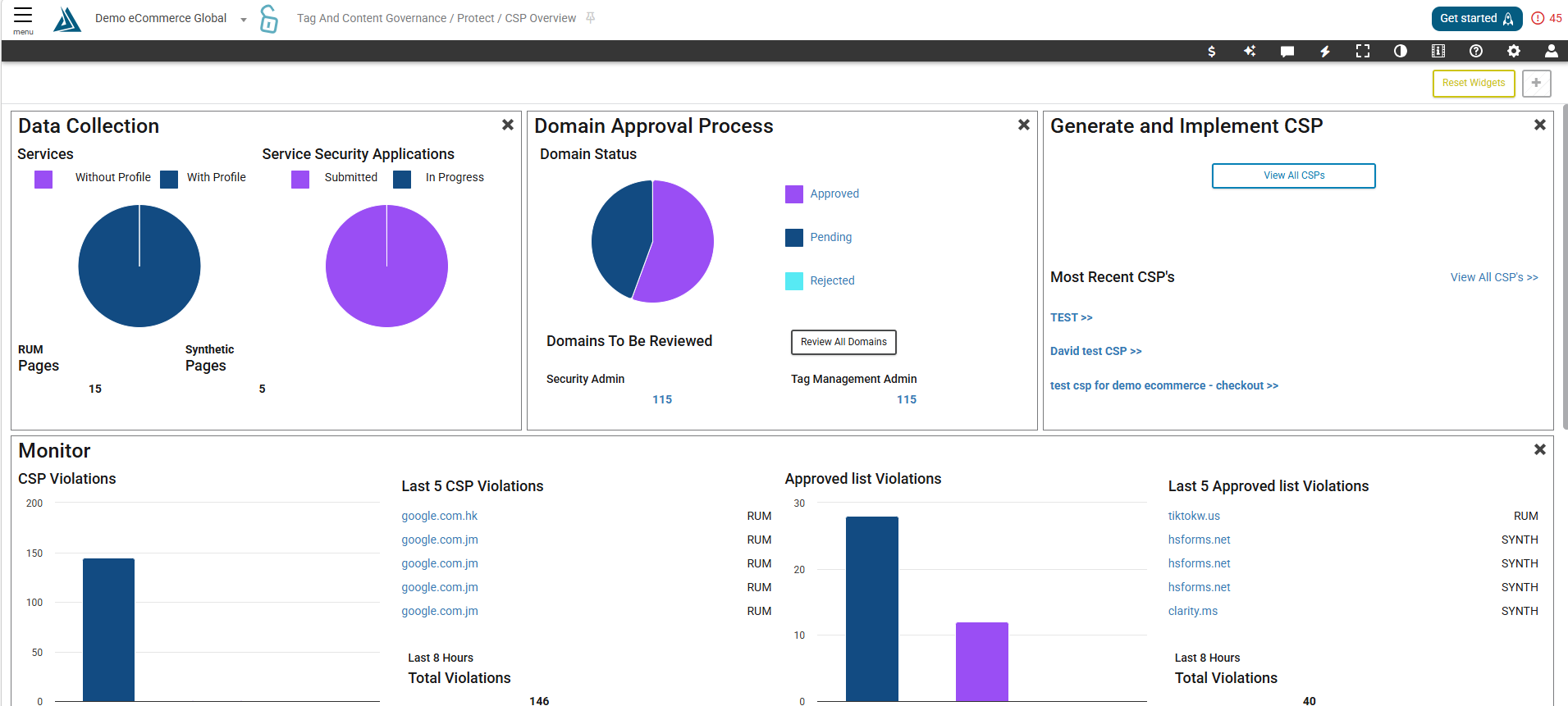
The Services and CSP Management Overview page can be found in the the left-side portal menu under CSP & Tag Governance → Protect → CSP Overview
How to Navigate the Services & CSP Management Overview Page
This page is structured as a dashboard, meaning it can be customized. Drag and drop widgets to rearrange them, or click the x to Hide them. Once a widget is removed from the Dashboard it can be found to the right of the page.
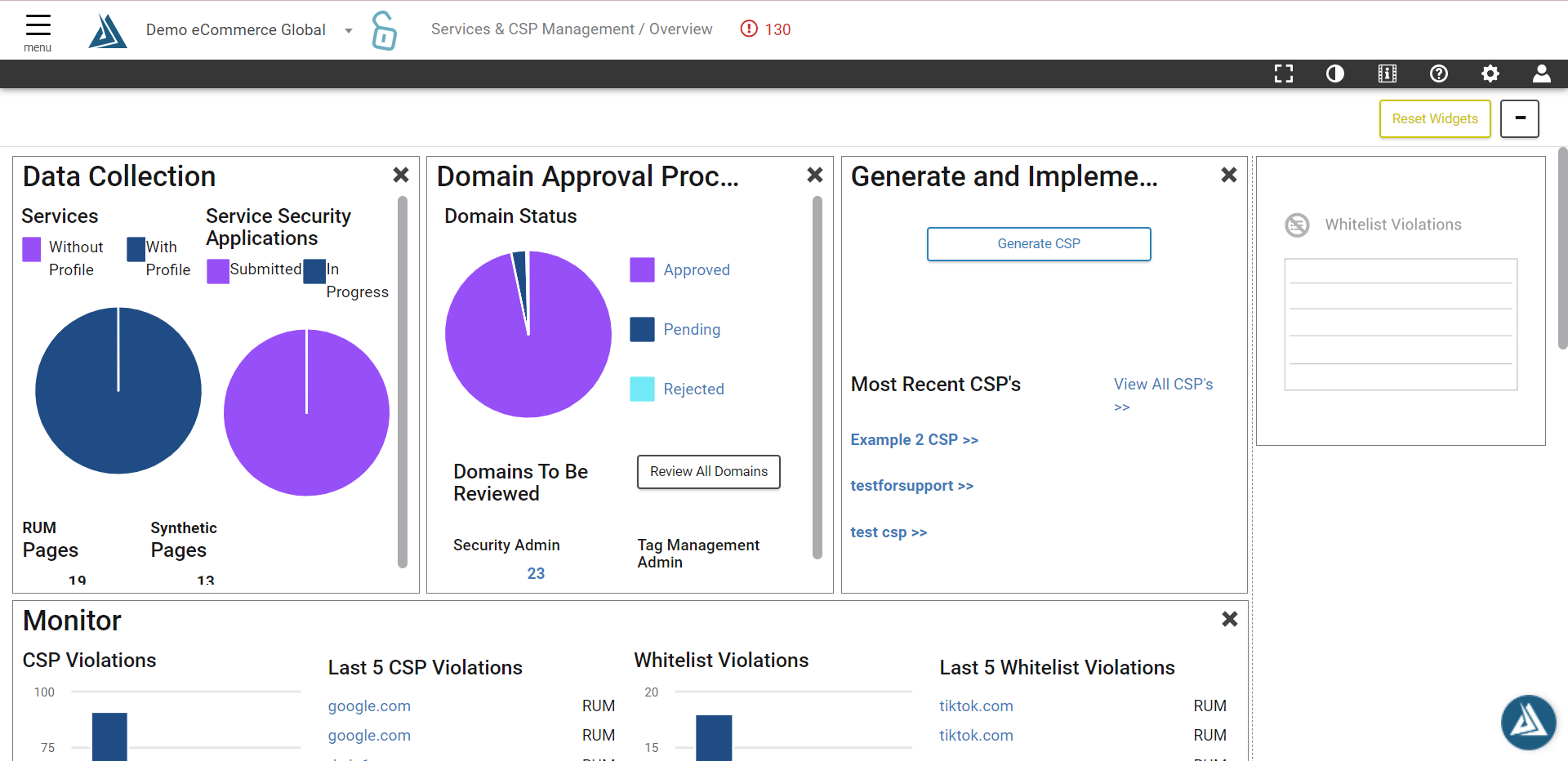
The Reset Widgets button will return all widgets to their original position. The button on the right will hide any widgets that have been removed.

Any domain on this page can be clicked to be redirected to the Domain Details page.
Widgets
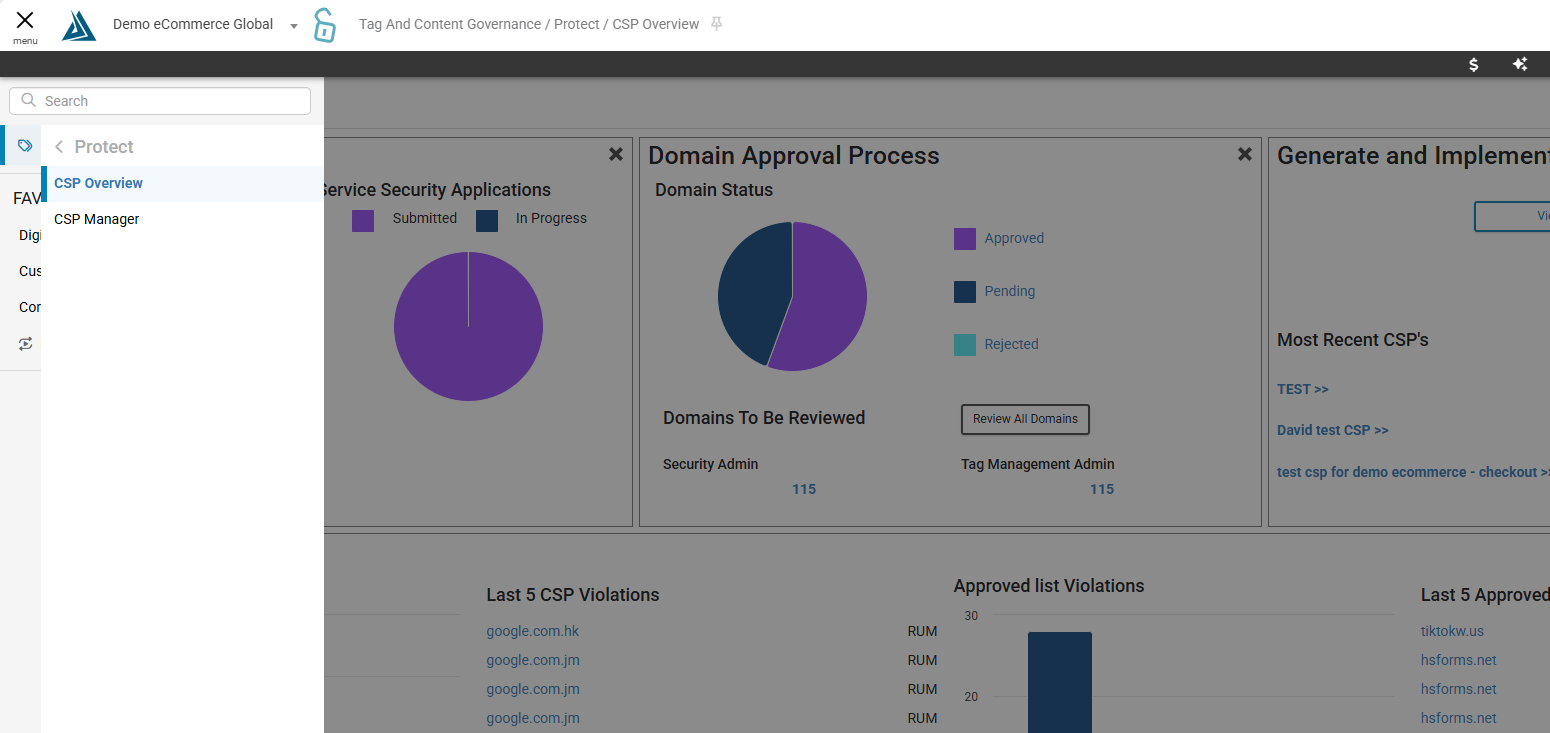
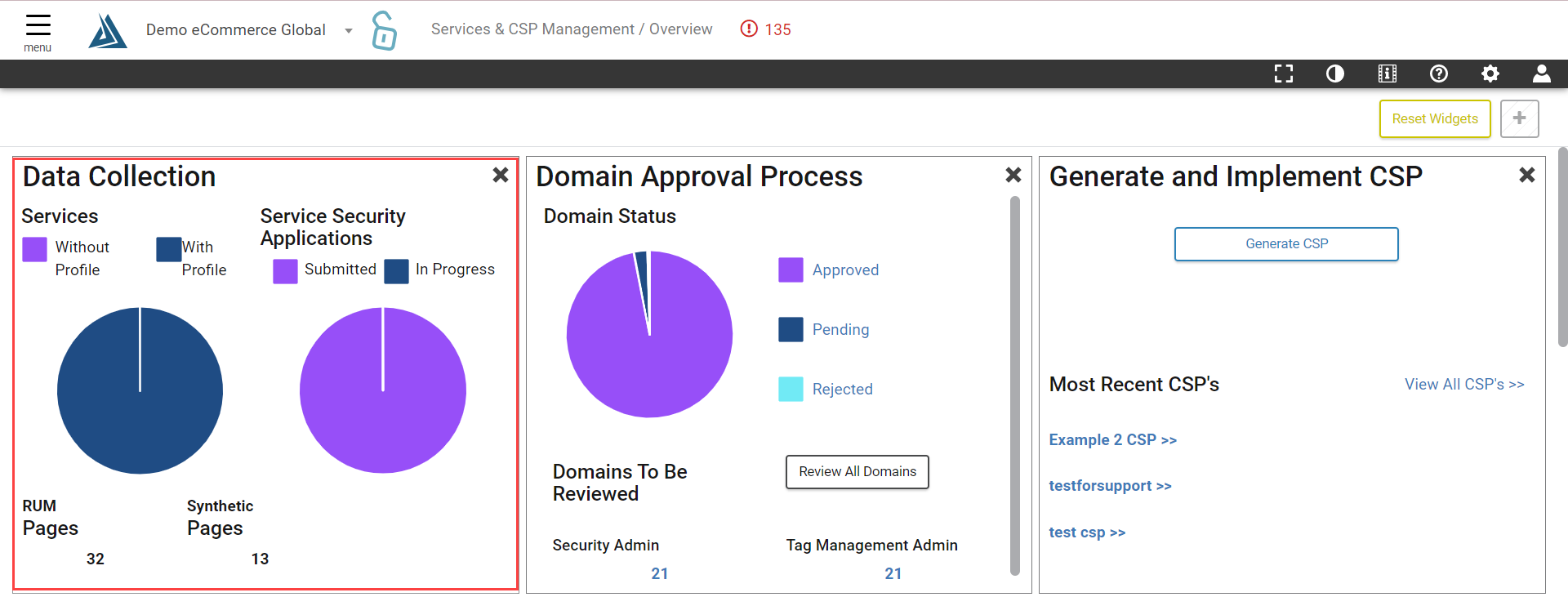
First on the page is the Data Collection widget. This widget displays how many services have been detected on the site, how many service profiles have been created and how many are still left to create.
The status of Service Security Applications can also be viewed here, and below is shown how many pages Blue Triangle has collected data on for both Synthetic and RUM data.
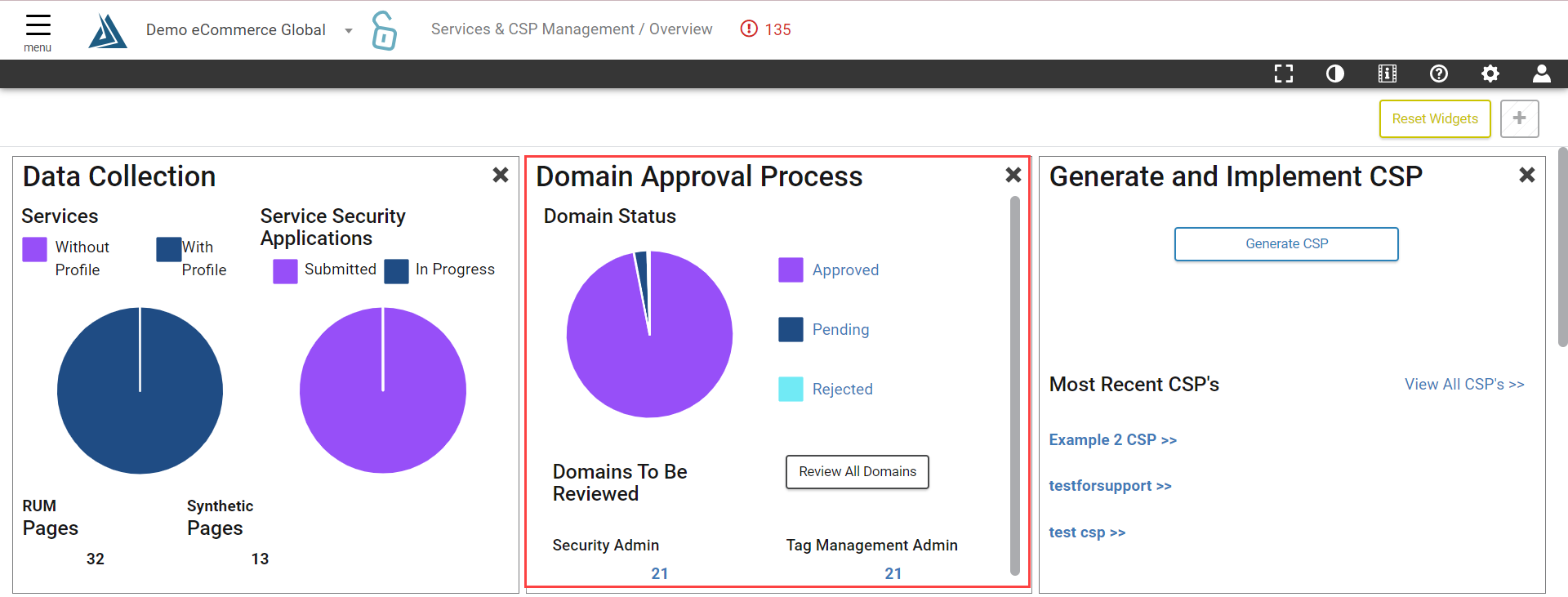
Next is the Domain Approval Process. A Tag Management Admin and Security Admin must review and either approve or reject domains to build the domain whitelist and CSP. We recommend that all domains be reviewed before generating a CSP.
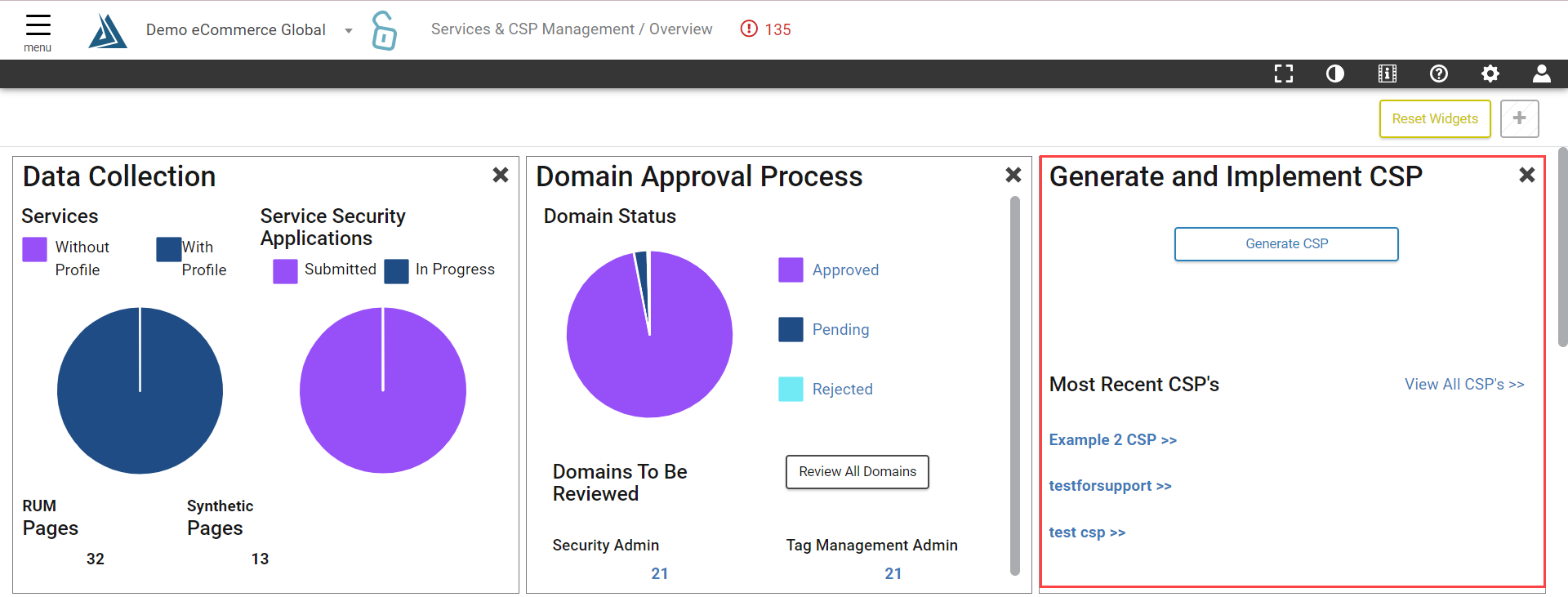
Click the Generate CSP Button in the Generate and Implement CSP widget to be taken to the Content Security Policy Manager page.
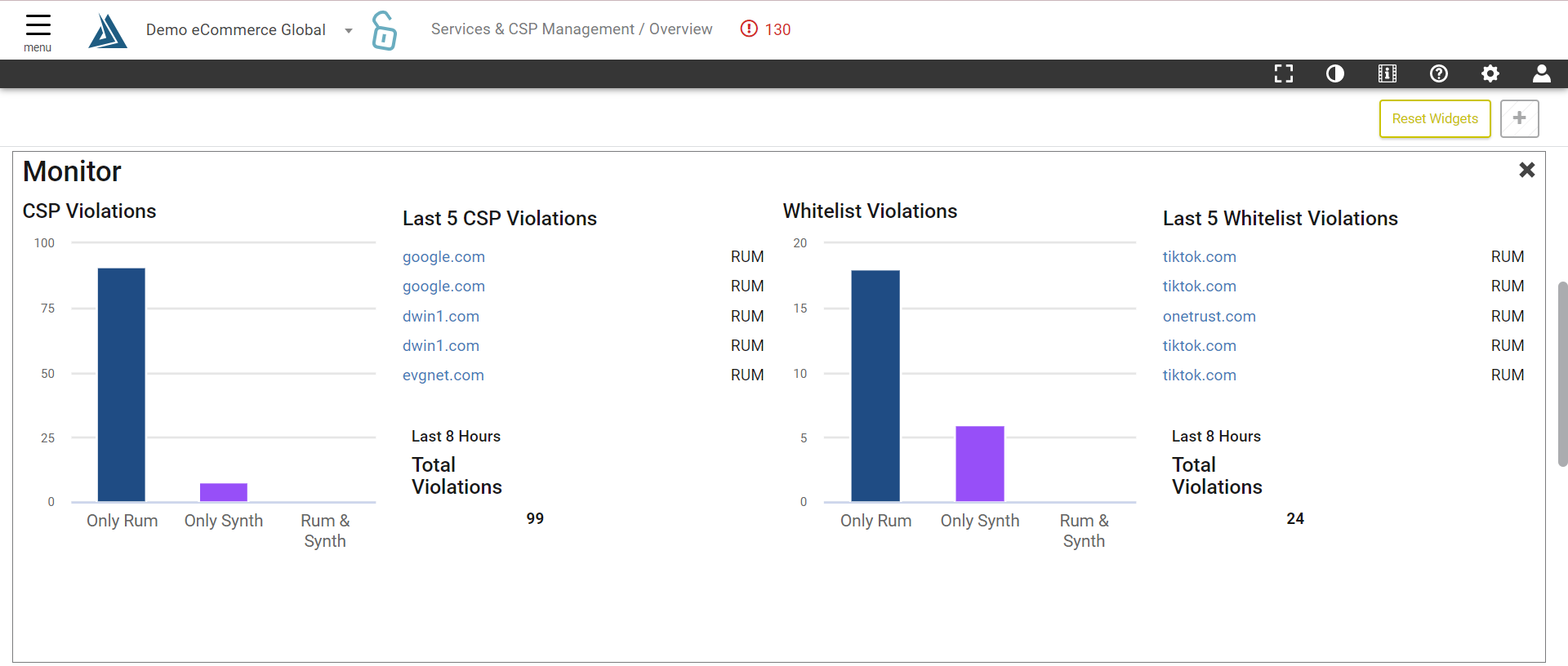
Below is the Monitor widget, displaying most recent CSP Violations and Whitelist Violations that occurred on the site. Clicking any domain on this page will open the Domain Details page in Tag and Content Governance.
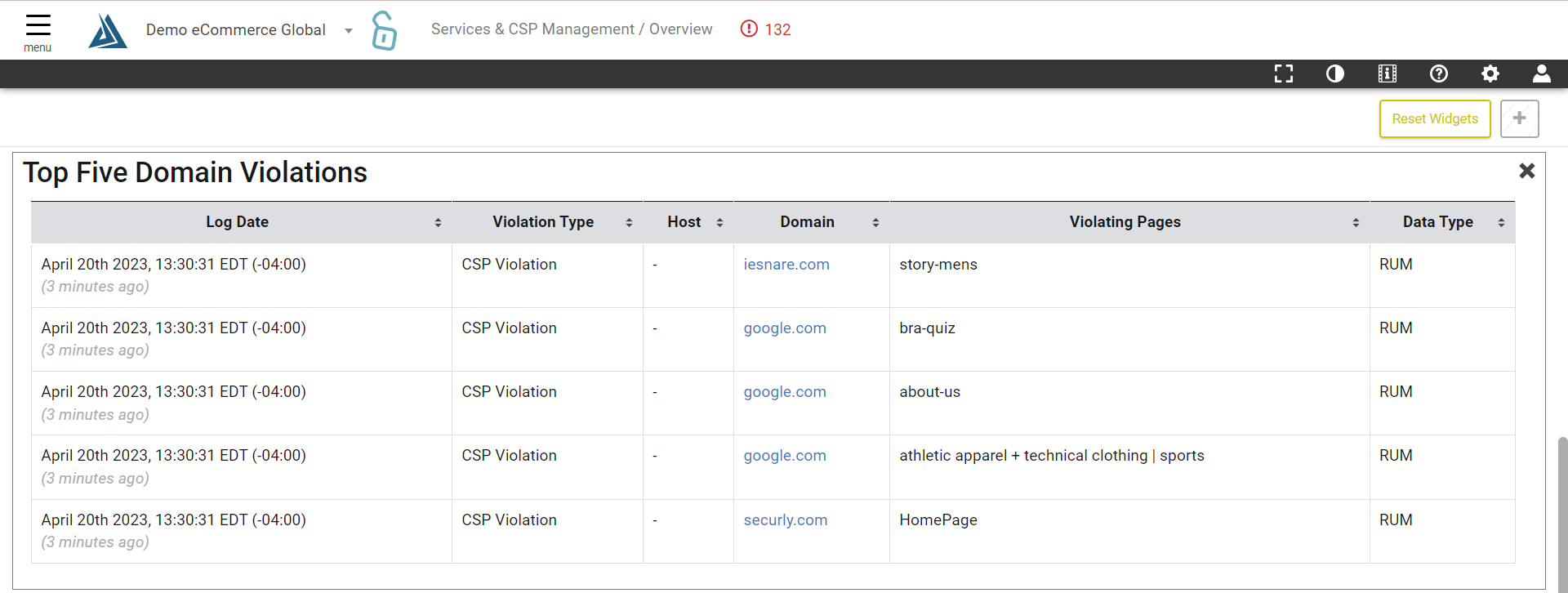
Moving down the screen is the Top Five Domain Violations for the site.
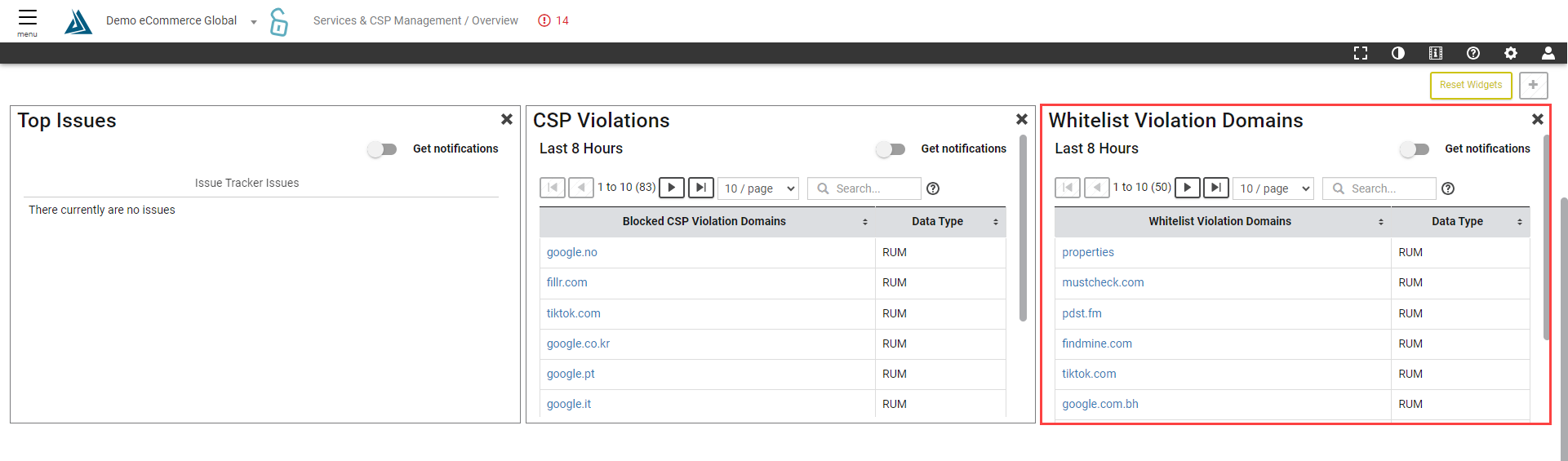
In the bottom left are the Top Issues the system has detected on the site.
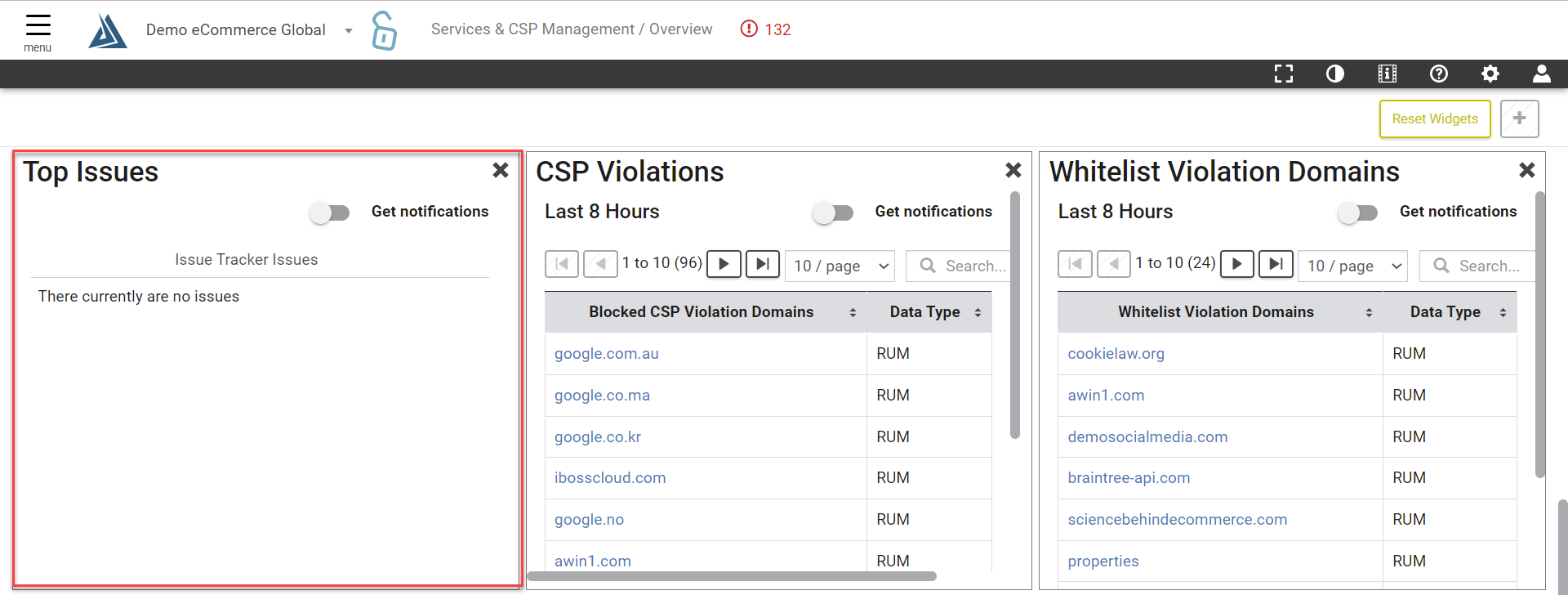
In the middle are CSP Violations. Different from Domain Whitelist violations, CSP violations are warnings or errors produced from the actual CSP on the site. Whether the CSP is live or in report mode the violations will appear here.
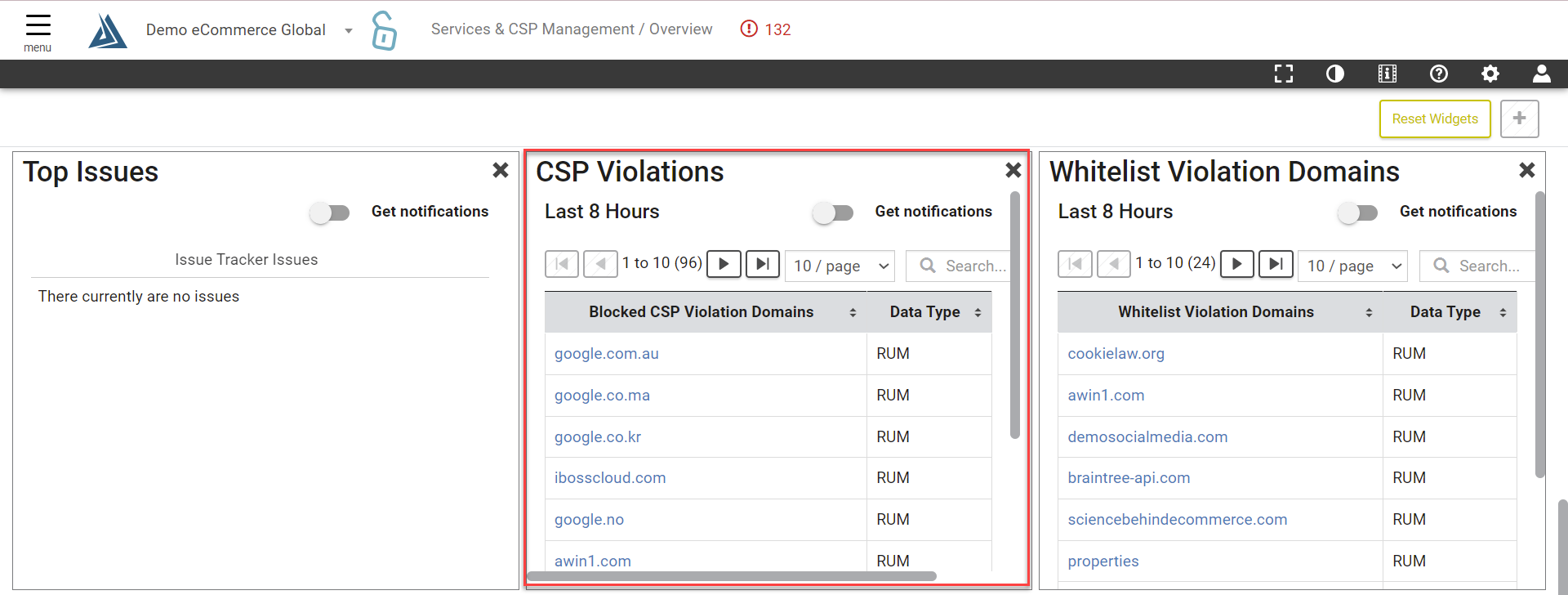
To the right are Whitelist Violation Domains. View here what domains are active on the site that are not in the whitelist. From here it can also be determined whether these domains were detected in RUM data, Synthetic data, or both.