Overview
The Executive Availability Report allows you to view site availability over the past 7 days, month to date, and year to date for each of your synthetic monitors organized by Monitor Group (Content/Page Group in the synthetic monitor configuration). The cards located at the top of the report allow you to toggle between the average uptime or downtime for the report period, month to date, and year to date.
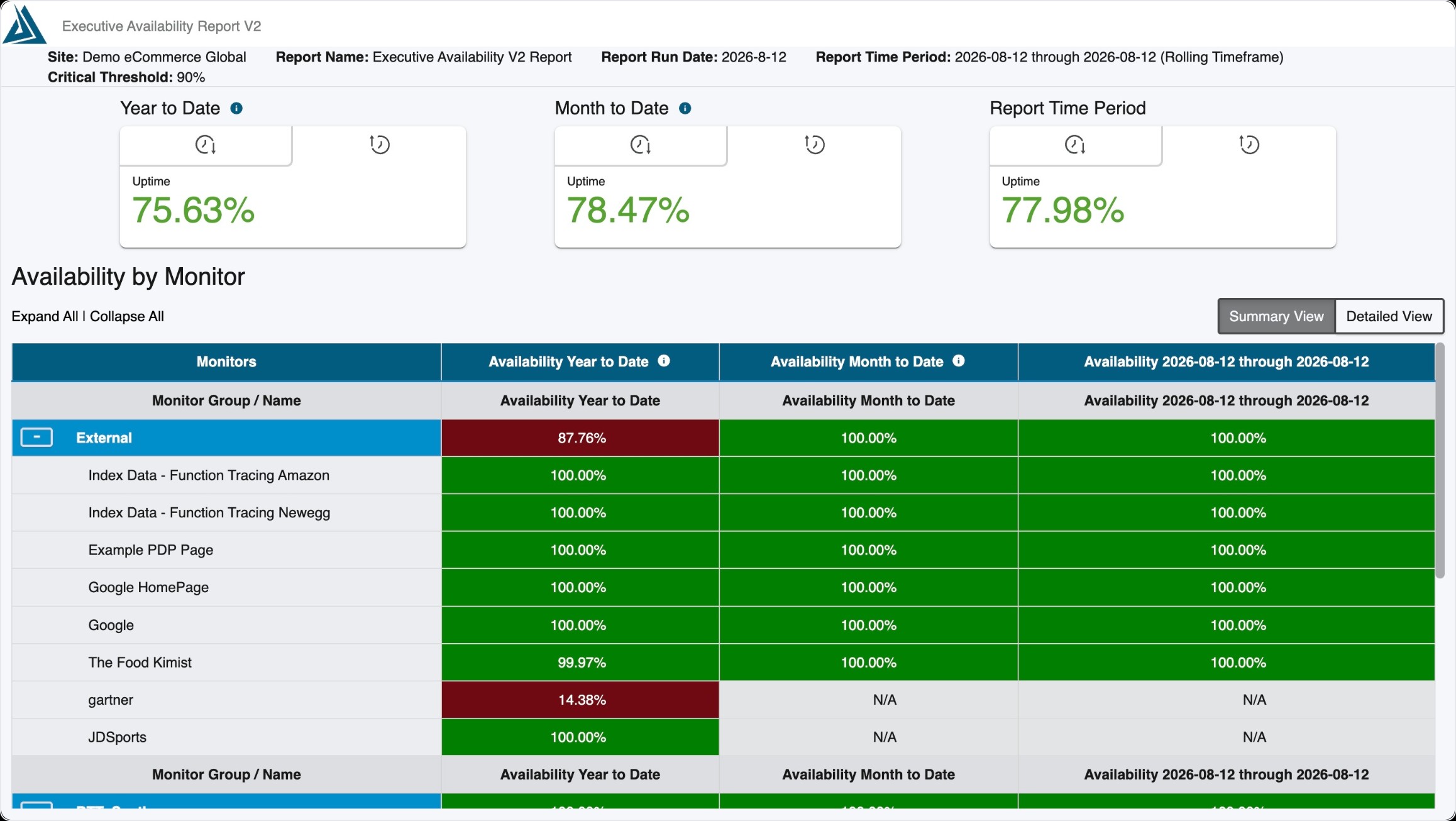
Please see our help center article here for information on how Availability is calculated in Blue Triangle.
Configuration
The Executive Availability Report is available in the Settings & Administration menu on the right side of the portal under the 'Reports' category. After clicking the 'Create Automated Report' button, the Executive Availability Report is located under 'Synthetic'.
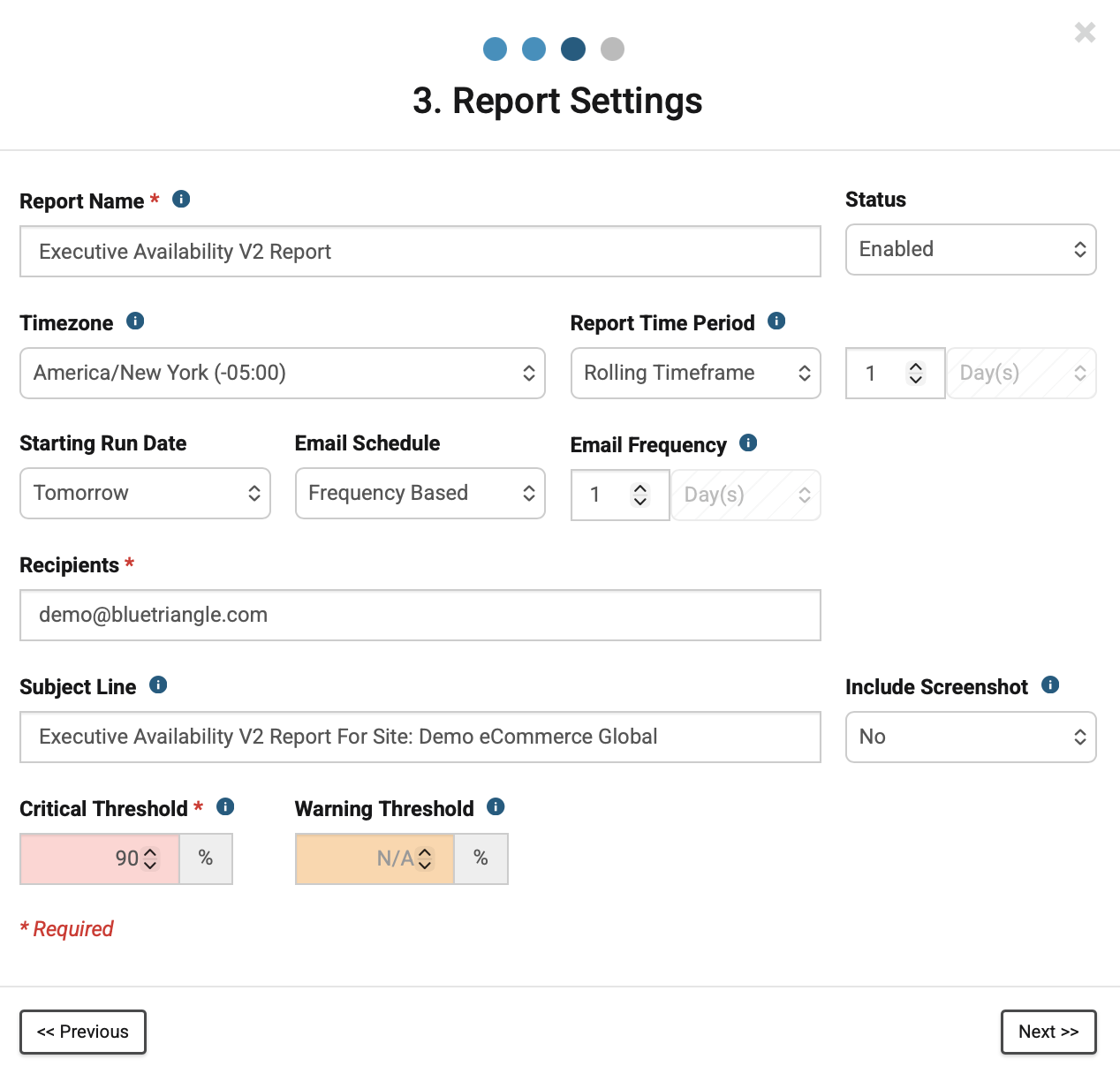
Example of the Configuration of a new report:
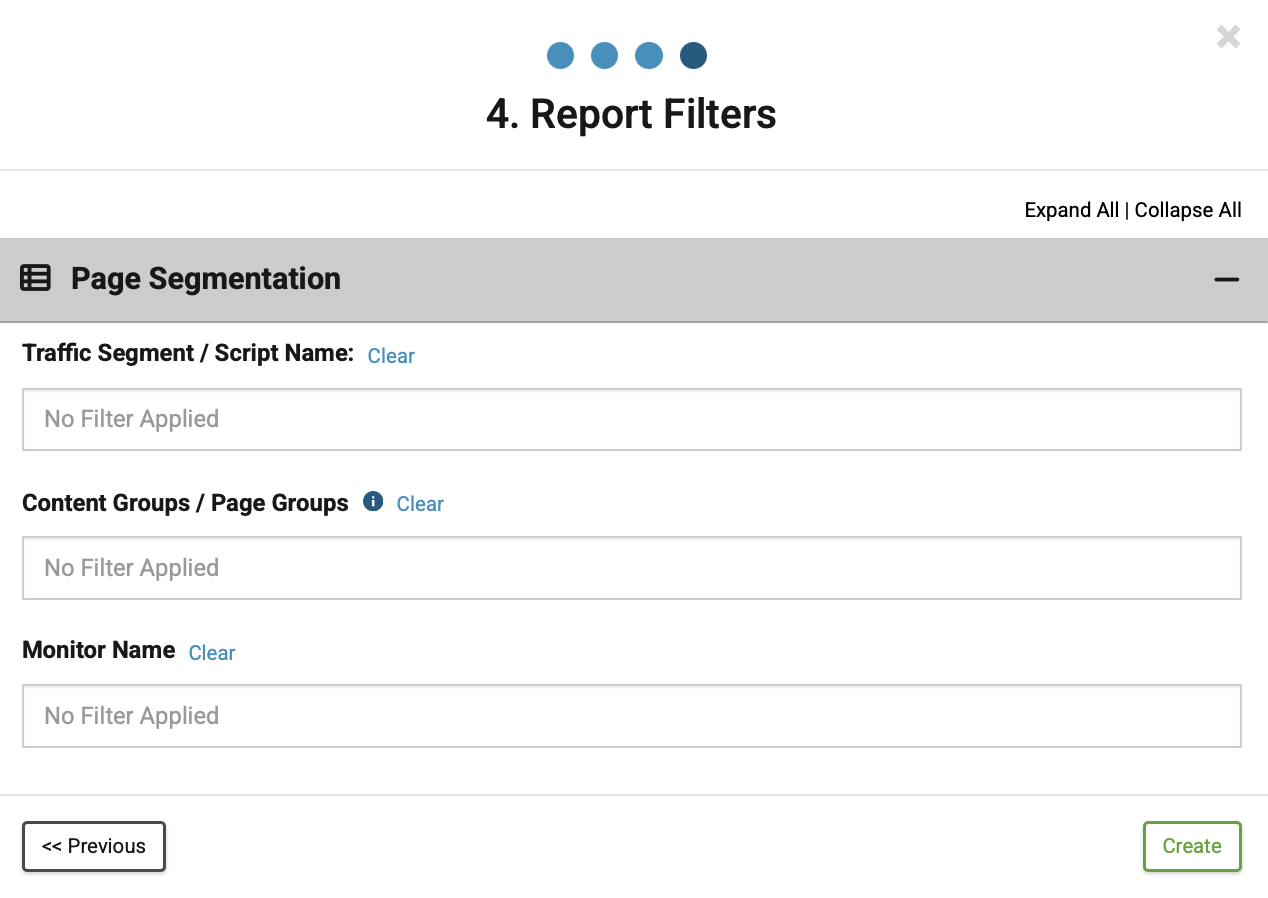
Example of the available report filters: