

|
I need to identify which domain has a long running javascript function, how do I start? |
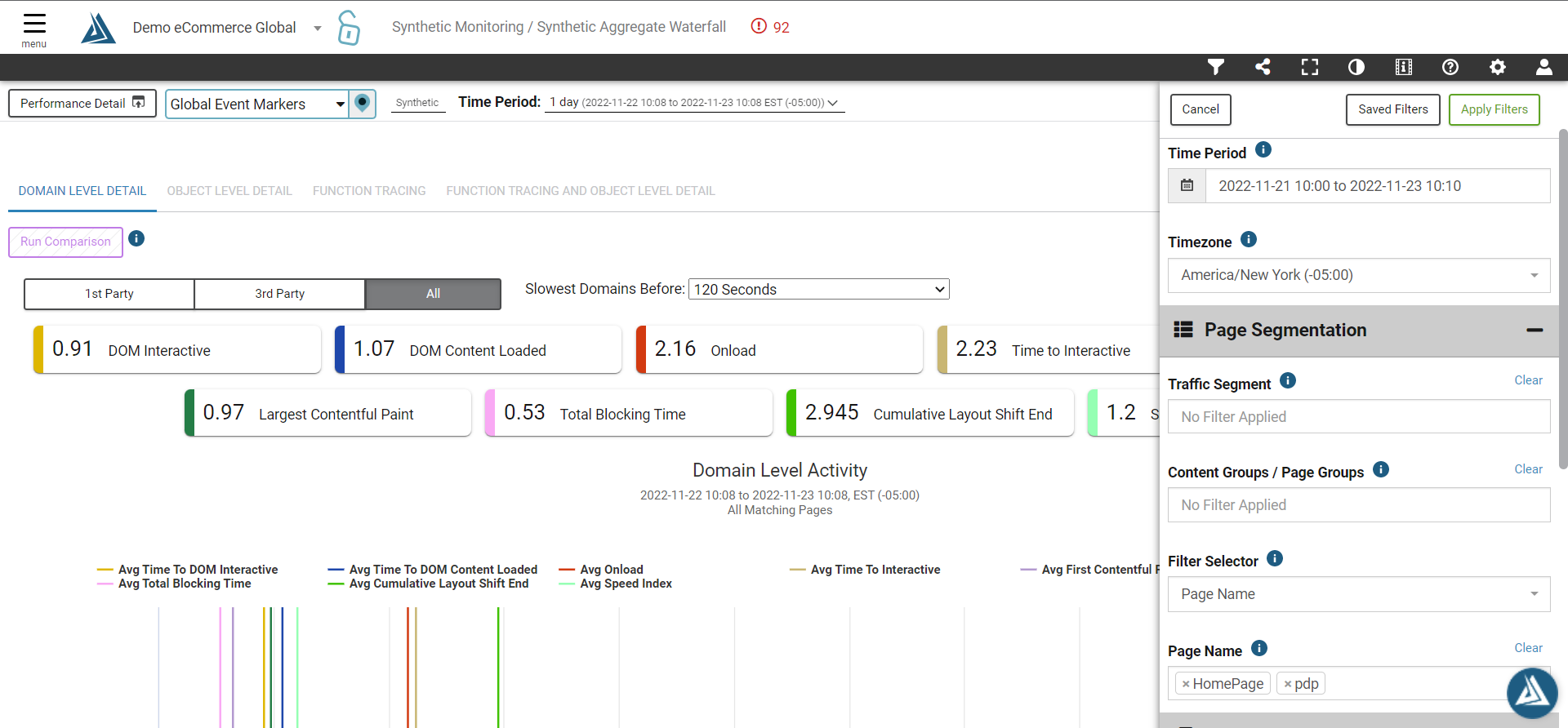
1. Navigate to Synthetic Monitoring / Synthetic Aggregate Waterfall and set your time period and page name filters for the pages you are interested in
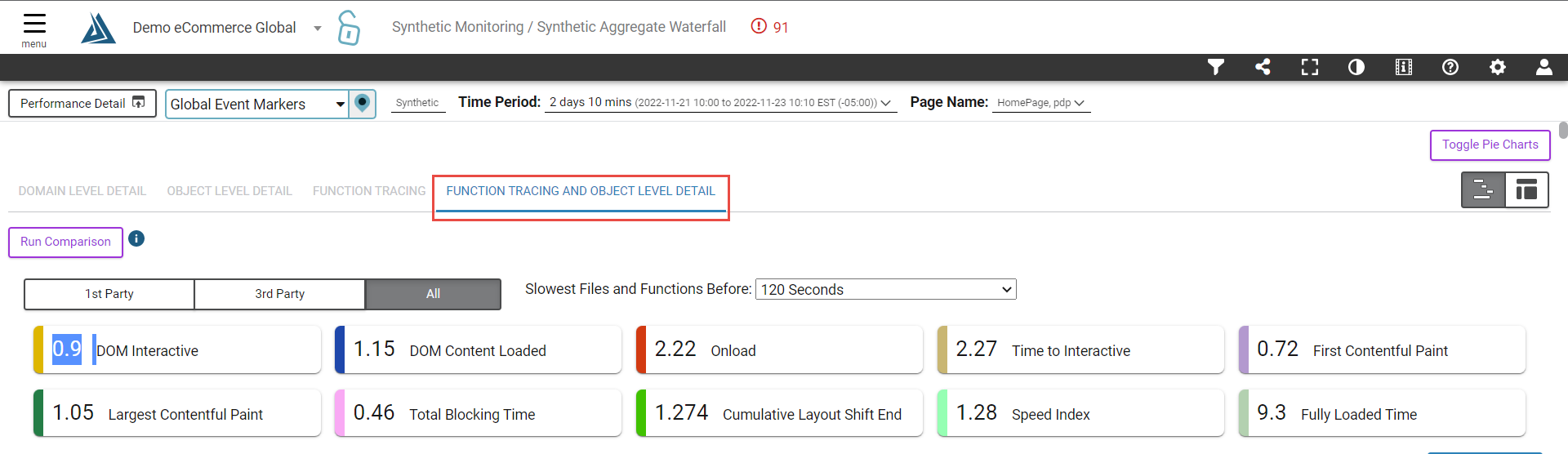
2. Select the Function Tracing & Object Level detail tab
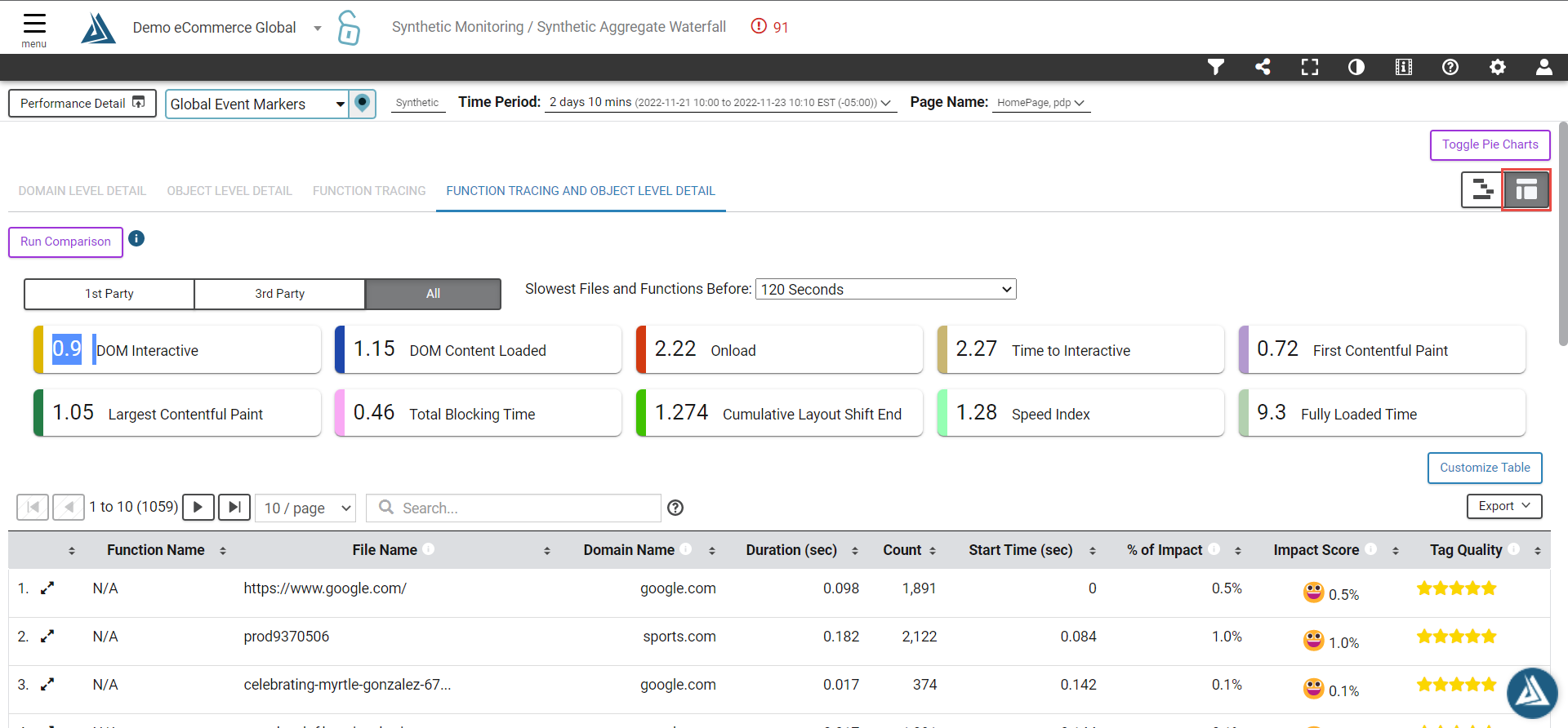
3. Click the "Table View" icon at the top right of the screen (below the "Toggle Pie Charts" button)
4. Enter the following string in the "Search" filter next to the table pagination control (above the table headers) where "example.com" is the domain you are interested in: 2:!N/A && 4:example.com && 5:>0.05
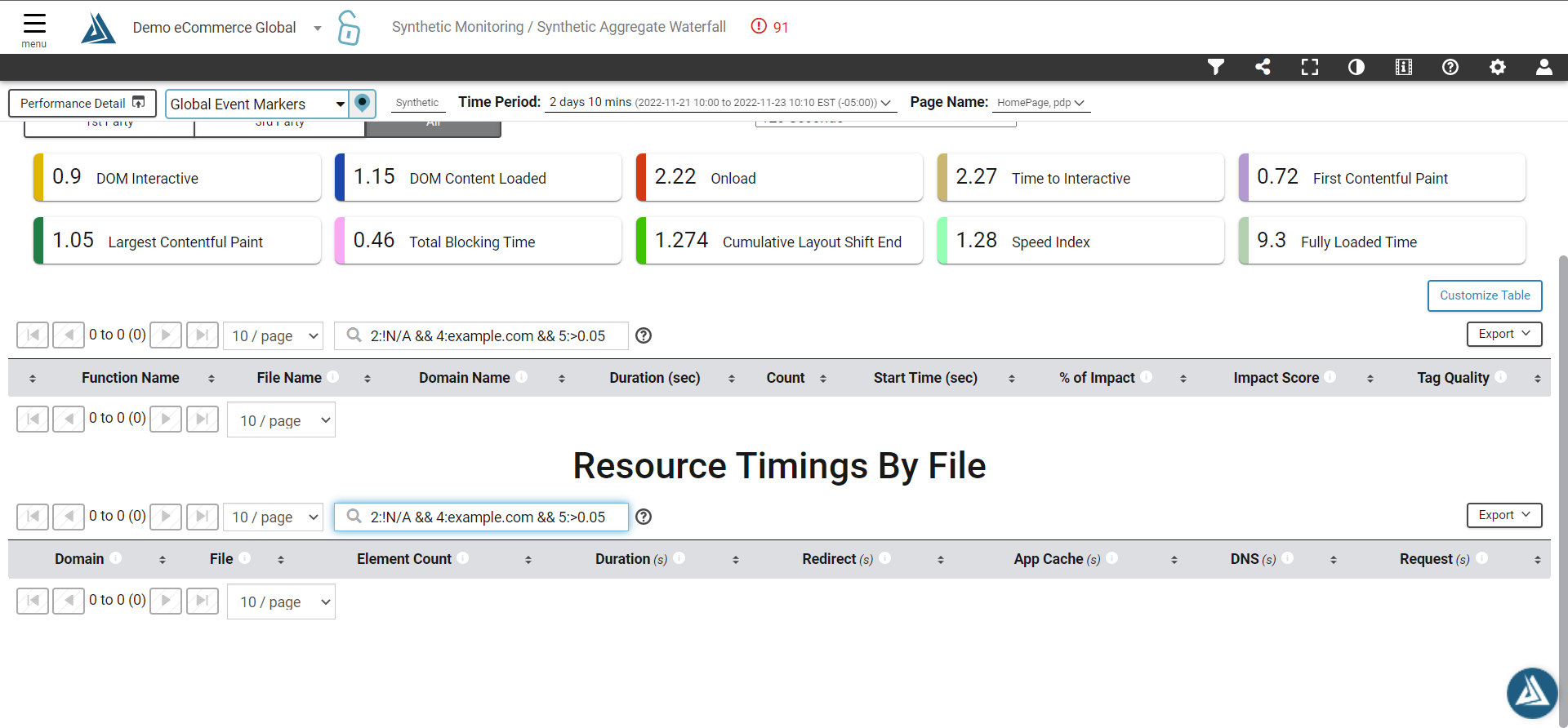
Note: The above search string only returns rows where the function name is not "N/A", i.e. it is a function, the domain name matches the domain you are interested in and the duration is over 50 milliseconds