

|
While using the Performance Detail scatter plots, I want to control the highlighted metric I am viewing. |
Below the performance detail graph, you'll notice some scatter plots.
Above the scatter plots is a dropdown for "Displayed Metric."
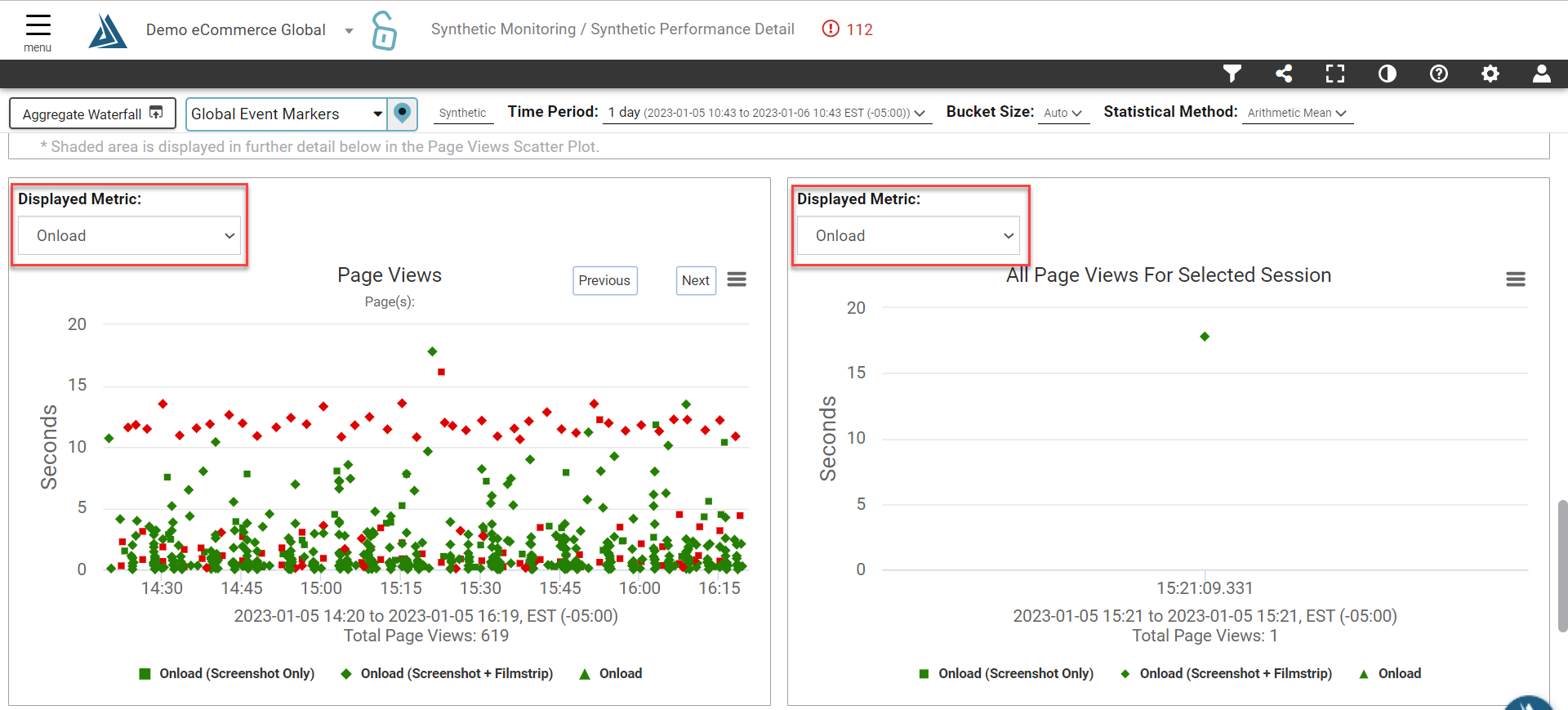
This allows you to change the visualization of what metric is displayed in the scatter plot itself. Remember, not all metrics are collected 100% of the time, so your selection may change the number of plot points available for a given time period.