

The Blue Triangle API requires each request be sent with two headers:
X-API-Email - The email address associated with your Blue Triangle profile. This is used to identify your user account and access level.
X-API-Key - The API key associated with your Blue Triangle profile. The API key is used to authenticate your connection (without typing in your password).
1. Log into the Blue Triangle Portal.
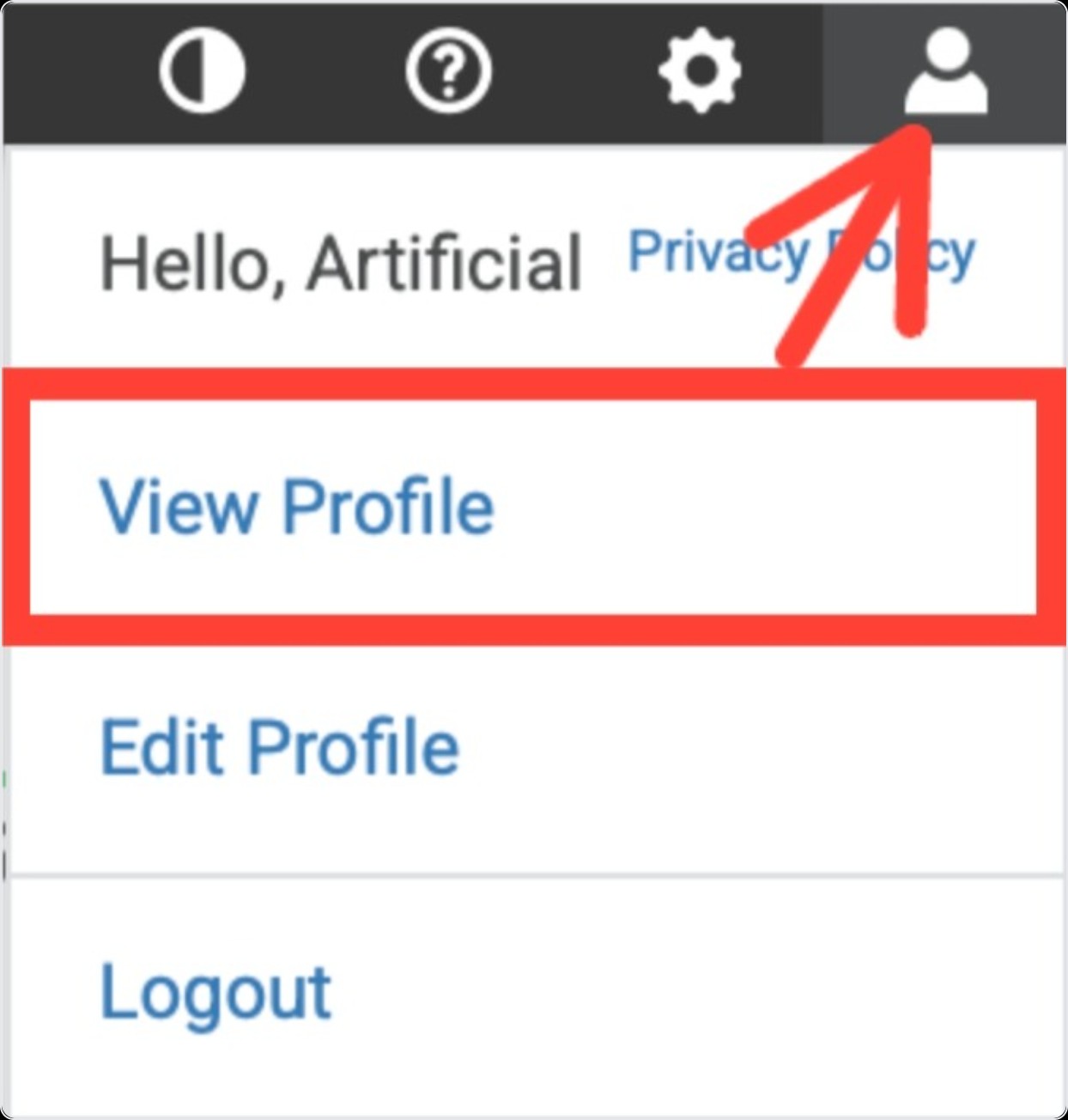
2. Click your Profile in the top right.
3.Click View Profile.
4. Find your Email and API Key in the table.

* Please note that both the email address and the API key are case-sensitive! You must send them exactly as shown in the user profile page for your request to be properly authenticated.
If you are getting a 403 Forbidden response from the API with the message "incorrect email or API key provided" after following the steps above, then check to make sure the formatting of your entire request is correct. Oftentimes, quotation marks or spaces will get messed up when copy/pasting between places, and resolving those formatting issues usually fixes the request.
See Also: API Overview