

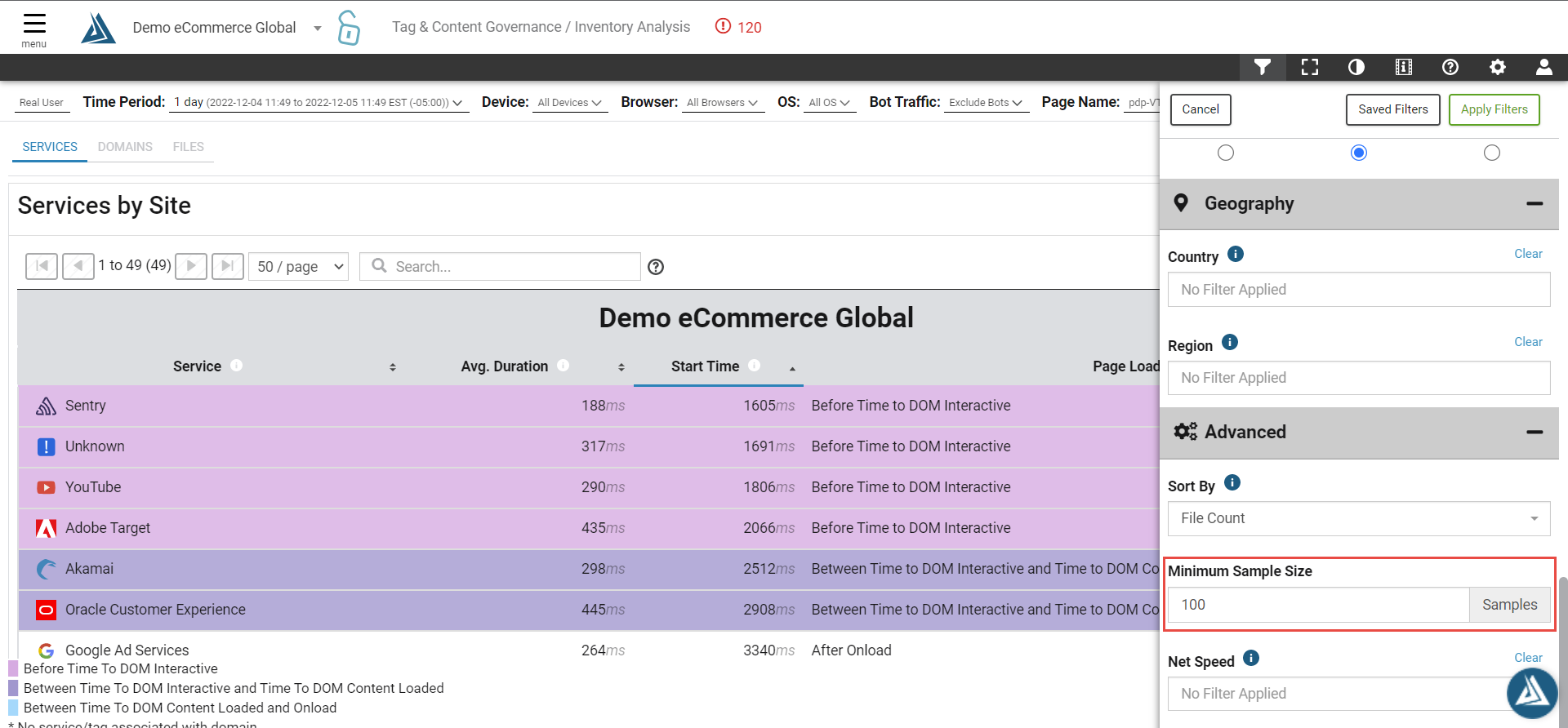
Minimum Sample Size limits the results of a query in the portal to files with a count above the selected number.
For example:
|
Let's say you are looking for a file called acme.js. In your filter options, you have Minimum Sample Size set to '100'
|
This setting helps limit the noise that may occur in data when there are files that load a small percentage of the time. These files may be intentionally loaded by you, loaded by a customer's browser/extensions, or loaded via piggy back tags.
Minimum sample size is a setting that is only present on a few different modules of the portal: Aggregate Waterfall (RUM/Synthetic), Tag and Content Governance-Inventory Analysis, Tag and Content Governance-Domain Baseline Analysis.
See also:Why can't I find the file/domain I am looking for on Aggregate Waterfall Pages?