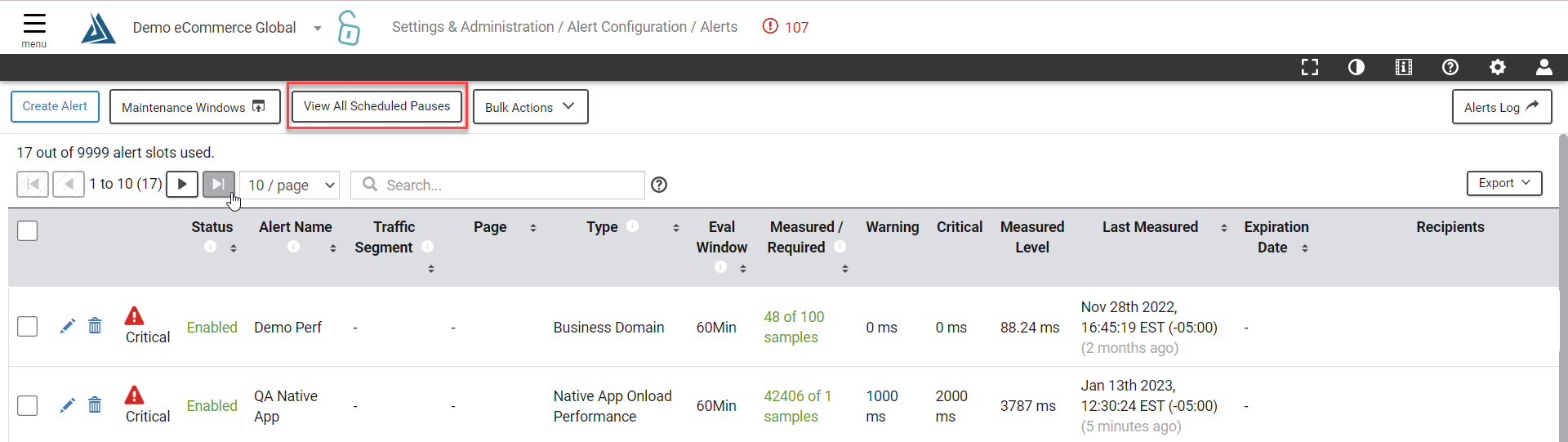
On the alerts management page, you can manage all of your scheduled pauses in all alerts by clicking the "View All Scheduled Pauses" button at the top of the page. It will open a modal where you can view currently scheduled pauses as well as pauses that took place in the past. Only pauses that have not happened yet can be edited and deleted.